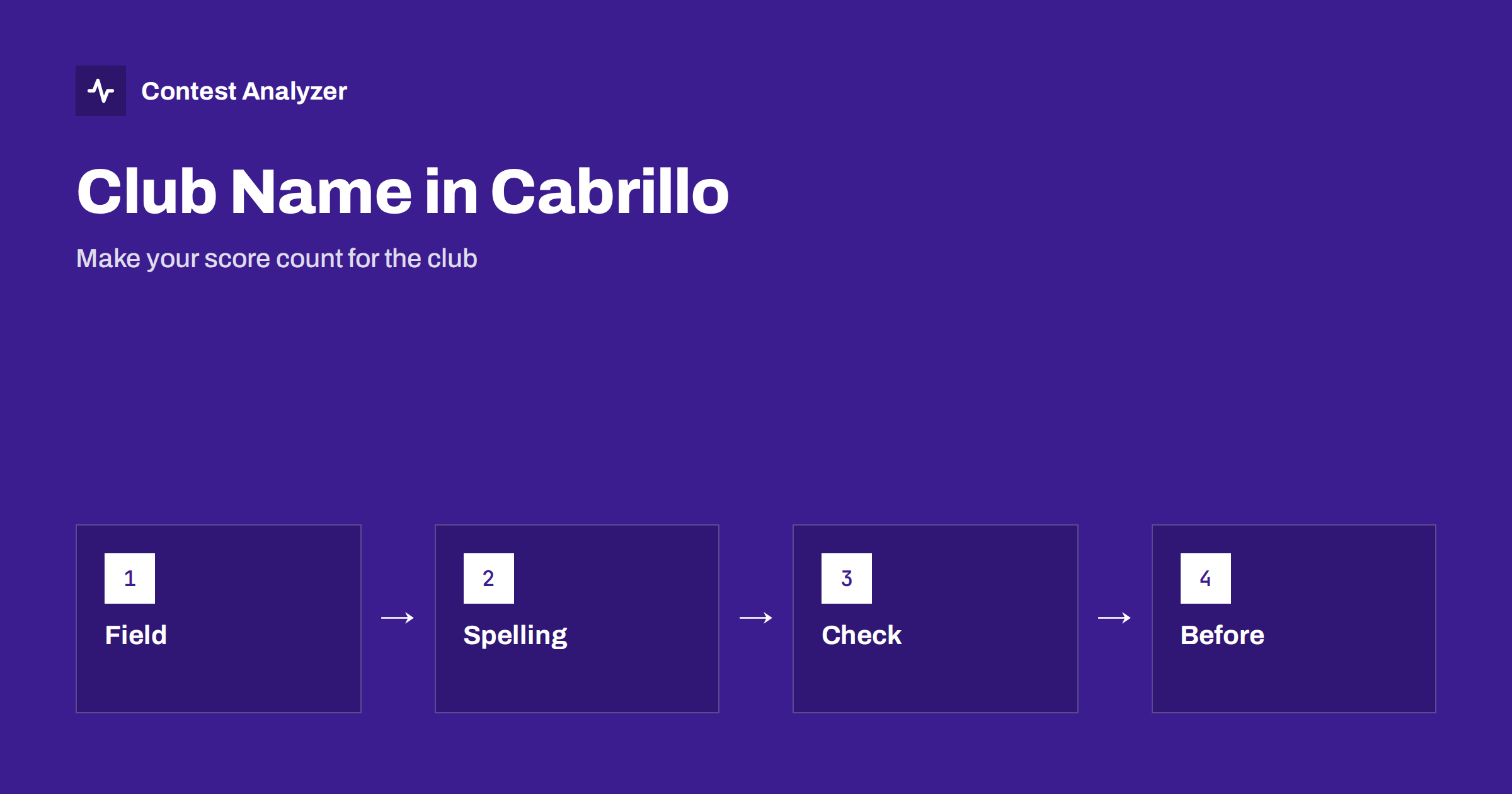
Short answer: In many contests, a club competition adds up the scores of the members of each club, and your score counts only if the club name in your Cabrillo header is recognised. The CLUB field must be filled in exactly as the contest expects, with the same spelling as the other members use, and not as you would write it in conversation. Check the rules and any list of accepted club names before you submit, agree the form of the name within the club and look at the header of the file before you upload it.
What a club competition is
Many contests include a club competition next to the individual one. The idea is that the scores of the members of a club are added together, and the clubs are ranked. For a club, it is a way to encourage members to take part and to compete as a team. For the member, it is an extra motivation: a modest score from a small station still counts, and a small contribution may help a club to climb in the table. In some contests the rules limit the number of scores that are counted, or require the members to be in a certain area. The details are set by the organisers, so always read the current rules.
To take part, you must say which club you belong to. This is done in the header of the Cabrillo file, in the field for the club name. If the field is empty or the name is not recognised, your score is not added to the club’s total, however good it is.
The CLUB field in the header
The Cabrillo header contains a line for the club name, usually labelled CLUB, and the text after it is the club name. Like other header fields, it is read by software, and the way it is read is simple: the name in your file is compared with the names that the contest knows. If they are the same, the score is added. If they differ, even in a small way, the software may not recognise the name, and the score may be counted under a different club or not counted at all.
This is why the field deserves attention. It is easy to fill in carelessly, because it is not a field that changes the rest of the log. But for a member of a club that competes seriously, a wrong name can mean a loss of points that no one notices until the results appear. The other header fields are described in the Cabrillo header guide,, and the line format is described in the Cabrillo QSO line format.
Common mistakes with the name
- A different spelling. The club is known in the contest as one name, and members write it in several ways: with and without the word “club”, with an abbreviation, with a different order of words.
- Extra characters. Quotation marks, accents or punctuation that are not in the official name can cause a mismatch.
- Upper and lower case. Some systems are strict about the case, while others ignore it. Use the form given by the contest.
- The name of a section or a local group instead of the club. A local branch may have its own name, but the contest may expect the name of the main club.
- The field is left empty. The logger has no club name set, and the score is not counted for any club.
- An old name. The club has changed its name or merged, and the member uses the former name.
- Several clubs. A member belongs to more than one club and puts both in the field. Most contests allow only one club to be named per entry; check the rules.
Find the official form of the name
The safest method is to take the name from the contest itself. Many contests publish a list of the accepted club names, or give the rules for registering a new club, and the list is the authority. Search the list for your club, and copy the name exactly. If your club is not in the list, check the instructions on how to add it, because there is often a procedure, which may have a deadline. Do not assume that a name that was accepted in another contest will be accepted here: each contest sets its own rules, and the lists are not the same.
Within the club, agree on one official form and tell the members. A good practice is that a club officer or a volunteer collects the information, checks the list and sends the exact text to everybody. This avoids the common situation in which five members write five versions of the name and the club’s total is divided between them.
Set it once in the logger
Most logging programmes have a setting for the club name that is used when the Cabrillo file is exported. Set it once, with the exact name, and check that it appears in the header after the export. If you use a different computer or a new version of the software, check the setting again. A short test export with one or two QSOs is enough to see the header. The article on exporting Cabrillo from N1MM Logger+, DXLog and Win-Test explains where the export step is in the common programmes, and it is a good time to look at the header fields.
Also check the rest of the header. The club name goes together with the category, the operator names and your callsign, and an error in one of them may be treated differently from an error in another. If the club competition has rules about the location or the category of the members, make sure that your own entry fits them.
Check the header before you submit
Before you upload the file, open it in a plain text editor and look at the line with the club name. Compare it with the official form. If you have made corrections to the log after the first export, check that the header has not been changed. The routine in how to check a contest log before you submit it includes this step, and submitting a Cabrillo log describes what happens at the upload.
Contest Analyzer helps with the log itself. It checks every callsign and every zone against official license databases and several independent reference sources and shows only the few QSOs worth a second look, so that your contribution to the club’s score is not reduced by busted calls. You can edit calls or zones in the report and download a corrected Cabrillo, and then check the club name in the header before you upload. The report also gives full statistics, with rates, QSOs by hour and band, countries, continents, CQ and ITU zones, WPX prefixes, distance, beam heading, breaks and off time and callsign length and structure, and allows comparison with your own logs from earlier years. It works with Cabrillo from N1MM Logger+, DXLog and Win-Test and supports 22 contests, which the contests page shows. Serial numbers are not checked and dupes are not errors.
Remember the deadline
A club competition usually follows the same log deadline as the main contest, and in some cases there are separate dates for the registration of clubs. A late log may not be counted at all. Do not leave the check of the header for the last hour. The article on log deadlines explains why the dates differ between contests and how to avoid missing one. If you realise after the upload that the club name is wrong, check the rules of the contest on whether a corrected log may be sent, and do so as early as possible.
Be fair to the club
A club competition is a friendly contest in a group. Enter your own category honestly and report your own log, and let the club count the members who have taken part. If you are the club organiser, it also helps to collect the claimed scores of the members and to help with the log checks; a short evening of review together can improve the total of the whole club. The statistics of each member can be compared in the club, for example the rate and the QSOs by hour, to see how the team can improve. In many clubs, this is the most enjoyable part of the competition: the discussion of the results.
Related reading
- Cabrillo 3.0 header explained
- Submitting a Cabrillo log
- How to check a contest log before you submit it
The bottom line
The club name in the Cabrillo header is a small thing with a large effect on a club competition. Take the form of the name from the contest, agree it within the club, set it once in the logger and check the header before you submit. Then your score will count for your club, as you intended.
FAQ
Where is the club name written in Cabrillo?
In the CLUB line of the header. The text after it is the club name that the contest reads.
Does the spelling really matter?
Yes. The name is compared by software, and small differences can lead to the score not being counted for the club.
Can I name two clubs?
Usually only one club per entry. Check the current rules of the contest.
What if my club is not on the list?
Check the rules on how to register it, and note any deadline for registration.
How can I check the header quickly?
Open the file in a plain text editor and compare the CLUB line with the official name before you upload it.