Short answer: In a CW exchange a “cut number” is a shorter Morse character used in place of a digit, the best known being T for 0, N for 9 and A for 1. They save time and are normal in report and serial number fields. When you copy one, log the real digit it stands for, not the letter, and never apply cut numbers to a callsign, where every character is literal.
What a cut number is
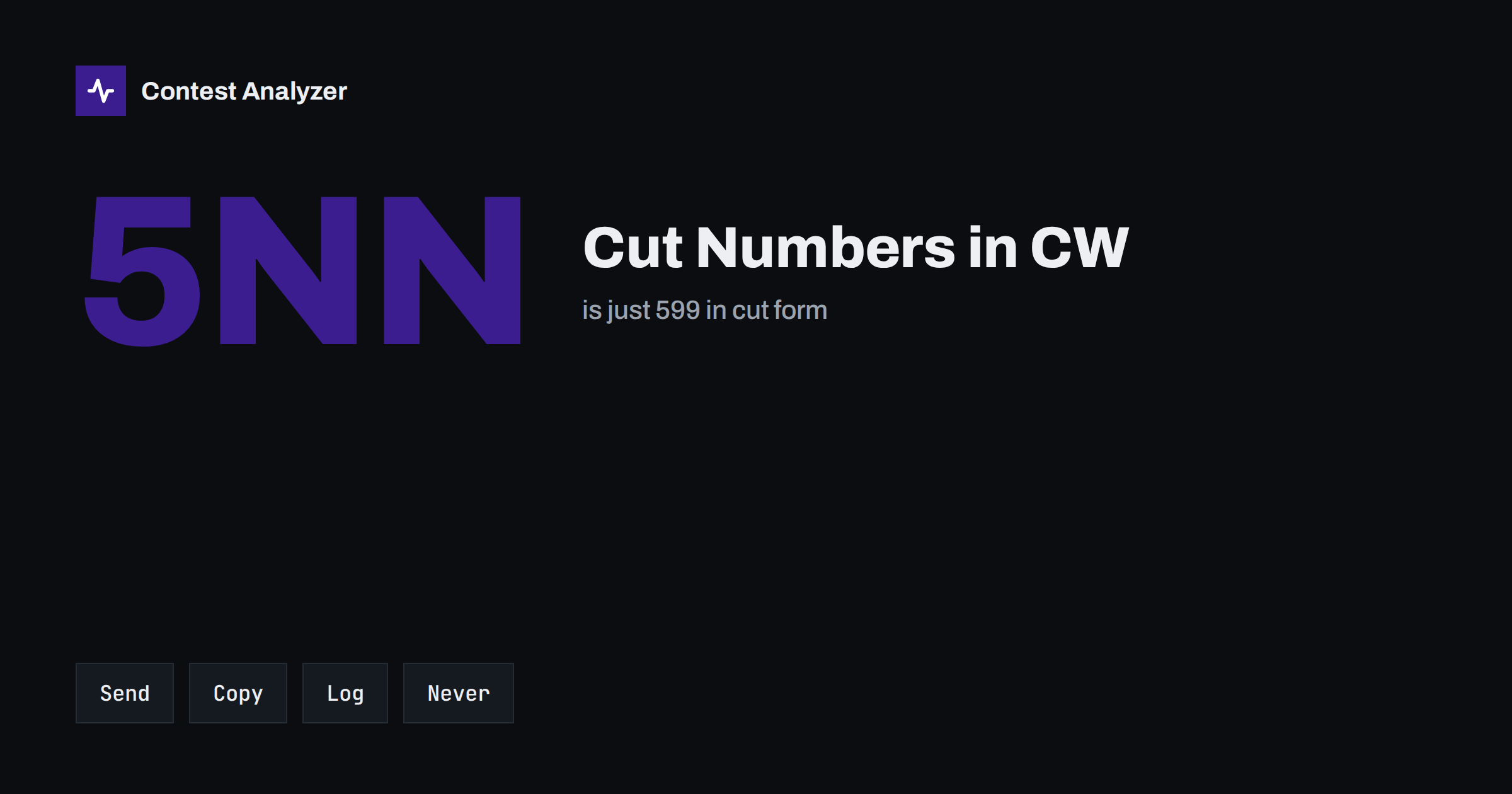
In Morse code, digits are long: five elements each. The digit 0 is five dashes, and 9 is four dashes and a dot. Several digits can be replaced by shorter letters that are easy to recognise, and operators do it automatically in the report of a contact. The most common example in contest CW is the signal report 599, which is sent as 5NN. There the N stands for 9, and the receiver understands it at once. The total sending time is shorter, and in a contest where each QSO is about ten seconds, this saves a real amount over a weekend.
Cut numbers are a convention, not a rule of the contest. The sponsor does not require them, and nothing in the contest rules makes them compulsory. They are part of the culture of CW operating, and a station that uses them is understood by nearly everyone who has spent some time in contests. Newcomers who have not met them often find a sudden “N” or “T” in the middle of an exchange confusing, which is the reason for this article.
The ones you will meet
Not all cut numbers are equal. A few are used almost everywhere and the rest only some of the time. The usual list, in rough order of how often you will hear them, is:
- N for 9. The most common one, especially in the report: 5NN. It is also frequently used in serial numbers.
- T for 0. Very common in serial numbers and in zone numbers that contain a zero.
- A for 1. Used in many exchanges, particularly in numbers that start with 1.
- U for 2 and V for 3. Used by some operators, less often than the three above.
- E for 5, and other variants. Some operators use a short letter for 5, and other cut forms exist for 7 and 8 that are used only by a few. These depend on the person and on the region.
The point is that there is no single official table that everyone follows. Learn the first three, recognise the others when you hear them and do not use more than the other side is likely to understand. For general readers, it is better to send full digits to a station that has just asked for a repeat; a cut number that the other side did not understand is a bigger problem than the time saved.
How to copy them
The key is to recognise cut numbers by their rhythm, not to translate them letter by letter. A station sends “5NN” at the speed of ordinary words, and you do not think “N means 9”; you hear “five-nine-nine” as one pattern, much as you hear a familiar word. This happens quickly with practice, and a few evenings spent on a code trainer with contest-style exchanges will do more than any reading.
Practical tips for the contest itself:
- Know the field you are in. If the exchange is a report followed by a number, a single N or T in a number field is almost surely a cut digit.
- Copy what you hear, then decide. Write the letter on paper or type the character, then convert it. Do not try to convert in the middle of the sound; you will lose the next character.
- Ask for a repeat if the character is unclear. A T, N or A can easily be mistaken for another letter in noise. A fill with just the number costs a second.
- Listen to the pattern in numbers. A serial number of a few digits has a fixed number of characters. If the count of characters is wrong, you lost one.
What to log
This is the single most important rule: record the number that was meant, in the form the contest uses, not the letters that were sent. If the other station sent “5NN” and the exchange field is for a report, log 599. If it sent a number that includes cut letters, convert each cut letter to its digit before you press Enter. Contest Cabrillo files and sponsors’ tools expect digits in numeric fields, and a letter inside such a field is an error that can lead to a QSO being treated as incomplete.
Some logging programs have a function that converts cut numbers when you type them: you press N and the program stores 9 in a numeric field. This is convenient, but you should find out how your own software handles it, and test it before the contest. A program that converts for you may convert too much, for example in a field that is supposed to contain a letter. Look at the exchange in the log window after every QSO, and see what has been stored.
The same applies to what you send. If your macro sends “5NN” and your exchange number is stored as digits, make sure both are what you intend. When you send a serial number, check that the macro does not produce a form that is unusual for the other side. We deal with serial numbers in more detail in the article about serial numbers in CQ WPX.
Never in a callsign
Cut numbers belong to exchange fields where the value is a number. They are not used in callsigns. A callsign is a fixed string of letters and digits, and every character in it is itself. If you hear a station call as “W9ABC” and the 9 comes as an N, you must not assume that N is a cut 9, because it might really be the letter N in another callsign. Equally, a callsign with a 0 is sent with a real zero, and a letter T in the call is a T.
This is where cut numbers cause the most damage. An operator who has just copied “5NN” and “T” in the exchange can bring the same habit to the callsign and decide that “N” in the call is a nine. The result is a busted call. When the call is unclear, ask for the call again, or ask for the specific character, and do not use the cut-number rule to guess. The article on CW copying accuracy gives a general plan for fills and repeats, and the article on busted callsigns shows the effect.
Where mistakes show up in a log
- A letter in a numeric field. N, T or A left in a field that should be digits. Often a result of typing too fast or of a logger without conversion.
- A conversion in the wrong direction. A real letter N in a field that is supposed to contain letters, such as a state, province or society abbreviation, is changed to 9 by a program that is too helpful.
- A wrong digit. The operator confuses N for 9 with a similar sounding character, or T for 0 with a different dash pattern, and the digit is wrong although it looks fine.
- Different practices in the same log. Some QSOs have 599 in the report, others have 5NN stored as text. The mixture is a sign of a manual workflow that is not consistent.
- A callsign that was “improved”. A cut number rule applied to a call.
Open the Cabrillo file in a text editor and scan the exchange columns. Anything that is not a digit where a digit belongs, or a nine where there should be a letter, shows up quickly.
Checking the log afterwards
Before you submit, go through the exchange columns and the callsigns with the same eyes you would use on any proofreading task. Contest Analyzer checks every callsign and every zone against official license databases and several independent reference sources and shows only the few QSOs worth a second look, so the effect of a cut-number slip in a callsign or in a zone field is more likely to be caught before the committee sees it. You can edit calls and zones in the report and download a corrected Cabrillo. Serial numbers are not checked, so read those yourself. The report also provides full statistics and works with Cabrillo from N1MM Logger+, DXLog and Win-Test for the 22 contests it supports.
Related reading
The bottom line
Cut numbers are a handy shortcut and a common source of small errors. Learn N for 9, T for 0 and A for 1, hear them as patterns, convert them to digits when you log, and keep them out of callsigns altogether. When a character is unclear, ask for it again; a second is cheaper than a lost contact.
FAQ
Is 5NN the same as 599?
Yes. The N is a cut form of 9, so 5NN means 599 and is logged as 599.
Do I have to use cut numbers?
No. They are an operating habit, not a contest rule. If you prefer, send full digits.
Should I log the letter or the digit?
Log the digit the letter stands for, in numeric fields. Check how your logger converts them before the contest.
Can a callsign contain a cut number?
No. Every character in a callsign is literal, so an N in a call is the letter N and a T is the letter T. When in doubt, ask for the call again.
Does the report check my serial numbers?
No, serial numbers are not checked, so read the exchange columns of your log yourself before you submit.