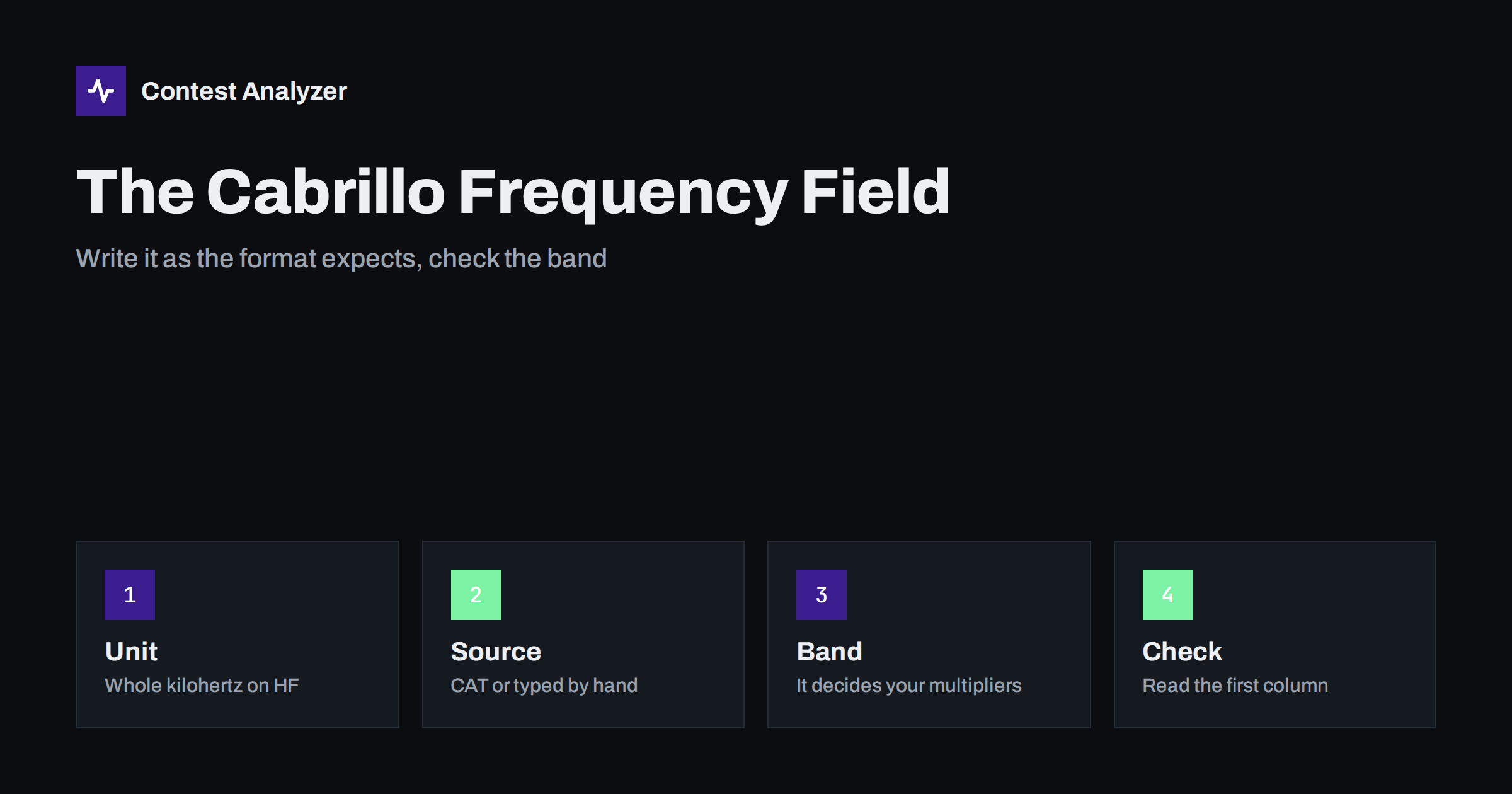
Short answer: In a Cabrillo QSO line the first data field after QSO: is the frequency. On the HF bands it is written in kilohertz as a whole number, for example 14025 for 14.025 MHz, and above HF the specification uses band designators instead. Your logger normally fills this field from the rig, so most mistakes are not typos but a rig connection that was lost, a wrong band setting or a unit that was changed on export. Look at a few QSO lines in a text editor before you submit.
What the field is for
A Cabrillo QSO line carries the frequency, the mode, the date, the time, your callsign and exchange, and the other station’s callsign and exchange. The frequency has two jobs. It tells the reader the band, which matters because multipliers and dupes are almost always counted per band, and it tells the reader roughly where on the band the contact took place.
The band is the more important of the two. A QSO with a station in a new zone is only a new multiplier if it is new on that band, and a second contact with the same station is only a dupe if it is on the same band. If the frequency in your log puts a QSO on the wrong band, both counts are affected: you can lose a multiplier you worked, or you can have a contact treated as a dupe, or as a contact on a band that the category does not allow.
The full structure of the line is explained in our article on the Cabrillo QSO line. This article looks at only the first column and at the things that go wrong in it.
The format on HF
The convention that the Cabrillo specification uses for the HF bands is the frequency in kilohertz, written as digits without a decimal point. A QSO on 14.025 MHz appears as 14025, a QSO on 7.150 MHz as 7150 and a QSO on 1.832 MHz as 1832. The field is right-aligned in a column of fixed width in the examples of the specification, but most programs and robots read the value as a number separated by spaces, so alignment is a matter of neatness, not of meaning.
What is not accepted, as a rule, is a decimal value in megahertz such as 14.025 or a frequency in hertz such as 14025000. Both are easy to produce if you edit the file by hand or use a program that was not designed for Cabrillo. Check the first QSO lines after any manual editing. The details are on the Cabrillo page of the World Wide Radio Operators Foundation.
Band designators above HF
The Cabrillo specification defines a different convention for VHF and higher bands, where the field holds a designator of the band, such as 50 for the 6-metre band and 144 for the 2-metre band, instead of an exact frequency. There are designators for higher bands too, written in the form used by the specification. If you take part in a contest on those bands, look at the current version of the specification and at the contest instructions rather than relying on memory.
The HF contests discussed on this blog, such as CQ WW, CQ WPX, ARRL DX or IARU HF, use the kilohertz form.
Where the number comes from
In most stations the frequency is not typed. The logging program reads it from the transceiver through a computer control connection, usually called CAT, and writes it into the log with each QSO. It can also take the frequency from a band and mode selection in the program, or from your entry if there is no connection. Which of these is in use makes a big difference to how errors arise.
- CAT works. The frequency is almost always right, down to the kilohertz, and it follows you when you change band or tune. This is the case in which the field needs the least attention.
- CAT fails during the contest. A cable moves, a USB port resets, a driver stops. Some programs keep the last known frequency; others fall back to the band you had selected. QSOs continue to be logged with a frequency that no longer matches the radio, and nothing in the entry window tells you so unless you watch it.
- No CAT at all. You enter the frequency or select a band by hand. This is a stable setup as long as you remember to change the band selection every time you change band.
A simple habit helps: glance at the frequency display of the logger and compare it with the rig after every band change. A mismatch is visible immediately.
Typical mistakes
- The wrong band after a band change. You moved to 15 metres but the program still has 20 metres selected, and the next QSOs are stored with a 14 MHz frequency. This usually shows up as a run of QSOs with a frequency that does not belong to the band you operated on.
- A stuck frequency. The same number appears in many consecutive lines even though you tuned around. This points to a lost rig connection.
- Units changed in export or by hand. A file that was converted or edited may contain megahertz with a decimal point, or hertz, instead of kilohertz.
- Split operation. When you transmit on one frequency and listen on another, the program stores one of them. Many programs store the transmit frequency, but this depends on the program and the setting. For a contest that is counted by band it makes no difference, unless the two are on different bands, which is very rare.
- Digits that make no sense. A frequency of 0, an empty field or one on a band that is not used in the contest, for example one of the bands that most major contests do not allow, is an error that should be traced to its cause.
- A frequency outside the band edges or in a segment that does not match the mode. Mode segments differ between regions, and the contest rules or your license may restrict what is allowed. If a frequency looks odd, look at the QSO.
Most of these can be seen in a few seconds in a text editor. Open the Cabrillo file, scroll through and look only at the first column of the QSO lines. The numbers should be grouped in bands, changing when you changed band and staying in a narrow range when you were running.
How the field links to other parts of the log
The frequency is connected to the mode and the time. A CW contact stored at a frequency in a typical phone segment, or the opposite, deserves a second look. It can also be connected to the header. If your category says that you operated on one band only, then every QSO line must have a frequency on that band; a line with another band stands out against the header and may lead a committee to move your entry. The Cabrillo header guide explains the category fields.
In SO2R operation, with two radios, the program has to write the frequency of the radio that was used for the QSO, not the other one. If the logger takes the wrong radio, you can end up with correct callsigns and wrong frequencies. Our article on SO2R basics mentions how to keep the two radios apart in the log.
Checking the frequency data in the report
You can look at the band distribution of your log directly. A good picture of QSOs by hour and band shows quickly whether something is wrong: a band that has contacts in an hour when you were sure that you were on another band, or an entire day with only one band when you know you changed. Contest Analyzer shows QSOs by hour and band along with the rest of the full statistics: rates, countries, continents, CQ and ITU zones, WPX prefixes, distance and beam heading, breaks and off time. It also checks every callsign and every zone against official license databases and several independent reference sources and shows only the few QSOs worth a second look. You can edit calls and zones in the report and download a corrected Cabrillo, for Cabrillo files from N1MM Logger+, DXLog and Win-Test. See the list of 22 contests.
Prevention before the contest
- Test the rig connection with the program you will use, and run it for an hour or two before the event.
- Know what the program does when the connection fails, and where you can see this.
- Switch the unit in the logger display so that you read kilohertz, like the log.
- Do a test export and open the file in a text editor to read the first column.
- During the contest, check once an hour that the logger shows the same frequency as the radio.
Related reading
- The Cabrillo QSO line, column by column
- Exporting Cabrillo from N1MM Logger+, DXLog and Win-Test
- Checking your contest log before you submit
The bottom line
The frequency field is a small number with a big role: it fixes the band, and the band fixes your multipliers and dupes. Write it in whole kilohertz on HF, make sure the logger really follows the rig, and read the first column of the exported file before you send it. A minute spent there protects the part of your score that depends on every band being right.
FAQ
In which unit is the frequency written in Cabrillo?
On HF it is written in kilohertz as a whole number, for example 14025. Check the specification for the bands above HF.
What if my logger stored the wrong frequency for some QSOs?
Correct them in the logger if you can, or in a copy of the Cabrillo file, and keep the original. Make sure the corrected lines still have the right band for the time and mode.
Does split operation change the frequency in the log?
It depends on the program, which usually stores either the transmit or the receive frequency. For band-based counting it makes no difference when both are on the same band.
Why are several QSOs on exactly the same frequency?
If you were running on one frequency, that is normal. If you were tuning around, it may mean that the connection to the rig was lost.
Can I see my band distribution after the contest?
Yes. Statistics of QSOs by hour and band show it at once, and a band that appears at a wrong hour is a sign of a frequency problem.