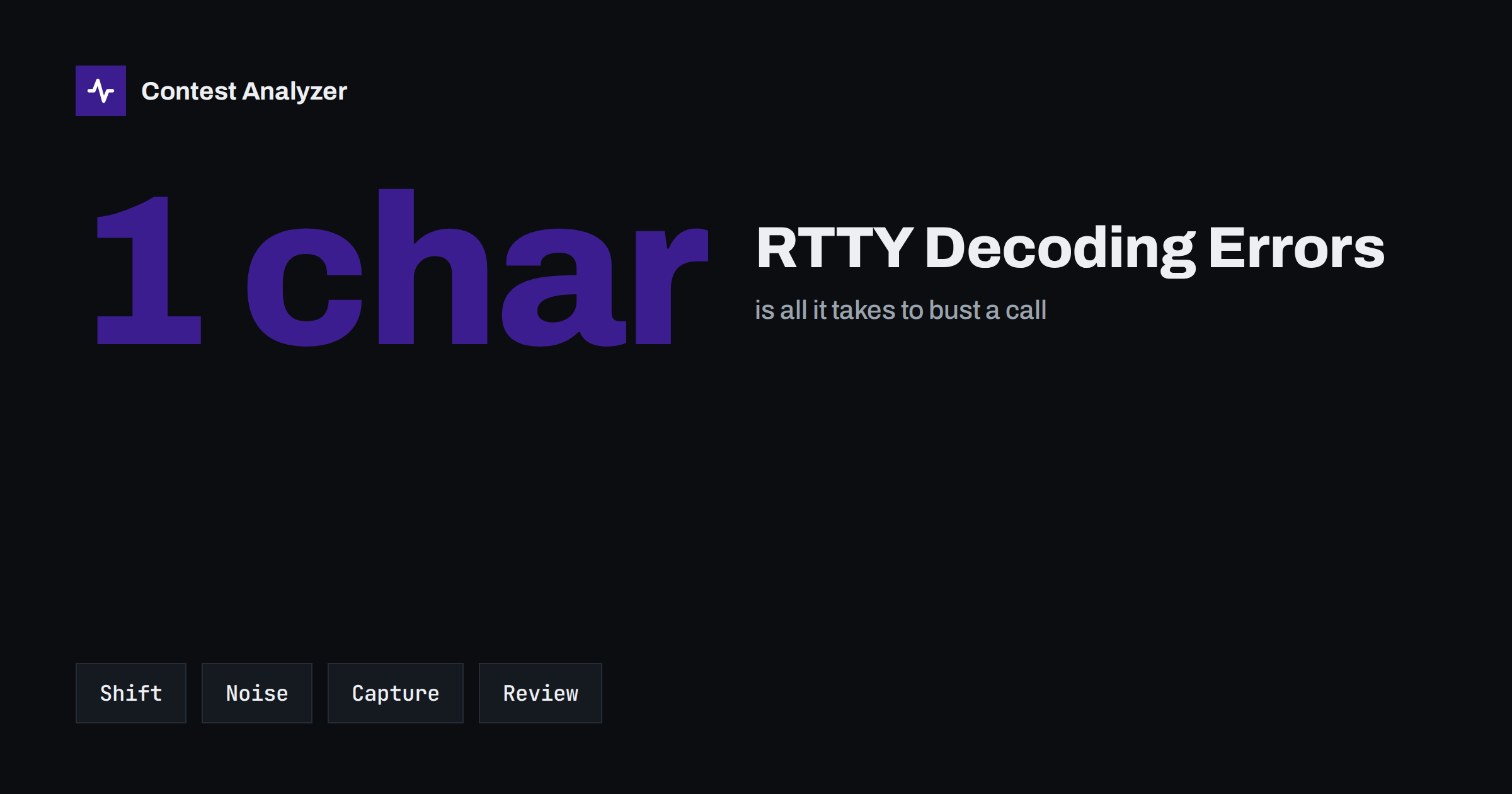
Short answer: RTTY decoding software makes mistakes that human ears do not: a lost shift character turns digits into letters, a noise burst adds a stray character, and a click-to-capture on the decode window can copy a call together with its neighbour’s text. Most of these errors are visible on the screen if you look, so the habits that protect an RTTY log are to read the captured call before you send it back, to watch for shift problems, and to review the log afterwards.
Where RTTY errors come from
In CW or SSB the operator is the decoder, and the errors are human ones. In RTTY a program does the first decoding step, and you decide what to do with the result. That adds a new layer where things can go wrong. The signal is received by a sound card or a hardware demodulator, converted to characters, and displayed on a screen, and then the callsign is often pulled into the logging window with a mouse click or a keystroke.
Every one of these steps is reliable under good conditions. In a contest, conditions are not good. The bands are crowded, stations sit a few hundred hertz apart, signals fade and QRN or QRM produces bursts. The decoder keeps producing characters whether or not they are right, and it is easy to trust text because it looks like text. The result is the familiar family of busted calls, with a few additions specific to RTTY.
The shift problem: letters become figures and back
The traditional five-bit RTTY code uses two character sets, letters and figures, with special shift characters that switch between them. The same bit pattern is a letter in one set and a figure or punctuation mark in the other. For the top row of a keyboard the relation is easy to remember: Q W E R T Y U I O P in the letters set correspond to 1 2 3 4 5 6 7 8 9 0 in the figures set.
If a shift character is lost in a noise burst, the decoder stays in the wrong set. A call such as K5ABC may then appear as KTABC, and a zone may arrive as a string of letters instead of digits. Many programs reduce the problem by shifting back to letters automatically after a space, so the effect is limited to the characters that follow the lost shift, but in the middle of a callsign or an exchange that is enough to damage it.
A practical lesson follows: when a decoded call contains a letter where a digit should be, or the digit position looks odd, stop and look at it. Letters on the top row (Q, W, E, R, T, Y, U, I, O, P) are the ones that can stand in for digits. Seeing one of them in an unusual place is a signal to ask for a repeat.
Noise, fading and tuning
RTTY uses two tones, and the decoder has to decide at each moment which of them is present. Noise on either tone, selective fading that weakens one of them, or a station slightly off the frequency can all make a decoder produce the wrong character. Typical results include:
- A substituted character. One letter of the call is replaced by another with a similar bit pattern.
- An inserted character. A noise burst produces an extra letter, often at the beginning or end of the call.
- A missing character. A faded moment is simply dropped, and the call has one letter too few.
- Garbage. If the tuning is off, or the mark and space are reversed, the output is unreadable, and no call can be taken from it.
Good tuning is the first line of defence. Use the tuning display, check that the signals are centred, and use automatic frequency control with care: on a crowded band it can lock onto the wrong signal. If a station is on the edge of your filter, a small change in your receive frequency often restores a clean decode.
Click-to-capture and what it copies
Most RTTY contest software lets you click on a callsign in the decode window and send it to the logger. It is a very efficient feature, and it is also a source of mistakes. The click captures a string of text that looks like a callsign, and that string is not always what you wanted.
- The captured text may include a few characters from a neighbouring word, such as “DE” or the first letter of the next call.
- If two stations transmit at once, the decoder may mix their characters, and the captured string is a blend.
- A previous contact’s text may be in the capture area when you click, giving you an old callsign for a new contact.
- A call with a portable suffix or prefix may be captured in part.
The cure is to read the call in the logging window after the click, every time. It takes one second, and it replaces a whole class of blind errors. A related habit is to send the captured call back in your reply macro, so that the other station can correct you if it is wrong. Most RTTY contest macros already do this.
Exchange errors: zones and other fields
In a contest such as the CQ World Wide RTTY DX Contest, the exchange contains a CQ zone, and in some cases a state or province for certain stations. Check the current official rules for the details. A decoding error in the exchange can damage the log just as much as one in the callsign. A zone read as 15 instead of 5, or 14 instead of 4, changes the multiplier. If you accept the decoded text without comparing it to the callsign, you can end up with a call from one place and a zone from another.
A quick comparison helps: when the call is from Germany and the zone shown is 25, ask yourself whether that makes sense. If the zone does not match what you know about the country, ask for a repeat. The article on CQ zones explains the split zones that cause the most confusion, and the guide to CQ WW RTTY covers the contest and its exchange in detail.
Mode, format and what the Cabrillo file says
RTTY logs have one more point where errors creep in: the export. In the Cabrillo QSO lines, the mode is recorded with a short code, and RTTY has its own, which is different from CW and phone. If a log is exported with the wrong mode, or a log from a mixed contest lists the wrong mode for some QSOs, the committee may not be able to treat those contacts as valid. The format of the lines is explained in the article on the Cabrillo QSO line. Always open your Cabrillo file after exporting it and look at the first few QSO lines, the last few and a few in the middle.
Habits that keep an RTTY log clean
- Read what was captured. Look at the call in the logging window before you send it back.
- Be suspicious of unusual letters. A Q, W, E, R, T, Y, U, I, O or P in a position where a digit should be may be a shift error.
- Watch the tuning. A clean decode is the best protection. If the text is full of errors, retune before you work the station.
- Use the return macro. Send the other station’s call back so that it can correct you.
- Ask for a repeat when unsure. In RTTY a repeat is a few seconds, and a busted call is a lost QSO.
- Check zone against country. A zone that does not match the country is a warning.
- Review the log afterwards. Look at the QSOs that have odd characters and ask what went wrong.
Reviewing an RTTY log after the contest
The patterns in an RTTY log differ from those in CW or SSB logs. Look at the calls that have unusual combinations of letters and digits, calls with an extra character at one end, and zones that do not fit the country. Compare the times: errors often cluster on a band that was noisy, or in the hour when conditions changed. If you find that most of your problems occur after a click-to-capture on a crowded band, that is a concrete change to make: capture, check, then send.
Contest Analyzer is a convenient way to do this review before you submit. You upload the Cabrillo from N1MM Logger+, DXLog or Win-Test, and it checks every callsign and every zone against official license databases and several independent reference sources. It shows only the few QSOs worth a second look, and you can correct callsigns and zones directly in the report and download a corrected Cabrillo. Serial numbers are not checked, and dupes are not displayed as errors. You can find the details in the FAQ, and the full routine is described in the article on checking a contest log before you submit.
Related reading
- CQ WW RTTY contest guide
- Busted callsigns in contest logs
- The Cabrillo QSO line format
- How to check a contest log before you submit it
The bottom line
RTTY adds a decoder between you and the callsign, and that decoder makes errors you must learn to see: lost shifts, noise insertions and sloppy captures. Look at what you capture, question unusual letters, keep the tuning clean, and review the log with those patterns in mind. A few seconds of attention at the time of the QSO is cheaper than a busted call after the contest.
FAQ
Why do digits sometimes appear as letters in RTTY?
RTTY uses letter and figure sets switched by shift characters. If a shift is lost to noise, digits are decoded as letters from the top keyboard row until the decoder shifts back.
Is click-to-capture safe to use?
It is fast and useful, but it can copy extra characters or the wrong text. Always read the call in the logging window after capturing it.
Should I trust the decoder when the signal is weak?
Treat it with caution. When the text is full of errors, retune or ask for a repeat rather than accepting a guess.
Does the mode matter in the Cabrillo file?
Yes. RTTY has its own mode code in the QSO lines, and a wrong code can cause problems for the committee. Open the file after export and check the lines.
Can I find decoding errors in my log before I submit it?
A pre-submission check, such as Contest Analyzer, flags the few QSOs worth a second look so you can correct callsigns and zones before sending the log.