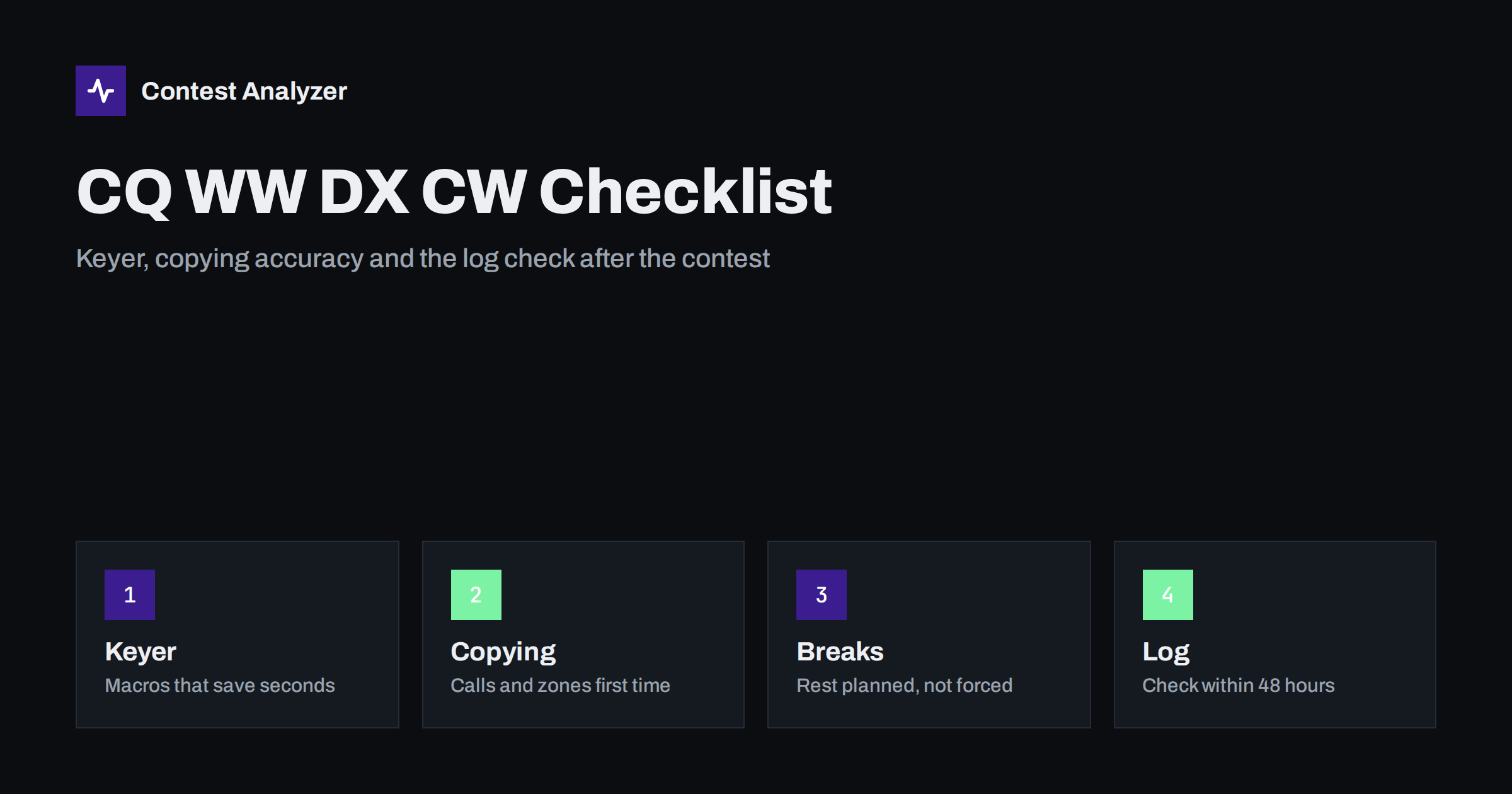
Short answer: CQ WW DX CW uses the same exchange as the SSB weekend: a signal report plus your CQ zone. What changes is the way mistakes are made. In CW they come from fast keying, similar-sounding characters, macros that send the wrong thing and callsigns copied under QRM. Prepare your keyer messages, decide how you confirm calls, plan your breaks, and use the 48 hours after the end to check and send a clean Cabrillo file. Always confirm the details in the current official rules.
What is different about the CW weekend
CQ WW DX is held twice a year in its main modes: SSB in late October and CW in late November. The structure is the same. You work as many stations, countries and CQ zones as you can on the bands from 160 to 10 meters, and countries and zones count again on every band. The exchange in CW is a report, in practice always 599, and the CQ zone of the station you are working.
If you have read our CQ WW DX SSB checklist, most of the planning advice carries over. This article concentrates on what is specific to CW: the keyer, the macros, the way characters are confused when copying by ear, and the habits that keep a fast log accurate.
The exchange in CW: what you send and what you log
The report 599 is so universal that many operators send it as 5NN and many loggers fill it in by default. The zone is the part that carries information. You send your own CQ zone as a one- or two-digit number, often with a cut number for speed, and you copy the other station’s zone and enter it in the log.
Three practical points follow from this.
- Know your own zone with certainty. Look it up before the contest and write it on a card by the keyboard. A wrong zone in the station settings repeats in every QSO you make. Our guide to CQ zones in CQ WW explains the split zones in the USA, Canada, Russia, Brazil and China.
- Log what you copied, not what you expected. A station from a country with several zones may send a zone you did not predict. Loggers often prefill a likely zone; treat it as a suggestion and still listen to what is sent.
- Be consistent when you send. Use the same format every time so that the other operator learns your rhythm in the first QSO. A zone sent as 05 in one QSO and 5 in the next is a small thing, but consistency helps the person on the other end.
Keyer and macro setup before the start
CW contesting is a game of seconds. A good macro setup removes hundreds of small decisions and cuts the number of keystrokes in each QSO. Prepare these messages and test every one of them on a dummy frequency or with the transmitter muted, before the contest.
- CQ message. Short and clear, with your callsign sent twice at most. Long CQs waste time and attract fewer answers on a crowded band.
- Exchange message. The other station’s call, 599 and your zone. Many loggers insert the call automatically; check that it does so correctly and that your zone is in the message.
- Thanks and log message. A short “TU” and, in run mode, your callsign again, so the next caller knows who is on the frequency.
- Repeat messages. One for “call again”, one for “zone again”, and one for “your call only”. Being able to ask for exactly the part you missed is quicker than asking for everything.
- Search-and-pounce message. Your callsign sent once, ideally on a function key you can hit without looking, and a second key for sending it again if the other station does not respond.
Set the speed to something you can copy comfortably at the end of the second day, not at the start of the first. Many contest loggers let you step the speed with a single key and answer a slower caller at their speed, which is both polite and effective. Check that the key you use for emergency stop actually stops the transmission, so that a wrong macro can be cut off quickly.
Copying accuracy: the characters that get confused
Most CW errors are errors of copying, not of keying. They are predictable, which makes them preventable. Characters that differ by a single dit or dah are the usual suspects, and fast sending, QRM and QSB make them worse. A callsign that ends in B instead of 6, or a “5” heard as an “H”, can pass unnoticed at the moment and surface only when the log is checked.
- Short calls and long suffixes. A three-letter suffix is easier to mishear than a two-letter one, because there is more to get wrong.
- Cut numbers. Many operators send T for zero, N for nine and A for one. Make sure you decode them as numbers in the zone and in callsigns.
- Similar patterns. Letters that start the same way, or whose sound is a short change of another letter, are commonly mixed up under noise. If a callsign contains a doubtful character, ask for that part again rather than guessing.
- Portable and prefixed calls. A slash and a prefix make the call longer and give more ways to lose a character. Confirm the whole call before you log.
The longer discussion of this topic is in our article on busted callsigns. The key habit is simple: one quick confirmation of the call in each QSO is cheaper than an uncertain log line later.
Rate, running and search-and-pounce in CW
CW runs well when you have a clear signal and a simple routine, and rates can be high. The risk is that the rate encourages you to skip confirmation. Watch your 60-minute rate rather than a short burst before deciding to change band, because short bursts are noisy. When your rate drops, use the time to search for multipliers on another band instead of continuing to call CQ on an empty frequency. A deeper look at how to read these numbers is in our article on contest rates.
In search-and-pounce, copy the whole call first, then call once. Chasing a rare station is exciting, but sending your call five times in a pileup without listening is the fastest way to lose rate and make mistakes.
Breaks, endurance and the 60-minute rule
CQ WW lasts 48 hours and single-operator categories have a limit on operating time. Off time counts only for breaks of at least 60 minutes, so a short pause is, for this purpose, simply operating time. Read the current rules for your category and decide the shape of your breaks before the contest starts, not at 04:00 on the second night. The details are in our article on off time and breaks.
CW is mentally tiring, because every callsign is a small puzzle. Copying accuracy drops late in the contest if you do not rest. A planned sleep during a poor propagation period costs much less than a long run of wrong calls in the final hours.
After the contest: check the log and send it within 48 hours
The current rule is that the log is due 48 hours after the end of the contest. Verify this in the official rules for the year, which you can find at cqww.com. This is enough time for a careful check, but not for waiting until the end of the week.
- Export the Cabrillo file from your logger. The export steps for the most common programs are in our export guide.
- Open the header and check callsign, category, power, mode, operators and address.
- Look at the first and last QSO times and at the bands used.
- Scan the callsigns and zones for anything that looks wrong, especially in the late hours of the contest when copying was hardest.
- Correct what is clearly wrong, export again and upload the file according to the official instructions.
Contest Analyzer can help with step 4. It checks every callsign and every zone against official license databases and several independent reference sources and shows only the few QSOs worth a second look. You can edit calls and zones in the report and download a corrected Cabrillo. Serial numbers are not checked and duplicate QSOs are not treated as errors. It works with Cabrillo from N1MM Logger+, DXLog and Win-Test, and the full list of contests is on the contests page.
Related reading
- CQ WW DX SSB checklist
- Busted callsigns in contest logs
- Off time and breaks in contest rules
- Setting up N1MM Logger+ for CQ WW
The bottom line
CQ WW DX CW rewards a calm routine. Know your zone, test every macro, confirm each callsign once, plan your rest and give yourself time after the end to check the log before the 48-hour deadline. Most of the points you can save in CW are lost in small copying errors, and those are the easiest to find if you look at the log with fresh eyes.
FAQ
What is the CQ WW DX CW exchange?
A signal report, which is almost always 599, and your CQ zone. The zone is the number that counts as a multiplier.
When is the CQ WW DX CW log due?
The current rule is 48 hours after the end of the contest. Check the official rules for the year, because the deadline and the upload method are set there.
Is it acceptable to use cut numbers for the zone?
Yes, cut numbers are widely used in CW, but make sure that the logger stores the real digits in the log and not the letters.
Should I ask for a repeat or guess a doubtful callsign?
Ask. A short repeat costs seconds, while a wrong callsign costs the QSO and sometimes more.
Does a short pause count as off time?
In single-operator CQ WW categories only breaks of at least 60 minutes count as off time. Check the current rules for your category.