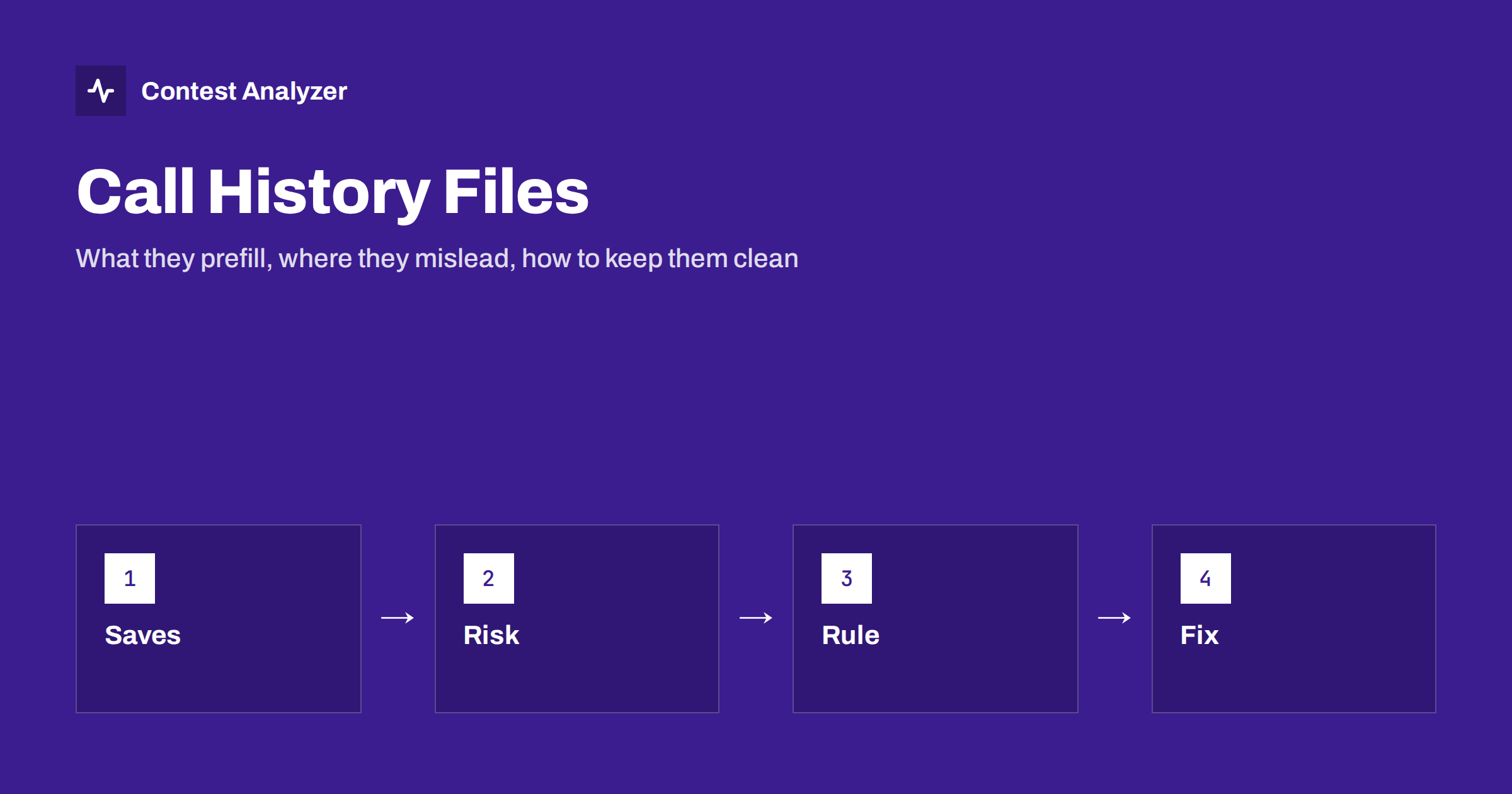
Short answer: A call history file is a list of callsigns with stored exchange data, such as a name, a zone, a state or a section. When you type a call, the logger fills in those fields so you only have to confirm them. That saves time in contests where exchanges repeat, but the data may be old, wrong or simply different this year. If you accept the prefilled values without listening, you log what the file says instead of what the other station sent. Use the file as a suggestion, build it from checked logs, and clean it regularly.
What a call history file is
A call history file is a plain database kept next to your logging program. Each line holds a callsign and one or more pieces of information that were connected with that callsign in the past. Depending on the contest and the program, the data can include an operator name, a state or province, a section, a CQ or ITU zone, a power class, a club name or a membership number. The logger reads the file when you start the contest and looks up the call every time you type one in the entry window.
Different programs name and organize this idea differently. N1MM Logger+ has a call history feature that can be switched on per contest, DXLog and Win-Test have equivalents, and some organizers publish ready-made files for certain contests. Check the documentation of your own program for file format, location and options. The principle is the same everywhere: the file is a memory of earlier exchanges, so it can only be as good as what was put into it.
How it helps
The benefits are real, especially where the exchange contains information that does not change from one contact to the next.
- Less typing and a faster rate. If the name and the state or section appear automatically, a QSO may need only a confirmation instead of several keystrokes. Over thousands of contacts those seconds add up. We discuss rate effects in our article on contest rates.
- A shorter exchange on the air. In contests where your answer depends on what the other station sends, knowing in advance what you expect to hear helps you copy it, as you only need to verify.
- Fewer typing mistakes in long fields. Names and section codes are easy to mistype under pressure, and the stored version is spelled correctly.
- Cleaner multiplier tracking. If a zone or section is stored for a regular station, the logger can show immediately whether it is a new multiplier on the band.
In an exchange as simple as CQ WW (RST plus a CQ zone), the gain is smaller, but even there a stored zone can help you in countries where more than one zone exists.
Where it goes wrong
The same convenience is also the source of subtle errors, because the filled-in value looks exactly like a value you typed yourself.
- The data has changed. People move, change clubs and receive new membership data. A station that was in one zone or section last year can be in another this year. The file does not know.
- The original data was wrong. If an old log contained a busted call or a wrong zone and that log was used to build the file, the error is now reproduced every time the call appears.
- The call is portable or temporary. A station operating from another place, with a portable indicator, from a club or special event call, may have an exchange that differs from the stored one. The prefix tells you the entity, but the stored zone may belong to the home location.
- Several people share a call. At a club station the operator name changes between shifts, and the file shows only one name.
- You stop listening. This is the most common failure. When fields are filled automatically, it is tempting to press enter and move on. If the other station sent something different, you now have a log entry that does not match what was said, and the contest committee compares exactly that.
For zone-based contests the last point matters particularly. A wrong zone in your log can cost the QSO or the multiplier credit. Our article on CQ zones explains why the split countries need a real exchange, not a guess.
Build the file from checked data
The quality of the history depends on its sources. A few rules keep it useful.
- Start from a trusted source. Use files from the contest organizer or from a reputable community project if one exists for your contest, and note the date of the file.
- Add your own logs only after checking them. A log that has been reviewed and corrected is a much better source than a raw export that still contains busted calls and wrong zones.
- Keep the newest entry. If the same call appears several times with different data, prefer the latest contest, not the most frequent.
- Remove obvious errors. Calls that appear once and look odd, such as a string that is not a valid callsign pattern, are likely the product of a typing mistake, and they should not live on in the history.
- Do not merge contests blindly. A name from a contest where you exchange names is not necessarily useful in one where you exchange zones. Keep files separate per contest unless the program handles it for you.
A habit that protects your log: log what you hear
The single most important rule is simple. The history file may propose, but the other station decides. In practice:
- Listen to the exchange the other station sends, every time, even for a regular.
- Compare it with the prefilled field. If they match, accept it. If they differ, type what you heard.
- If you did not hear the exchange clearly, ask for a repeat instead of relying on the file.
- Where the program uses a different color for prefilled and typed values, learn what the colors mean.
It also helps to review a handful of QSOs with the history active, listening for how often the sent exchange differs from the stored one. A high rate of corrections means the file is old and needs updating, not that people are making mistakes on the air.
Which contests benefit most
The value of a history file depends on the exchange. In contests where the exchange is a name, a state, a section or a membership number, the same stations tend to send the same data every time, so a stored value is correct most of the time and the saving is large. In contests where the exchange is a report plus a serial number, there is nothing to prefill, because the number changes with every QSO. In zone-based contests the gain lies in the zone, and the risk lies there too, since a call can be used from a different zone from the one the file remembers.
So ask a practical question before you load a file: how often will the stored value be right, and what does a wrong value cost me? If the answer is “almost always right, and a wrong one costs little”, use it freely. If the answer is “often right, but a wrong value loses a multiplier”, slow down and listen to every exchange. The exact exchanges differ by contest and can change from year to year, so check the current official rules for the contest you plan to enter.
Cleaning and refreshing the file
Make the cleaning a yearly routine, just like updating the country file. After each contest:
- Review the log and fix busted calls and wrong zones in it first.
- Export the corrected data and, if your program supports it, update the history with the exchanges that differ from the stored ones.
- Remove entries you know are wrong, such as stations that are silent keys or that changed calls.
- Keep a dated backup of the previous version, so that you can go back if the update turns out to contain a mistake.
Contest Analyzer can fit into this routine as the checking step. It checks every callsign and every zone against official license databases and several independent reference sources, and it shows only the few QSOs worth a second look. You edit the calls or zones in the report, download a corrected Cabrillo and use that file as a cleaner source. The service works with Cabrillo files from N1MM Logger+, DXLog and Win-Test and covers 22 contests. It does not check serial numbers, and dupes are not errors. If you want to see which events are covered, see the contests page.
Mistakes that look like history problems
Before you blame the file, remember that some errors only look similar. If a wrong call appears in your log, the cause may be a typing mistake or a copying error and not an old entry. Our article on busted callsigns shows the usual causes. And if a QSO is marked as not found in the committee’s results, the problem may be a time or band mismatch and not the history at all.
Related reading
The bottom line
A call history file is a time saver and a risk at once. It is worth using when the data is fresh, comes from checked logs and is treated as a prompt, not an answer. Keep listening to every exchange, correct the file after each contest, and the speed you gain will not come at the cost of accuracy.
FAQ
Is a call history file the same as Super Check Partial?
No. Super Check Partial suggests callsigns from a database while you type. A call history file stores exchange data for a call that you have already entered.
Should I trust prefilled exchange data?
Only after you have heard the other station. The file is a suggestion, and the exchange in your log must match what was actually sent.
Where can I get a call history file?
Some contest organizers and community projects publish them for certain contests. You can also build your own from logs you have already checked.
How often should I update my call history?
After every contest, once you have reviewed and corrected your log. Remove entries you know are wrong and keep a dated backup.
Can a call history file make my score lower?
Indirectly, yes. If it fills in an old or wrong exchange and you accept it, the QSO or the multiplier can be lost when the log is checked.