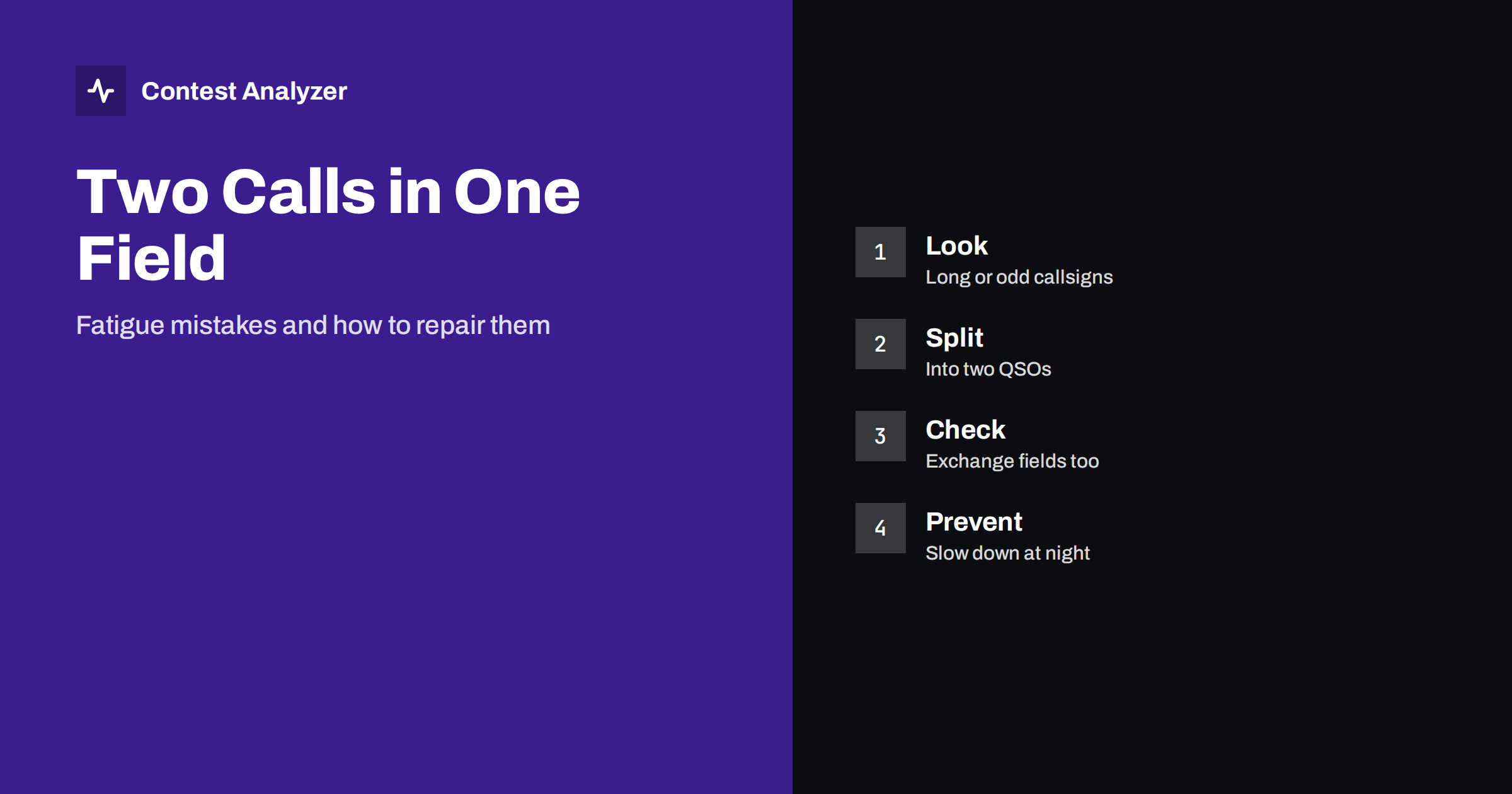
Short answer: A tired operator sometimes types two callsigns into one field, puts a callsign into the exchange box or logs a QSO twice. These mistakes leave marks that are easy to see in the log: very long callsigns, callsigns with a space, a slash that makes no sense. Look for them in the log before you submit, decide what really happened, and split the entry into correct QSOs or remove it. Prevention is mostly a matter of rhythm and breaks.
What this mistake looks like
In a busy part of a contest, the operator hears a callsign, starts to type it, and then hears another station that answers or calls on top. The operator types the second callsign without clearing the field, and the result is a long string with two calls joined together, such as one callsign directly followed by the other. Or the first callsign is left in the field, and the second one is added after a slash or a space. In the log the entry looks like a single QSO with a strange callsign, and it appears only once, because nobody else was ever on the air with that call.
This is different from a busted callsign, in which one letter is wrong. Here the whole second callsign has been added by mistake. But the cost is similar: the QSO may be counted as not valid, and the multiplier that you thought you had may disappear. The article on busted callsigns explains the usual cost of a callsign that does not match.
Other fatigue mistakes in the same family
- A callsign in the exchange field. The cursor was in the wrong box, and the callsign went into the place of the zone or the report. The exchange is then wrong, and the callsign field may be empty or left with part of the text.
- An exchange in the callsign field. The zone or a number was typed into the callsign box. This produces callsigns made only of digits or with an extra digit at the end.
- A double QSO. The same QSO is entered twice because the operator did not see that the first was logged. In contests where dupes are not errors, this costs little, but it still disturbs the statistics.
- The previous exchange stays. The logger kept the previous exchange in the field, and the operator pressed Enter without checking. The QSO has the right callsign and the wrong exchange.
- A lost character. A key was pressed too softly or the logger was busy, and one letter is missing. This is a normal busted call.
- A stray space or symbol. A space at the end of the callsign, or a character from another keyboard layout, makes the callsign different from the real one.
The common cause of all of them is fatigue, and the hours when they are most frequent are the night hours; the article on why logging errors cluster at night explains the pattern and the article on operator fatigue in 48-hour contests describes the rest strategy.
How to find them in the log
Many of these entries stand out if you look at the right place. A simple method is to sort the log by callsign length and read the longest ones. A normal amateur callsign is rarely longer than seven or eight characters before a slash, so a callsign that is much longer should be examined. Then sort by callsign and look at entries that contain a space, a double slash or characters other than letters, digits and a slash. Callsigns that end in a digit that is not part of a normal pattern, and callsigns made only of digits, deserve a look as well.
The second method is to read the exchange column. Look for exchanges that do not fit the contest: a zone that does not exist, a number that is too large, a field that contains letters when it should contain digits. These are signs that something was typed in the wrong box. Compare the exchange with the callsign of the QSO before and after, since the mistake is often connected with the neighbouring QSO.
The third method is automatic help. Contest Analyzer checks every callsign and every zone against official license databases and several independent reference sources and shows only the few QSOs worth a second look. A joined pair of calls and a callsign typed in the wrong field are exactly the type of entry that appears in that short list. The report gives statistics about the structure and the length of the callsigns, which is another place where an odd entry becomes visible.
How to split the entry into correct QSOs
When you find a joined entry, ask what really happened. There are three possibilities, and each has a different repair.
- You worked both stations. The two callsigns are two real QSOs, one of which was lost. Split the entry into two QSOs, each with its own callsign and exchange, and give each its time. If you worked them one after the other, the times will be a few seconds apart or the same minute. Be sure about the exchange of each; if you only have one exchange, it belongs to one of them.
- You worked one station and typed the other by mistake. Keep the real one and remove the other callsign. The second callsign is not a QSO and should not be created from a typing mistake.
- You are not sure. The recording, if you have it, can tell. The article on recording audio in a contest explains how, and without audio you must decide honestly using what you remember.
Do not create a QSO that did not happen. If you cannot confirm that you worked a station, do not add it to the log. A repair should return the log to the truth, not make it better.
Repairing in the report and in the logger
Where to make the correction depends on your workflow. You can correct the QSO in the logger and export again, which keeps the logger as the master copy. Or, in Contest Analyzer, you can edit calls or zones in the report and download a corrected Cabrillo. Splitting one entry into two is more natural in the logger, where you can add a QSO and set its time. After the changes, check that the numbering of the log is still correct and that the log has no double entries. For contests where the serial number is part of the exchange, check that the numbers remain in order; the article on serial numbers in CQ WPX explains how.
The report also gives full statistics, including rates, QSOs by hour and band, countries, continents, CQ and ITU zones, WPX prefixes, distance, beam heading, breaks and off time, and callsign length and structure, with year-on-year comparison with your own logs. It works with Cabrillo from N1MM Logger+, DXLog and Win-Test, and supports 22 contests (see the contests page). Serial numbers are not checked, and dupes are not errors.
A short worked example
Suppose that at four in the morning you see a callsign in the log that has fourteen characters. You read it slowly and find that it is two normal callsigns written one after the other. The two stations are from different continents, and the exchange has only one zone. You listen to the recording at that time, and you hear that you worked the first station and that the second one called at the same moment but was never answered. The right repair is to keep the first callsign and delete the second. If the recording had shown that you worked both, you would add a second QSO with the exchange that you can confirm. In both cases the rule is the same: the log should describe what happened on the air.
Prevention
- Clear the field every time. Learn the key that clears the entry in your logger, and use it whenever you are not sure what is in the field.
- Look at the screen before you send “TU”. A quick look at the callsign and the exchange takes a second and catches most of these mistakes.
- Use a callsign field that shows its content clearly. A larger font or colour helps in the late hours.
- Slow down when you make a mistake. One error often means that the next will follow. A short break or a slower speed breaks the chain.
- Take breaks. A short rest costs a few minutes. A series of errors costs more.
Some loggers display the callsign of the previous QSO and warn when the callsign is unusually long. If yours has such a warning, keep it switched on.
Related reading
- Why logging errors cluster at night
- Your post-contest review routine
- How to check a contest log before you submit it
The bottom line
Two calls in one field and its cousins are small mistakes with an easy signature: long callsigns, odd characters and wrong exchanges. Look for them before you submit, repair them honestly and use the pattern to plan your rest. Then they will cost you little.
FAQ
How can I spot two callsigns joined in one entry?
Sort the log by callsign length and read the longest ones, and look for spaces, double slashes and strange characters.
Should I always split a joined entry into two QSOs?
Only if you really worked both stations. If you worked one, keep that one and remove the other callsign.
Is a double QSO an error?
Dupes are not errors in themselves, but a duplicate caused by a typing mistake disturbs the statistics, so check it.
Where do I correct the entry?
In the logger, then export again, or in the report if you only change a call or a zone. Keep the original file.
When do these mistakes happen most?
In long contests they cluster at night and after many hours of work, when concentration falls.