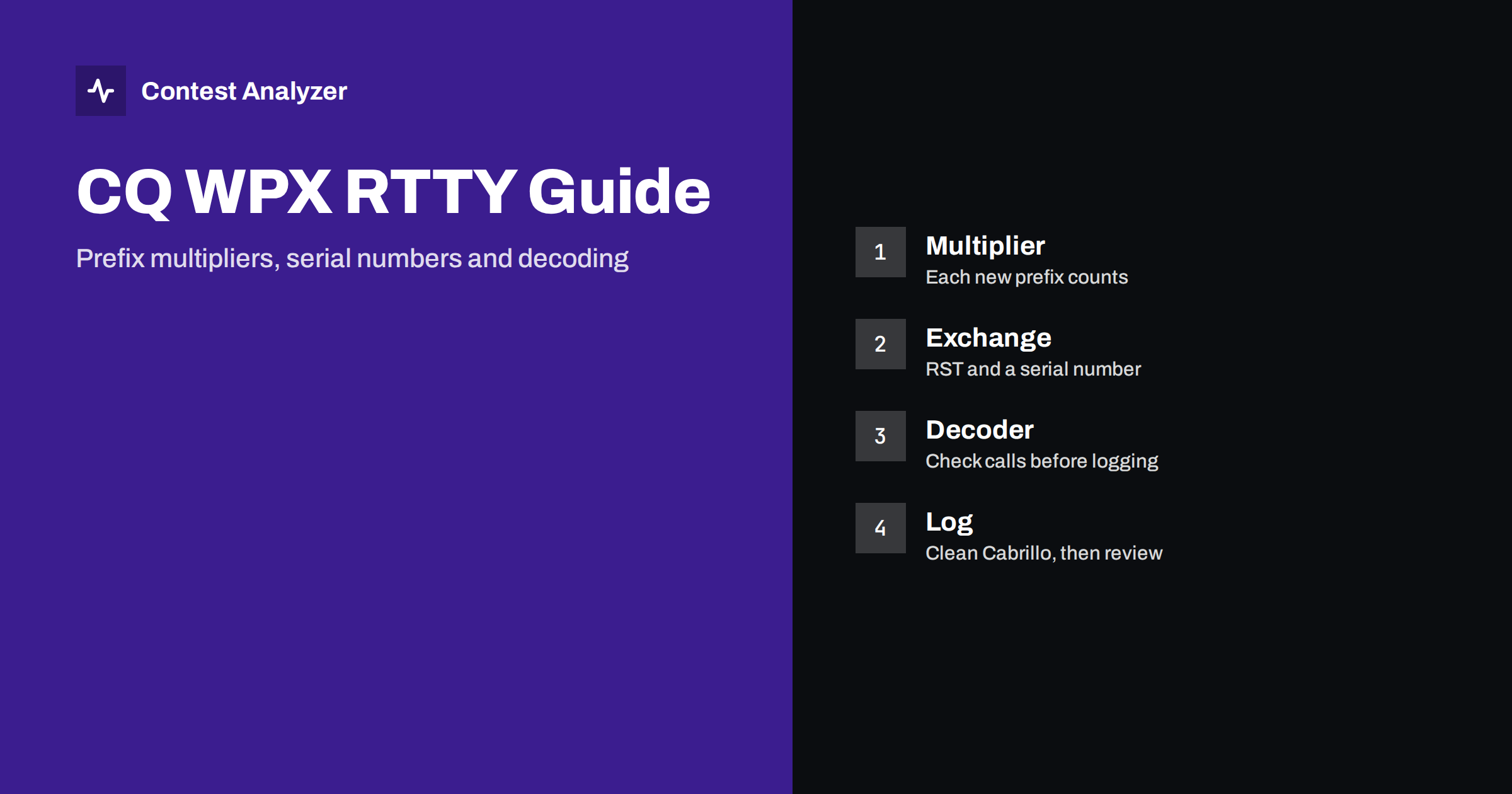
Short answer: CQ WPX RTTY combines the prefix idea of the WPX contests with the digital mode: the exchange is a signal report and a serial number, and the multiplier is the prefix of each station you work. What makes it special is the software between your receiver and your log. A decoder turns audio into text, and a single wrong character in a callsign or a number can reach the log unnoticed. This guide stays general; the exact rules, categories and dates must be read in the current official text.
The contest in one paragraph
CQ WPX RTTY is one of the contests organised in the CQ family, and like the SSB and CW parts of WPX it rewards operators for working as many different callsign prefixes as possible. The sponsor publishes the rules for the contest, including its period, the bands that may be used, the categories and the way points are counted. These details are updated from time to time, so treat anything you remember from an earlier year as a starting point and confirm it in the current rules before you plan your weekend.
What does not change much is the character of the event. It is a mode-specific contest, which means only RTTY contacts count. Most operators use a computer, a sound card or a hardware interface and a logging program that also drives the decoder. The contest tends to attract operators who enjoy station automation, because a well-prepared set of macros can keep the rate high for hours.
The exchange: report and serial number
As in the other WPX contests, the exchange consists of a signal report and a serial number that increases with every contact. In RTTY the report is almost always sent in the short form that everyone uses by habit, and the serial number is the real content of the exchange. Both stations send their own number and copy the other’s.
For the log, three points deserve attention:
- The serial number you send must really be the next number in your own sequence. Let the logger insert it, and do not retype it by hand.
- The number you receive is typed from the decoded text. Misreads happen, especially when conditions are poor, so confirm or ask for a repeat when the text looks damaged.
- If you use macros that send the number automatically, check them before the contest so they do not skip a number or send the previous one after a repeat.
It is worth knowing that Contest Analyzer checks callsigns and zones, but serial numbers are not checked. The numbers in your log are therefore your own responsibility. The article on serial numbers in CQ WPX covers sending and logging them in more detail.
Prefixes as multipliers
The multiplier in WPX is the prefix, a part of the callsign that is determined by a set of rules: normally the letters and the first number, so that a call such as one with a letter-digit combination gives a prefix made of those characters. Each different prefix counts, and the final score depends on how many of them you have collected. Whether prefixes count once for the whole contest or separately on each band is part of the rules, so check the current text.
The practical lesson for RTTY is the same as for other modes: calls that look unusual, such as special event stations, portable operations and stations with a prefix that differs from their home one, are often new multipliers and also the most likely to be logged wrongly. Our guide to WPX prefixes shows how prefixes are formed and what changes when a call carries a portable indicator. A wrong character in a call can also change the prefix and with it the multiplier, so the cost of a bust is not only the QSO but, in some cases, a multiplier too.
Decoding is part of the operating
On RTTY the decoder is a second pair of ears, and it is not perfect. Text arrives with garbled characters under noise, fading, interference or an offset tuning, and the logging software may take the callsign directly from the decoded window. This is convenient and fast, but it moves the risk from your ears to your screen.
These habits help:
- Tune carefully. A signal that is slightly off frequency produces more errors, and a clean decode starts with good tuning, a sensible filter and the right receive bandwidth.
- Read the callsign, do not just click it. If your program lets you click a call from the decoded text, compare it with what you expect before you accept it.
- Use the logger’s checking functions. Many programs can suggest known calls while you type, and a suggestion that does not fit the text is a signal to look again. It is a feature of the logger, not a replacement for your own judgement.
- Ask for a repeat when it matters. A short repeat costs seconds. A busted call costs a QSO.
- Watch for duplicated or missing characters. RTTY errors often show as an extra letter, a missing letter or a letter replaced by a similar-looking one.
We discuss the typical patterns in the article on RTTY decoding errors; here it is enough to keep in mind that the speed of the mode is also the speed with which a mistake is repeated.
Running and searching in RTTY
As in other modes, operators choose between calling CQ on a frequency and tuning through the band to answer others. In RTTY, running can produce strong rates, because a clean exchange goes quickly and the macros handle most of the typing. Search and pounce is slower per contact but is an efficient way to collect new prefixes, because you can choose whom to call. A balanced plan uses running when the band is open and the callers are many, and searching when the rate falls or when you need multipliers. See the article on run versus search and pounce for ways to read this from your statistics.
Whichever method you use, keep your own callsign and exchange macros short and clear. A message that has too many extra words wastes time, and one that is too terse may leave the other side guessing. Find a compromise in practice, not on the contest weekend.
Preparing the logger
Before the contest, open the contest definition in your logger and check that it matches the current rules: the mode, the exchange fields, the serial number handling and the multiplier. Set your own callsign, category and operator information. Test that the software logs the QSO with the correct mode, time and band when you press the key. Make sure that the computer clock is accurate, because the times in the log should be in UTC. A small test log, exported to Cabrillo and read as plain text, shows you what the file will look like when you submit it.
Also think about backups and power. A computer that runs a decoder for two days, with the radio interface and the logger open, deserves a protected power supply and a regular copy of the log on a second drive. Switch off automatic restarts for updates and screen savers that can interrupt the sound card, and test the whole chain, from antenna to Cabrillo file, at least a week before the event. If something in the chain is wrong, you want to discover it on a quiet evening and not at two in the morning in the middle of a good opening.
After the contest: read and check the log
When the weekend is over, export the Cabrillo file and look at it before you submit. In RTTY the most useful questions are these: are there calls that look almost right but not quite, are there prefixes you do not recognise, and are the times continuous without surprising gaps? A call that appears once in your log and looks odd is worth a second listen or a second look, if you have kept audio.
Contest Analyzer is designed for this step. It checks every callsign and every zone against official license databases and several independent reference sources and shows only the few QSOs worth a second look. You can edit calls or zones in the report and download a corrected Cabrillo before you send it. The report also gives full statistics: rates, QSOs by hour and band, countries, continents, WPX prefixes, distance, beam heading and your breaks and off time. It reads Cabrillo from N1MM Logger+, DXLog and Win-Test, and the contest list shows what is supported. The Cabrillo format itself is described on the Cabrillo page of the World Wide Radio Operators Foundation.
Related reading
- CQ WPX prefixes explained
- Serial numbers in CQ WPX
- RTTY decoding errors and how they reach the log
- CQ WW RTTY contest guide
The bottom line
CQ WPX RTTY asks for a clean serial number exchange and a good collection of prefixes, and it adds the decoder as a source of silent errors. Read the current rules, set up the logger carefully, look at every call before you accept it and review the Cabrillo before you send it. The difference between a good and a very good result is often a handful of QSOs that were saved by one more look.
FAQ
What is the exchange in CQ WPX RTTY?
A signal report and a serial number, as in the other WPX contests. Confirm the details in the current official rules.
What counts as a multiplier?
The prefix of each station worked. Whether prefixes count once or per band is set in the rules, so read the current text.
Are serial numbers checked by Contest Analyzer?
No, serial numbers are not checked. Callsigns and zones are checked, and you can edit them in the report.
Why do callsigns go wrong more often on RTTY?
Because decoded text can contain wrong or missing characters under noise or fading, and a logger may take the call directly from that text.
Can I use the same log tools for RTTY as for CW and SSB?
Yes, the Cabrillo export works the same way in N1MM Logger+, DXLog and Win-Test. Always check the contest name and mode in the header.