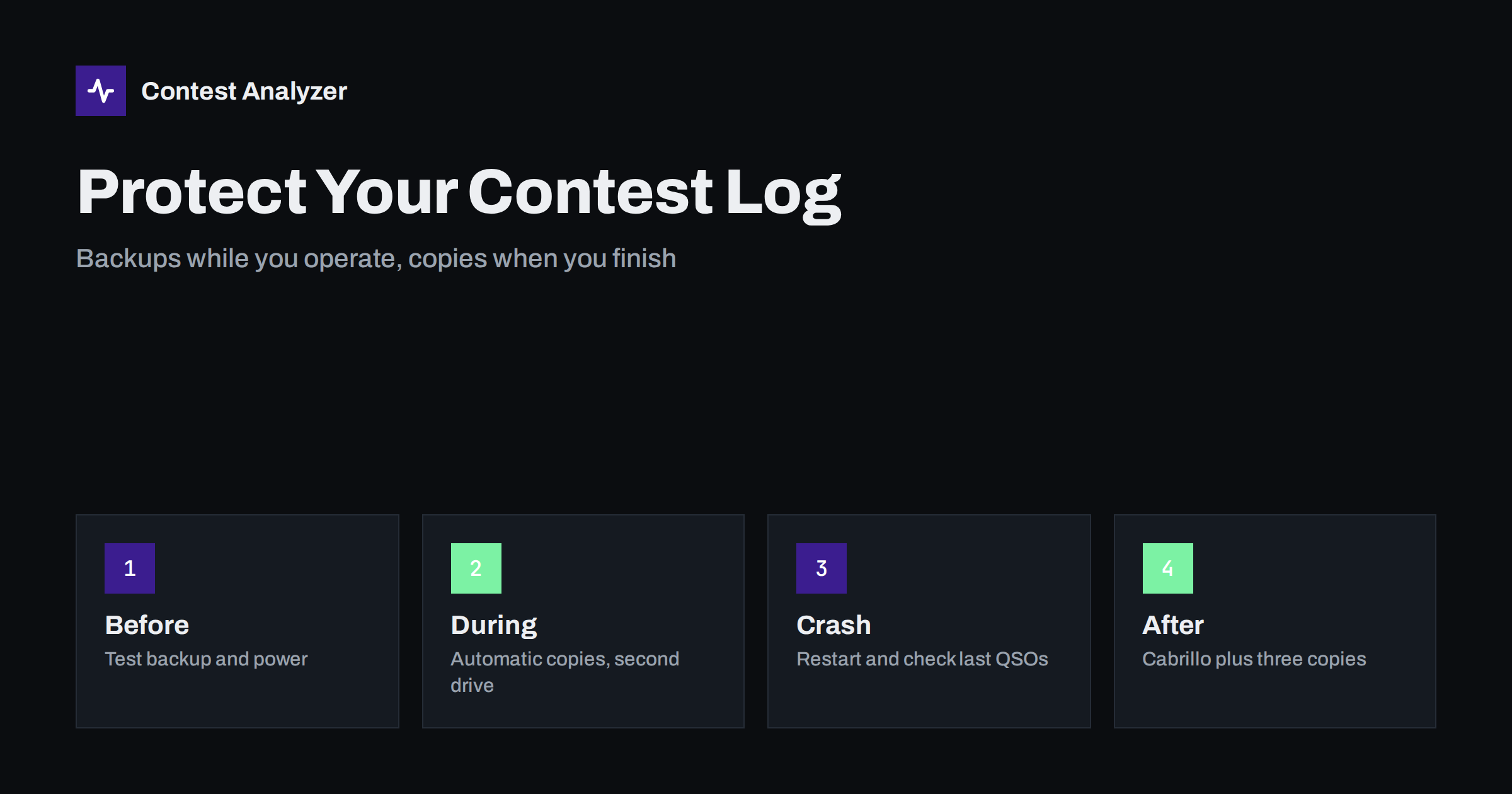
Short answer: A contest log is hours of work that cannot be repeated, so protect it the way you protect the antenna: with redundancy. Set your logger to make automatic backups, keep at least one copy on a different drive or device, and make sure the computer can survive a short power cut. When the contest ends, export the Cabrillo file at once and store several copies before you start any checking or editing. A logger crash costs minutes if you have prepared, and the whole contest if you have not.
Why the log deserves more care than the radio
A transceiver that fails can be replaced by a spare, borrowed from a friend or repaired next week. A contest log that is lost cannot be recreated. After 48 hours of operating, nobody remembers which stations were worked on which band, and the exchange data is gone for good. The score, the multiplier count and every statistic you wanted to read afterwards depend on that one file.
Despite this, many operators run the whole contest on a single computer, a single drive and a power supply that has never been tested under load. The risk is small in any given hour, but over a long contest and across many years it adds up. The good news is that protection is cheap and most of it can be arranged in the week before the contest.
What can go wrong during a contest
It helps to name the failures, because each one needs a different defence.
- Power interruptions. A short mains dip, a tripped breaker or a generator running out of fuel can switch off a desktop computer instantly. A database that was in the middle of writing a QSO may be left damaged.
- Software crashes and freezes. Loggers are stable programs, but they run next to radio-control software, digital-mode decoders, keyer drivers and networking tools. A conflict between them can freeze the whole machine.
- Operating system events. An automatic update that restarts the computer during the night is a classic. So is a screen saver, a sleep timer or a sudden scan by security software.
- Storage problems. A full disk, a failing drive or a USB stick pulled out by accident can stop the logger from saving.
- Human error. Opening the wrong database, deleting a file while tidying up, or starting a “new log” on top of the old one happens more often than operators like to admit, usually at three in the morning.
None of these is exotic. All of them are things that contesters have reported after the event, and each of them is easier to prevent than to repair.
Know what your logger already does for you
Modern contest loggers write every QSO to disk as soon as you enter it, so a crash normally costs you at most the QSO you were typing. Many of them also offer an automatic backup function, which copies the log or the database at intervals or when you close the program. The exact options and menu names differ between N1MM Logger+, DXLog and Win-Test and between versions, so look through the settings of your own program and read its documentation instead of assuming.
Things worth checking before the contest:
- Where does the program keep the log, and can you see the file in a normal folder?
- Is there an automatic backup option, and where does it write the copies?
- How often does it run, and does it keep several generations or overwrite the previous copy?
- Can you restore from a backup, and have you tried it at least once with a test log?
That last point is the one most people skip. A backup you have never restored is only a hope. Spend ten minutes before the contest saving a test file, deleting it and bringing it back, so you know what the procedure looks like when you are tired.
Put a copy somewhere else
An automatic backup that lands in the same folder on the same disk protects you from a corrupted file but not from a dead drive. The simple rule is that the second copy must live somewhere that does not share the failure with the first. Several arrangements work well:
- A second internal or external drive, to which the backup folder is pointed.
- A USB stick that stays plugged in and is used only for copies. Consider it a convenience, not a vault, because small sticks fail too.
- A network folder or a second computer on the shack network, if you have one.
- A cloud-synchronised folder, as long as you are certain the station has a stable connection and that a half-written file will not be synchronised in a bad state. Treat it as an extra, not as the only copy.
In a multi-operator station, the networked logger is itself a form of redundancy, because every computer holds the log. That helps, but it is not a replacement for a deliberate backup, since a wrong entry or a deletion is copied to every machine too. The article on merging logs from several computers explains how such setups behave.
Make the computer power-proof
If the station runs from the mains, a small uninterruptible power supply for the computer and monitor is one of the best investments for a contester. It does not have to run the amplifier; it only has to carry a PC for a few minutes so the machine shuts down cleanly or rides through a short dip. Laptops have their own battery, which gives you a natural advantage, provided the battery is healthy and the charger is connected.
For field operation, think about the weakest link in the chain: the generator, the battery bank, the connectors and the cable run. Keep the computer on a supply that is separate from the one that feeds the amplifier, if you can, and turn off automatic sleep and update restarts on the day before the contest. The same planning habits that are used to cover the schedule and rest, described in the article on planning your contest in UTC, apply to power and equipment as well.
A simple routine during the contest
You do not need to turn the contest into a backup project, but a few habits take almost no time.
- At the start of the contest, confirm that the log is open, the contest and exchange settings are right, and the first QSO is saved.
- When you take a break or change operators, make a manual backup. It takes seconds and gives you a clear restore point.
- Glance now and then at the QSO count and the last logged time. If the count stops growing or the time looks wrong, stop and find out why.
- Keep the PC clock under control. A restart can reset it, and a wrong clock damages every QSO that follows, as described in the article on UTC clock errors.
- For a very poor station environment, keep a short paper log of the last few QSOs. It is slow, but it can save a stretch of operating after a crash.
If the logger crashes
When it happens, stay calm and follow a fixed order. First, stop the transmit side if you are unsure what the computer is doing. Restart the program and open the same log, not a new one. Look at the last ten QSOs: are they all there, are the times and bands right, is the one you were typing missing? Re-enter anything that is missing from memory or from the paper note. Check that the exchange settings, the operator and the station fields are still correct, because a restart can bring defaults back. Then make a manual backup straight away, so the repaired state is protected.
If the file will not open, do not experiment on the only copy. Copy the damaged file and the latest backup to another folder, and try to restore from the backup there. The few QSOs between the backup and the crash are better lost than the whole log damaged further. It also helps to write down the approximate time of the crash, because it explains any gap in your statistics.
After the last QSO: secure it first
When the contest ends, the order of work matters. Before you fix anything, export the Cabrillo file and copy the logger’s database to at least two places. Then, and only then, start checking and editing. The steps for the export are described in the guide to exporting Cabrillo from N1MM Logger+, DXLog and Win-Test, and the format is documented on the Cabrillo page of the World Wide Radio Operators Foundation.
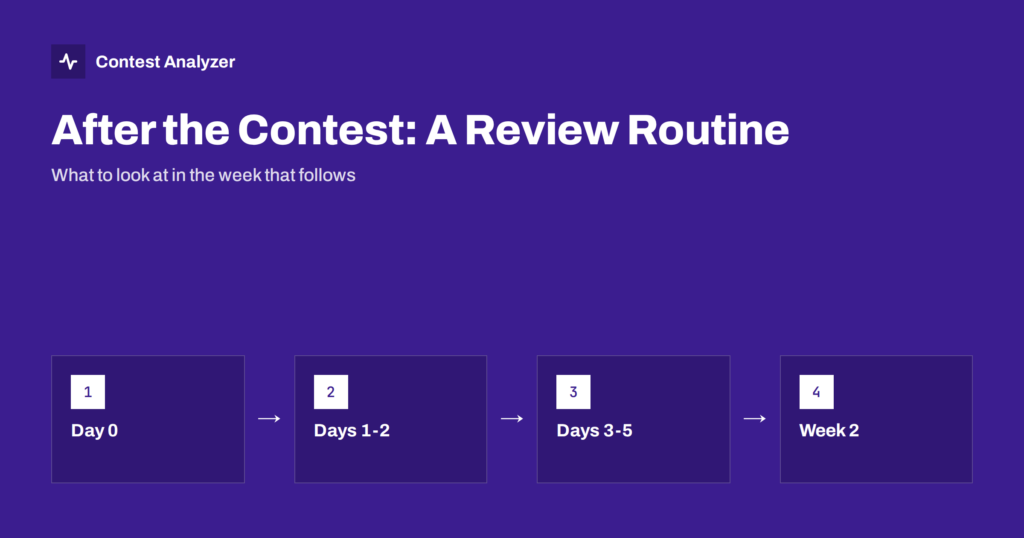
Keep the original export unchanged and work on a copy. Name the files so you can tell them apart, for example with the date and a word such as “original” or “corrected”. The routine that follows, from review to submission, is covered in the post-contest review routine.
Contest Analyzer fits into this stage. You upload the Cabrillo file from your logger; it checks every callsign and every zone against official license databases and several independent reference sources and shows only the few QSOs worth a second look. You can edit calls or zones in the report and download a corrected Cabrillo, while your untouched original stays safe in your own backup. The report also gives full statistics, including rates, QSOs by hour and band, breaks and off time, and you can compare them with your own earlier years. It works with Cabrillo from N1MM Logger+, DXLog and Win-Test; the contest list shows the 22 contests covered.
Related reading
The bottom line
Log protection is boring, which is exactly why it works. Test your logger’s backup function once, send the copies to a second device, keep the computer powered through short interruptions and make the Cabrillo export the first thing you do after the last QSO. If something goes wrong in the middle of a contest, a prepared station loses a few minutes. An unprepared one can lose the whole weekend.
FAQ
How often should the logger make a backup?
Often enough that losing everything since the last copy would be acceptable, and always at breaks and operator changes. Your logger’s own documentation tells you what intervals it offers.
Is the logger’s database enough as a backup?
No. It is the working file, and it can be damaged or deleted like any other. A backup is a separate copy, ideally on another drive.
Should I keep a paper log as well?
For a normal home station it is not required. It can be a useful safety net in difficult field conditions, as long as you accept that it slows you down.
When should I export the Cabrillo file?
Right after the contest, before any checking or editing. That gives you a clean original, and you can export again later from the corrected log.
Can I check the log before I send it?
Yes. Upload the Cabrillo file to Contest Analyzer to see the few QSOs worth a second look, fix them in the report and download a corrected file before you submit.