Short answer: A Contest Analyzer account is where your contest logs live while you work with them. You add and verify your callsign, upload a Cabrillo file, follow the progress of the check in My logs, review the report, download a corrected Cabrillo and compare the result with your own earlier logs. Your log and your callsign are never shown to other users.
Why an account at all
A single check of a single log can be done in one session. But contest logs are not one-off documents. You take part in the same contests year after year, you often fix a log in several sessions, and you want to look back at what you did last time. An account is the place that connects these steps. It also keeps the service private: your log and your callsign are not shown to other users.
The service explains one condition clearly on its pages. A log can be checked only for a callsign in your account that is verified, so accounts are not shared. This is a protection for operators, since nobody else can upload a log for your callsign into your results. It also means that the first step in a new account is to add the callsign you operate with.
Add and verify your callsign
Create an account, sign in and add your callsign. The service asks you to verify it, and the verification is what allows a log to be checked for that callsign. If you use more than one callsign, for example your personal call and a club call, add each of them. The same applies to a special event callsign that you use once a year. Before a contest, add the callsign you will use on the air, so that you do not have to do it on the day you want to upload the log.
Check that the callsign in your account matches the one in the header of the Cabrillo file. A mismatch is a common reason for a log not being accepted for checking. The article on the Cabrillo log header explains the CALLSIGN field, and the one on common header mistakes lists errors to avoid.
Upload and follow the progress
To upload, pick the contest and the year and add the Cabrillo file. The contest list is on the contests page. The service accepts files from N1MM Logger+, DXLog and Win-Test, as well as any Cabrillo 3.0 file. The check then runs in the background. You do not have to wait on the page: progress is shown live in My logs, and the report appears as soon as it is ready. This is practical when the log is large or when you want to upload several logs in a row.
My logs is the list of the logs you have added. It is the page to return to when you want to open a report, see which log is ready and which is still being checked. Use it as the starting point of every session. If you are unsure how to produce the file from your logger, the article on exporting a Cabrillo file helps.
Main log and extra logs
The plans on the pricing page include a main log and extra logs. This is useful in many situations. You may have the log of the contest you just finished and the logs of the same contest from previous years, which you want to use for comparison. You may also have a club station log or a second callsign. Keep the same naming and the same contest entry for the same contest in different years, so that the comparison is clear.
The plans differ in the size of a log and in other points, and the page states exactly what counts as a QSO: every QSO line in your Cabrillo log, including dupes. Look at the page for the current details instead of relying on a number in an article. A short look at the biggest log you plan to upload will tell you which plan fits.
Team and club members
Team and club members can add their logs to the same contest. This is handy for a club that wants to see its members’ results side by side, or for a family station with two operators who want to compare. Each log is checked for a verified callsign, and, because the service keeps logs private, a log is not shown to other users. If you collect logs for a club, agree beforehand on the contest entry and on the file format, and ask each member to verify their own callsign.
The article on helping a friend check a contest log gives practical advice for this situation, and the one on writing the club name right in Cabrillo shows how to avoid a typical problem with club entries.
Review, edit and download
When the report is ready, review it. Contest Analyzer checks every callsign and every zone against official license databases and several independent reference sources and shows only the few QSOs worth a second look. You can edit calls, zones, time and frequency in the report, mark QSOs as checked in your own audio recording, and duplicate a QSO line. Then download a corrected Cabrillo file ready to submit. It also marks QSOs outside the contest period and outside the band limits for your ITU region, with split QSOs shown as a note. Serial numbers are not checked, and dupes are not errors.
Keep the original Cabrillo file from your logger. The corrected file is the one you submit, but the original remains your record of what the logger wrote. The article on producing a corrected Cabrillo before you submit describes a safe routine.
Compare year on year
The feature that gives an account its long-term value is year-on-year comparison with your own logs. The service provides full statistics: rates, QSOs by hour and band, countries, continents, CQ and ITU zones, WPX prefixes, distance, beam heading, breaks and off time, and callsign length and structure. If the logs of several years are in your account, you can look at the same numbers in each year and see what changed. The article on how to compare your contest results year on year explains how to read the differences, and a notebook of station changes, as in a station notebook, explains the reasons.
Set it up before the contest
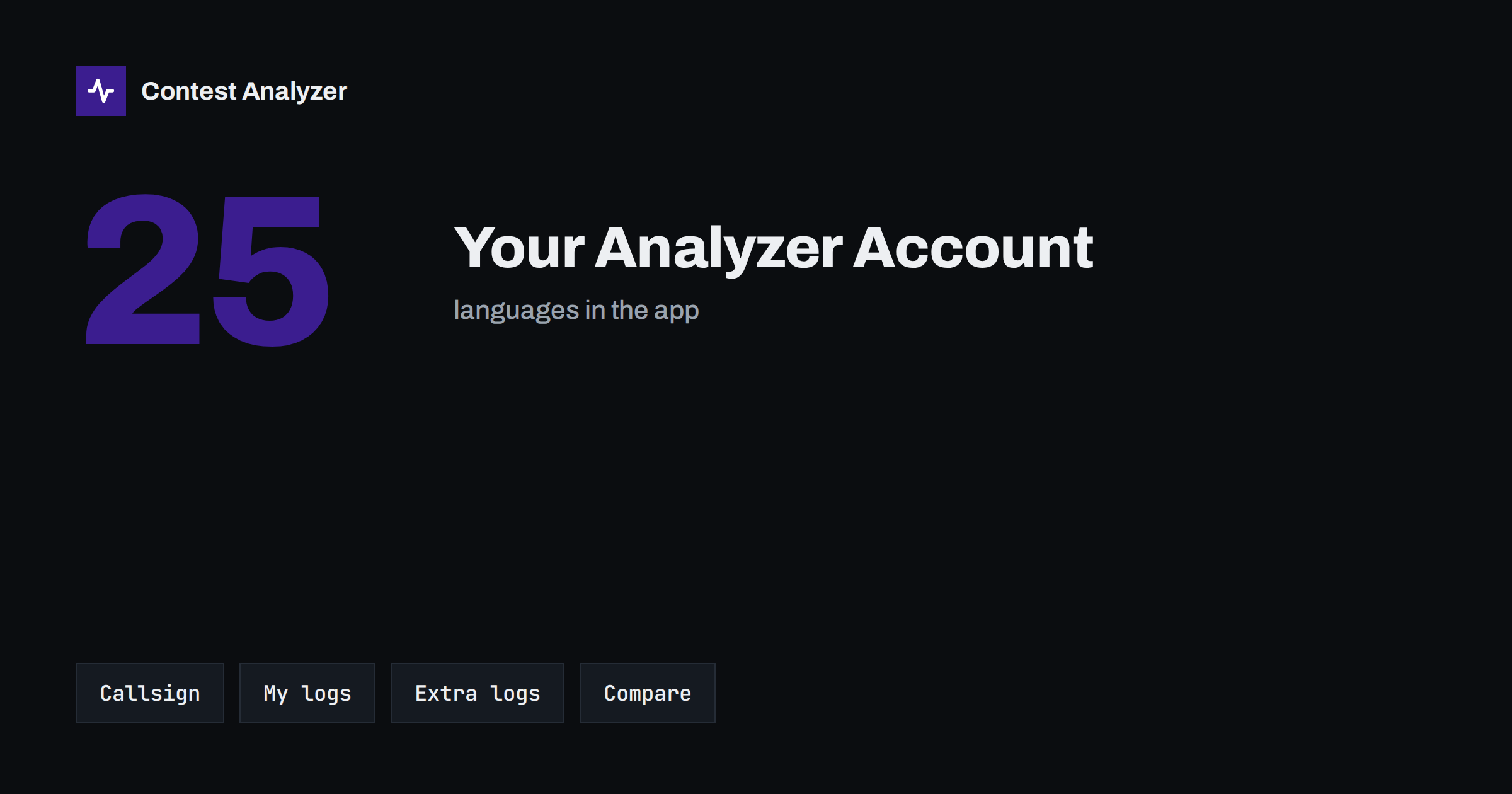
A little preparation avoids stress on the day you need the service. Create the account, add and verify your callsign, look at the contests page for the date and the log deadline, and check which plan fits the size of your log. After the contest, upload as soon as the log is ready, review the short list, correct what needs correcting and submit. The service is available in 25 languages, so you can use the interface in the language you prefer.
A yearly routine with an account
An account is most useful when you use it in the same way every year. Here is a simple routine. In the weeks before a contest, open the contests page, note the date and the deadline, and make sure the callsign you will use is in your account. During the contest, keep your usual notes. Within a day or two after the end, export the Cabrillo file from your logger and upload it to the right contest and year. While the check runs, write your soapbox or your notes on conditions.
When the report is ready, go through it in a fixed order: first the short list of QSOs to check, then the periods and band limits, then the statistics. Correct what you can prove, download the corrected Cabrillo and submit it to the organiser well before the deadline. Finally, open the comparison with your earlier logs and write down two or three things that changed and one change you want to try. Put the date and a short summary in your notebook.
After a few years, this routine builds a record that is hard to get in any other way: the same contest, the same station, a series of logs that you can compare. You will see your progress, you will see the effect of each change at the station and you will be able to set goals with real figures. That, more than any single check, is the reason to keep your logs together under one account.
If something does not work as you expect, the FAQ answers the most common questions, and the contacts page gives the address of support. Describe the problem briefly, name the contest and the year, and say what you saw on the screen. A clear message gets a faster answer than a general complaint, and it helps the team to improve the service for everyone who uses it.
Related reading
- Check Your Contest Log Before You Submit: A Checklist
- Your Post-Contest Review Routine: What to Check
- Same Contest, Two Years: What Really Changed?
The bottom line
An account ties your callsign, your logs, your corrections and your history together. Add and verify the callsign, upload the Cabrillo, follow My logs, review and download the corrected file, and compare with your own earlier logs. Keep the original file and make notes on what changed.
FAQ
Why must my callsign be verified?
A log can be checked only for a verified callsign in your account, so accounts are not shared.
Is my log visible to other users?
No. Your log and your callsign are never shown to other users.
Where do I follow the check?
In My logs, where progress is shown live. The report appears as soon as it is ready.
Can I compare with earlier years?
Yes. The service supports year-on-year comparison with your own logs.