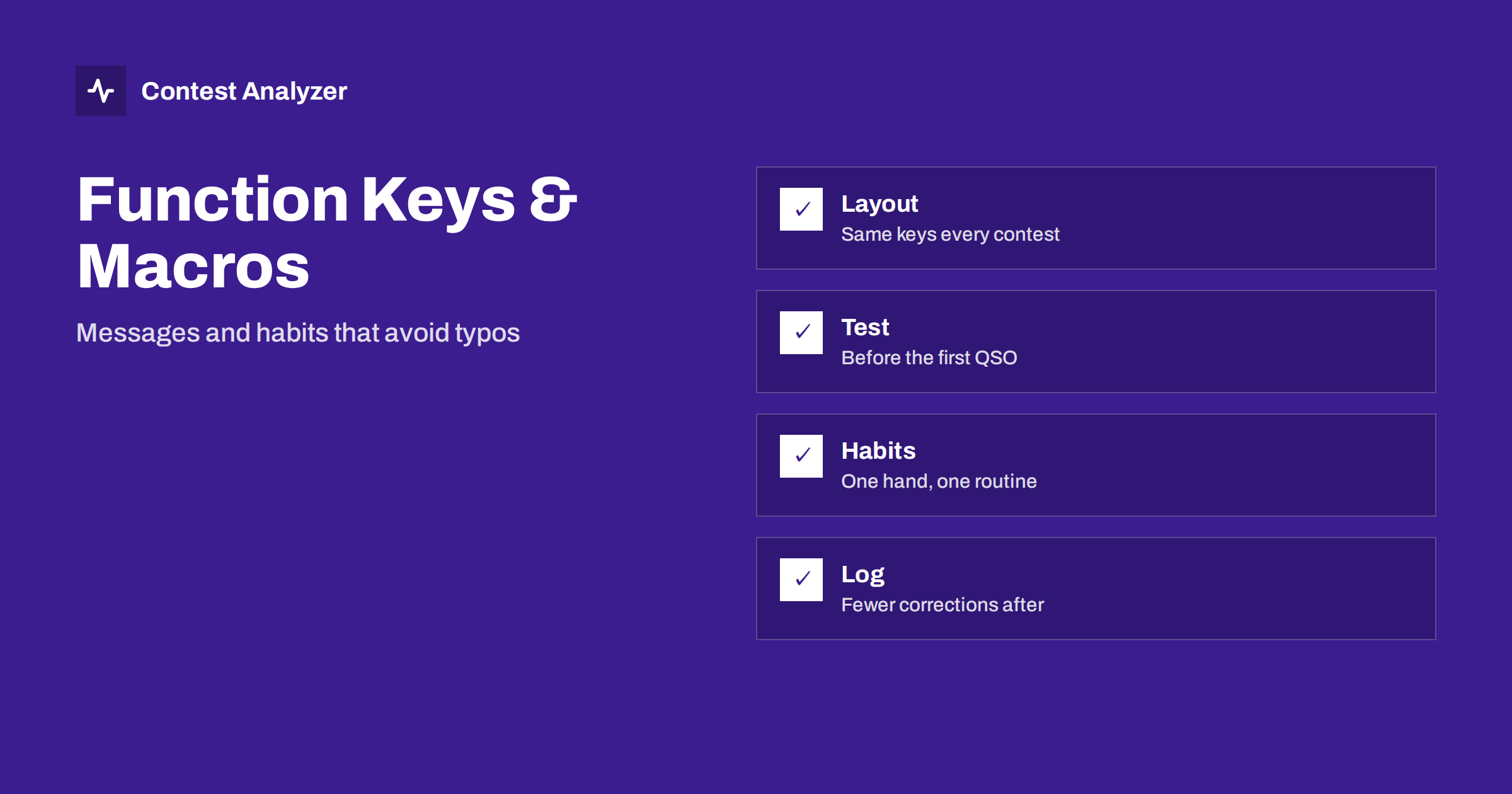
Short answer: Function-key messages and macros let you send the same text every time without typing it, and they keep the number of keystrokes per QSO small. Fewer keystrokes mean fewer typing mistakes in the log. Use a stable layout, check what each key sends before the contest, practise a fixed routine for entering the call and exchange, and keep a few keys for repeats and corrections so that you never have to type a long message in a hurry.
Why messages and macros matter
In a fast contest you may log several hundred QSOs in a few hours, and in each one you press keys to enter the callsign, move to the exchange, send your own message and log the contact. Anything that you must type by hand, including your own callsign or exchange, is a place for a slip. A message stored on a function key is always the same, and it is sent with one press. This is true for CW, SSB with voice keyers and digital modes.
The logging software also handles parts of the exchange for you. It can fill in a serial number, send the correct zone and insert the callsign of the station you are working into the reply. These insertions are called macros, and the exact syntax depends on the program. The idea is the same everywhere: a placeholder in the message is replaced by the right text at the moment of sending. The article on planning CW function-key messages describes this for CW, and this article takes a broader view of the habits.
A stable layout
The most useful rule is to keep the layout the same from contest to contest. If F1 always calls CQ, F2 always sends the exchange, F3 always sends thanks and F4 always sends your callsign, your hands learn the layout, and you will not hit the wrong key in a hurry. When a contest requires a change, such as a different exchange, change only the text of the message and leave the key where it is.
The same applies to the keys for repeats. A key that sends your exchange again, a key that asks for the other station’s callsign again and a key for a short question mark are worth having in an easy position. In SSB, a voice keyer needs the same discipline: the recorded messages should be in the same order every time. The article on asking for repeats in CW covers the repeats side.
Check what each key sends
Before any contest, test every key. Press it with the transmitter disabled or into a dummy load, and read or listen to the result. Check for spelling mistakes in your callsign, a wrong zone number, a macro that does not expand as expected or a message that is too long for a busy band. A common error is an exchange saved from last year: your zone has not changed, but the contest has, and the message still sends the old format. Another is a leftover test message on a key you rarely use.
Check the keys again after any update of the software, because settings can return to their defaults. The article on logger settings to check before a big contest gives a wider list. Store a backup of the configuration so that you can restore it if the computer fails.
Enter the callsign the same way every time
A fixed routine for the callsign field is among the best protections against errors. A typical routine is this: type the callsign as soon as you hear it, press a key that starts your reply, listen to the answer, then move to the exchange field only after the callsign is confirmed. If the other station corrects you, you change the callsign in the field before you log, not afterwards. The routine is not the same for everyone, but it should be the same for you.
Avoid habits that are risky: typing the call after the QSO is finished, relying on the program to complete the call from a list without looking, or leaving a partial call to correct later. The article on logging partial callsigns describes the problem, and the habit of looking at the entry field before pressing Enter is a simple fix.
Use the keyboard, not the mouse
Most contest loggers are designed to be used without a mouse. Reaching for it takes the hand away from the keys and breaks the rhythm. Learn the keys for moving between fields, for clearing the entry, for logging the QSO and for the most frequent commands. A modest list of shortcuts, repeated until it is automatic, is more important than a large number of advanced features. If your logger offers several ways to do something, choose one and use it every time.
The ergonomics matter, too. A comfortable keyboard position and a clear screen reduce the strain of a long contest. We discuss this in our article on keyer, paddles and ergonomics, and a later article in this series covers the whole station.
Keep the log tidy as you go
Macros and function keys help only if the log itself is kept in order. Edit a wrong QSO immediately if it is easy. If it is not, put a short note in the QSO or in a notes field so you can find it later. Do not leave test entries in the log. Do not change the contest or the exchange settings during the event unless there is a good reason. After the contest, you will thank yourself for each correction made on the spot.
If you record audio, a note with the time of a doubtful QSO helps you find the right place afterwards. The article on writing notes during a contest shows a simple scheme.
After the contest: look for patterns
When you check the log afterwards, look at the errors with the keys in mind. Did the same error appear many times, for example a wrong zone in the sent exchange? That points to a key or a macro. Did the errors come in clusters, perhaps after you changed a message? That points to a habit. A tool that checks every callsign and every zone against official license databases and several independent reference sources, such as Contest Analyzer, will list the few QSOs worth a second look, and you can edit them in the report and download a corrected Cabrillo file. Serial numbers are not checked, so a macro that inserts them must be tested by you.
Voice keyers and digital messages
The same ideas apply outside CW. On SSB, a voice keyer plays recorded messages, and the recording should be clear, at a steady level and short enough to leave room for the other station to answer. Record your callsign with the phonetics you actually use, because a message in a different style from the one you speak sounds confusing. Record a short version and a longer version of your exchange, so that you can use the longer one when the band is noisy. Give the keys the same positions as in CW, so that your hands do not need to change habits when you change mode.
In digital modes, the messages are usually produced by the software, and the decisions you make are about which line to answer and when to send. The same principle applies: a stable routine and a short check of the callsign before you press the key. If you work with a logger connected to the digital program, check that the exchange fields are filled correctly after the first few QSOs, since an error in the link is repeated automatically in every following QSO.
Plan for the unexpected
Even a good layout is tested by surprises: a station that asks for your exchange twice, a pileup that cuts off the end of your message, an operator who sends the wrong number. Keep keys ready for these cases. A key that sends only your callsign is useful when someone has missed it. A key that repeats only the numeric part of the exchange saves time when the other side asks for the number again. A key that sends a single question mark can help when you did not hear a call. None of these needs long typing, and each is worth its place on the keyboard.
Also plan what to do if the keyboard or the software fails. Keep a spare keyboard within reach, know how to restart the program quickly, and test how the logger recovers the log after an unexpected shutdown. The article on protecting your contest log describes simple habits for backups during the event.
Related reading
- Choosing CW Speed in a Contest: Slow Down or Speed Up?
- Two Callsigns in One Field and Other Fatigue Mistakes
- Setting Up N1MM Logger+ for CQ WW: Step by Step
The bottom line
Keep your function-key layout stable, test every message before the start, use a fixed routine for the callsign and the exchange, and stay on the keyboard. These small habits remove a surprising share of typing errors before they enter the log.
FAQ
How many function keys should I use?
As many as you need for the common messages and repeats, and no more. A simple, stable layout is better than a complex one.
Should I change messages during a contest?
Only for a good reason. Changing text in the middle of an event can introduce mistakes.
Do macros work the same in all programs?
No. The syntax differs, so read the manual of your own logger and test each message.
Can I use macros for serial numbers?
Many loggers insert them automatically. Test the counter and the format before the contest.