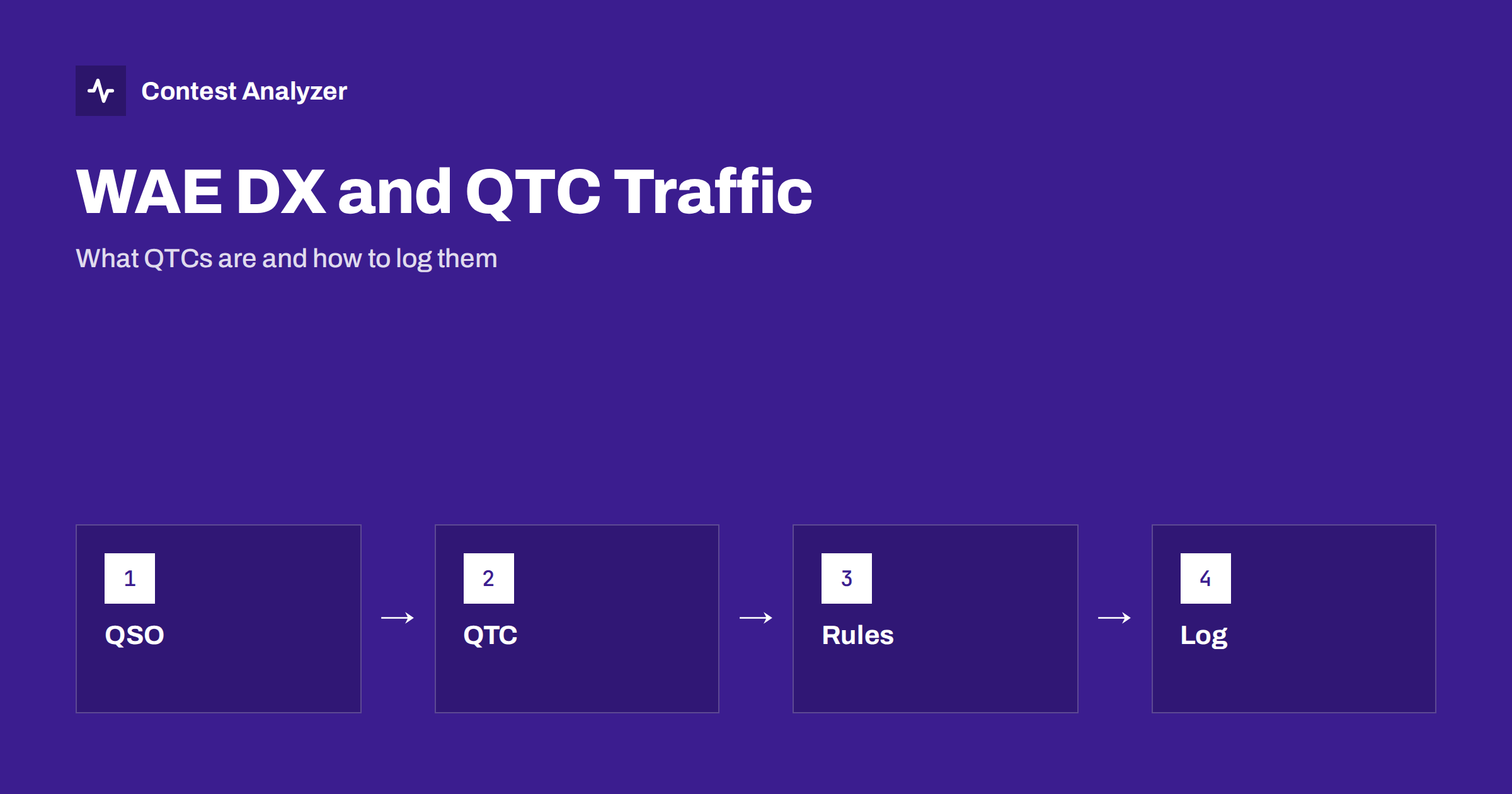
Short answer: The Worked All Europe (WAE) DX Contest, run by the DARC, is known for a feature most other contests do not have: QTC traffic. In general terms a QTC is a short message in which you pass on details of earlier contacts to another station, which gives extra points for both of you. The details of how many QTCs are allowed, with whom and in which mode are fixed by the rules, so read the current text, and log every QTC as carefully as an ordinary QSO.
What the WAE DX Contest is
The WAE DX Contest is a long-running HF contest organised by the DARC, the German amateur radio club. It is held in separate weekends for CW, SSB and RTTY, and its name comes from the idea of working as many European countries as possible. European stations work stations all over the world, and non-European stations work Europe. As in other worldwide contests, the standard contact is a signal report and a serial number, so the basic QSO is easy to log.
What makes the contest special is the way the score is built. In addition to ordinary QSOs, the rules reward the exchange of QTC messages. For exact dates, categories and the definition of the WAE country list, use the official pages from the DARC; contest rules change from year to year.
What a QTC is
The term QTC comes from the old Q code used in traffic handling, where it means “I have messages for you”. In the WAE contest it has a specific, contest-only meaning. A QTC is a report of a QSO that you have already logged. When you send a QTC to another station, you tell it the details of one or more of your previous contacts. The usual form of one QTC item includes the time of that earlier QSO, the callsign of the station you worked, and the serial number you received from it. Several items may be bundled into a single QTC message and sent together.
Both stations log the QTC. The sender records which of its QSOs have been passed on, so that each can be reported only once. The receiver records the content it copied. Each side gets credit for the traffic according to the scoring rules, and in the usual scheme the points come from the number of items in the message.
It is important to keep the idea separate from verification. A QTC is not a check on the QSO; it is a feature of the contest game, and its scoring is defined entirely in the rules.
Who sends QTCs to whom
The rules limit the direction and the amount of QTC traffic. In general terms, QTCs flow between stations on different sides of the contest, and there is a cap on how many items may be exchanged between a given pair of stations and how many QTCs may be sent in total. Details can vary by mode, and the rules also say what happens to QTCs in categories where they do not apply. Because these limits decide your score, do not rely on memory or on a summary like this one. Read the rules before the weekend, and set up your logging program to match them.
The structure of the exchange
A normal WAE QSO has the same shape as many other contacts: signal report and serial number. A QTC session adds a second layer. A typical sequence on the air looks like this in outline:
- Two stations complete a normal QSO.
- One of them offers QTC traffic and says how many items it has.
- The other agrees, and the sender transmits the items one by one.
- The receiver confirms that it has them, and both stations log the session.
The specific words and procedures depend on the mode. They are quite natural on CW and RTTY, while on SSB the procedure must be spoken clearly, which makes it harder. Many operators decide in advance how much QTC traffic they will do, because a QTC session costs time and the rate drops while it runs. The best rule of thumb is to do QTCs when the band is slow and not when a pile-up is calling you.
Logging QTCs carefully
QTC traffic is the part of a WAE log where small slips are most likely, because the data in a QTC come from your earlier QSOs and are copied again by the other station. A few habits make the log reliable.
- Use the program’s QTC function. Contest loggers that support the WAE contest have a dedicated QTC window that picks QSOs from your log, marks them as sent and writes them in the correct form. Learn it before the contest; do not try to write QTCs by hand.
- Check the serial numbers you pass on. They come from the other stations, and an error in your original log is passed on in the QTC.
- Do not send the same QSO twice. The rules limit reuse of an item. A good logger enforces this, but keep an eye on your own marks.
- Keep the clock exact. The time of each QSO is part of the QTC data. A wrong PC clock produces wrong times in every item.
- Copy QTCs in full. A half-copied QTC creates doubtful lines in the log. Ask for a repeat or reject the session rather than guess.
- Export a test file. Check how your program writes QTC lines into the Cabrillo file or the additional file the organisers ask for, and confirm that the format agrees with the rules.
For a general view of how a Cabrillo file is built, see our guide to the Cabrillo header and the article on exporting Cabrillo from N1MM Logger+, DXLog and Win-Test. QTC handling differs between programs, so test your own.
Common QTC problems
| Problem | Typical cause | What to do |
|---|---|---|
| Wrong time in an item | PC clock off or QSO edited later | Fix the clock before the contest; do not edit times afterwards |
| Wrong serial in an item | Copied badly in the original QSO | Review the QSO before passing it on |
| Wrong callsign in an item | A busted call in the original log | Correct busted calls early |
| Lost QTC session | Band changed or conditions failed in the middle | Confirm clearly at the end, repeat if necessary |
| Same item sent twice | Marks lost or logger not synchronised | Use one logger or a properly networked setup |
Strategy: when are QTCs worth it?
QTC traffic adds points without needing a new station, which makes it useful when the number of fresh callers falls. At the same time it uses air time and attention. A sensible approach is to estimate how many points a QTC session brings per minute compared with your normal rate at that time of day. In the early, busy hours the ordinary QSO rate usually wins; in quieter hours, QTCs are a good way to use the time. Your own statistics will tell you which hours those are. Our article on contest rates explains how to read the hourly picture.
Preparing your logger for the weekend
Give yourself time for a dry run. Start a test contest in your logger, enter a handful of QSOs, open the QTC function and send a QTC to yourself or to a colleague. See how the program marks items as sent, how it prevents a second transmission of the same item and what the exported file looks like. Check also how your program treats the second weekend or the second mode, because the options can differ. A test of this kind takes half an hour and removes most of the surprises. If you operate in a team, make sure everybody knows who handles QTC traffic, so that two operators do not send overlapping messages.
Reviewing the log afterwards
Whatever the QTC traffic looked like, the base of the log is still the list of QSOs. A busted call in the base log affects every QTC item that passes it on, which makes early cleanup even more valuable in this contest. Contest Analyzer reads the Cabrillo from N1MM Logger+, DXLog or Win-Test and checks every callsign and every zone against official license databases and several independent reference sources, then shows only the few QSOs worth a second look. It also gives full statistics, including rates, QSOs by hour and band, countries, continents, CQ and ITU zones, WPX prefixes, breaks and off time. You can edit calls and download a corrected Cabrillo. Serial numbers are not checked, and dupes are not treated as errors; see the contests page for the 22 contests supported and to confirm whether yours is among them.
Related reading
- Export Cabrillo from N1MM Logger+, DXLog and Win-Test
- Busted callsigns in contest logs
- Contest rates: QSOs per hour
The bottom line
WAE adds QTC traffic on top of the usual QSO exchange. Learn what a QTC is, read the current limits for your mode, use your logger’s QTC function and keep the underlying log clean, because every error in a QSO can travel into a QTC. When in doubt about a limit or a format, the official rules decide.
FAQ
What does QTC mean in the WAE contest?
It is a message in which you report earlier contacts from your log to another station. The structure and the scoring are defined in the contest rules.
Do I have to send QTCs?
No. QTC traffic is an option that adds points. Some categories and modes may treat it differently, so check the current rules.
Can I write QTC lines by hand?
You can, but it is risky. Use the QTC function of a logger that supports the contest, so that sent items are marked and formatted correctly.
Does a wrong PC clock matter for QTCs?
Yes. The time of each QSO is part of the item, so a clock error spreads into every QTC line.
Does Contest Analyzer check serial numbers in QTCs?
No. Serial numbers are not checked. Callsigns and zones are checked, and the report shows the few QSOs worth a second look.