Short answer: In the IARU HF World Championship a normal station sends a signal report and its ITU zone, while the official headquarters (HQ) stations of the member societies send the abbreviation of their society instead. ITU zones are numbered on a different map from the CQ zones used in CQ WW, so the zone you know from one contest is often wrong in the other. Always look up the ITU zone for your own location, and copy the one the other station sends.
What the IARU HF Championship is
The IARU HF World Championship is an annual HF contest organised under the International Amateur Radio Union, with the ARRL acting as the sponsor of the contest rules and results. It is open to stations around the world, on CW and SSB, and it is known for the presence of HQ stations: special stations operated by the national societies, which are a feature that gives the contest its own character. Dates, categories and scoring are set by the organisers and can change, so use the official contest page for anything that you need to be exact about.
What matters for this article is the exchange. It is simple, but it uses a zone system that many operators know less well than the one in CQ WW.
The exchange
There are two kinds of exchange in the contest:
- Regular stations send a signal report and their ITU zone number.
- HQ stations send a signal report and the abbreviation of the society they represent instead of a zone.
Both the ITU zones and the HQ stations are multipliers, and in general they count on each band and mode combination as defined by the rules. That makes HQ stations interesting: a contact with an HQ station is a multiplier that you cannot get from a zone you already have. In practice operators watch for the HQ calls and try to work as many society abbreviations as possible.
ITU zones and CQ zones are different maps
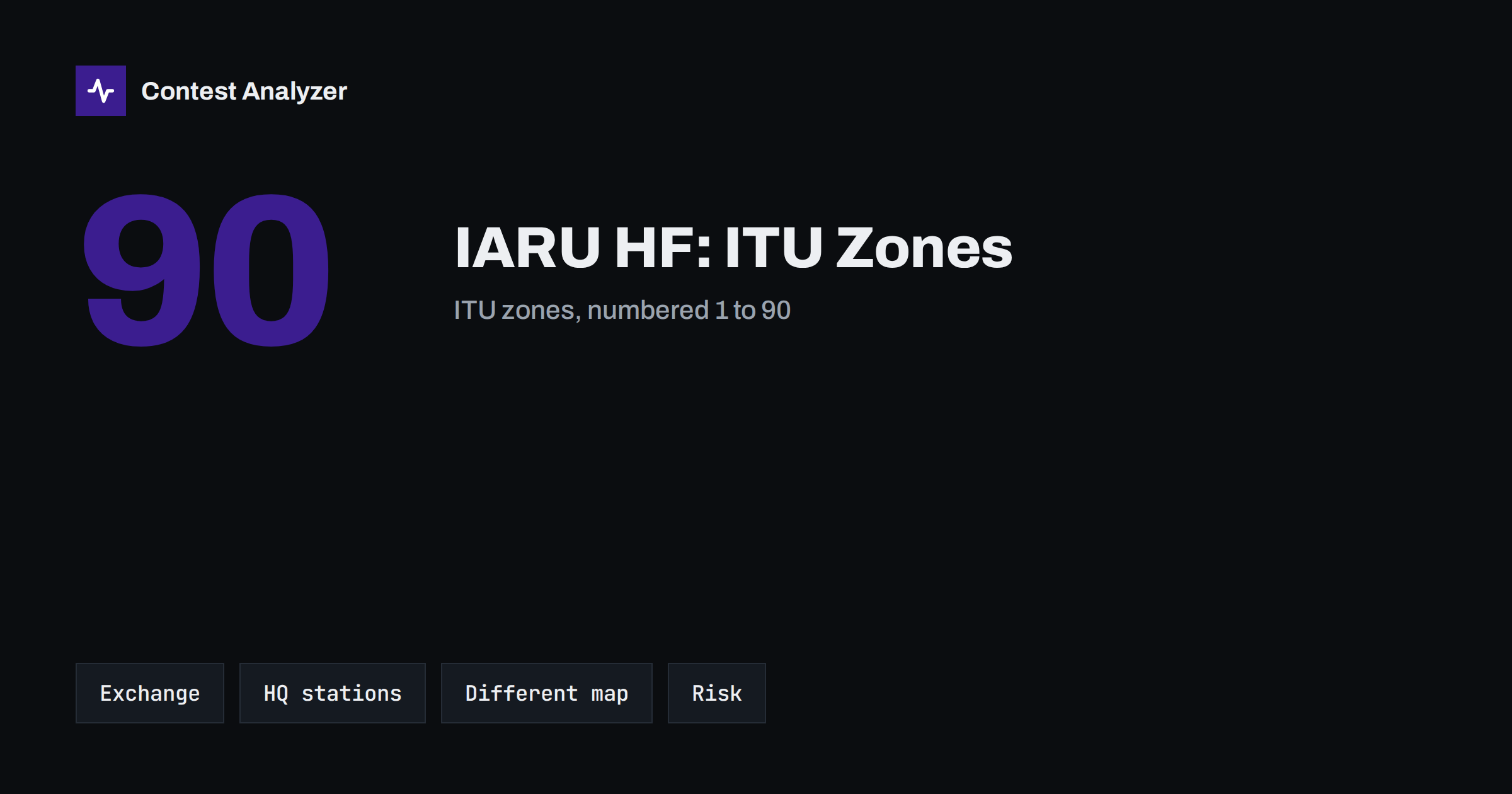
The world has been divided into zones in more than one way. The CQ zone system, used in the CQ World Wide DX Contest, has 40 zones. The ITU zone system, used by the International Telecommunication Union, has 90 zones. They are drawn independently of each other, with different boundaries and different numbering, and a country often falls into different numbers in the two systems.
A few examples show how unrelated the numbers are:
| Country | CQ zone | ITU zone |
|---|---|---|
| Lithuania | 15 | 29 |
| Germany | 14 | 28 |
| Finland | 15 | 18 |
Do not try to convert one into the other by arithmetic; there is no formula. Treat them as two separate lookup tables. A station that says “14” in CQ WW may be in a very different ITU zone than a station that says “14” in the IARU contest, and in this contest “14” would be an entirely different place.
Large countries and ITU zones
As in CQ WW, some large countries cover several zones, so the call alone does not give you the answer. The United States, Canada, Russia, Brazil, China and Australia are well-known examples where the ITU zone depends on where the station really is. In addition, the border of a zone may cross a country in a place that is not obvious from the call area. When a station sends its zone, you copy it; you do not work it out.
The zone you send yourself must be right, too. Find the ITU zone for your location from an official zone map or a reliable zone list, write it down and set it in your logging software before the contest. If you operate from a different place than usual, for example a holiday location or a field site, check the zone for that exact place. The zone belongs to where the transmitter and antenna are, not to where your licence is registered.
Typical ITU zone mistakes
- Using your CQ zone as your ITU zone. This is the most common error, especially for operators who have just switched from CQ WW. The number sounds familiar and gets typed by habit.
- Not changing the logger default. Some loggers pre-fill the zone from a previous contest or from a country list. Look at the first outgoing exchange message and make sure it says the right number.
- Logging the zone that the callsign suggests. A logger can suggest a zone from the callsign, and for a big country that suggestion is often only one of several possibilities. If the other station sent something different, your log must show what was sent.
- Confusing similar numbers. Pairs such as 27 and 37, or 28 and 38, are easy to confuse under noise, especially in CW when the speed is high. A short confirmation protects a multiplier.
- Missing the HQ exchange. If you hear a society abbreviation where you expected a number, do not force it into the zone field of your logger. Check how your program records HQ stations before the contest.
Setting up the logger
Before the first QSO, enter the contest in your logger and set the exchange fields carefully. Make sure that:
- the contest name matches the IARU HF contest, not a similar contest with a different exchange;
- your own ITU zone is stored in the station setup and appears in your sent message;
- the received exchange field accepts both numbers and letters, so that HQ abbreviations can be logged;
- the callsign and category in the Cabrillo header agree with what you do on the air; see our guide to the Cabrillo header for each field.
Run a short test with a few dummy QSOs, export a Cabrillo file and read it in a text editor. It takes five minutes and will show you whether the zone appears in the right column. You can also practice how the logger treats a callsign with a slash, a topic we touched on in the article on busted callsigns.
Operating tips for a zone-based contest
With a zone as the main exchange item, the contest is a hunt for as many different numbers as possible on each band. A few habits help.
- Listen to the exchanges that other stations give. If a station sends a zone you do not have yet, that is information worth using quickly.
- Prefer clean, short exchanges. The faster you can say the zone, the more QSOs per hour you make.
- Keep a short list of HQ stations you have worked on each band, so that you are not calling the same society twice.
- When the rate falls on a band, move to another band to look for the zones and HQ stations you are missing.
A short worked example
Imagine you are operating from Lithuania in the IARU contest. You look up your ITU zone once and enter it in the station setup, so every message you send contains that number. A German station calls you and sends its report and its own ITU zone. You copy both, confirm the callsign and log the zone you heard. A moment later an HQ station calls and sends a society abbreviation. You log the abbreviation in the field your program provides for it, and you mark the station as a headquarters contact if your logger offers that option. At no point did you need to think about CQ zones, and at no point did you derive a zone from a callsign. The two simple rules are: send your own zone from your setup and log whatever the other station sends.
The same discipline matters after the contest. When you review the log, look at any zone that appears only once for a country that normally has a single zone. If a station from a small country is logged in a zone that is far from the others, either the station was operating from somewhere unusual, or the number was copied wrongly.
Checking your zones after the contest
Zone errors are easy to make and hard to see in your own log, because every number looks plausible. A systematic review helps. Contest Analyzer reads the Cabrillo from N1MM Logger+, DXLog or Win-Test, checks every callsign and every zone against official license databases and several independent reference sources, and shows only the few QSOs worth a second look. Its statistics include CQ and ITU zones next to rates, QSOs by hour and band, countries, continents, WPX prefixes, distance, beam heading, breaks and off time. If you find a mistake, you can edit the call or zone in the report and download a corrected Cabrillo. The service supports 22 contests; see the contests page. Dupes are not treated as errors.
Related reading
The bottom line
The IARU HF Championship asks for an ITU zone, or a society abbreviation from an HQ station. Treat the ITU map as a separate system from the CQ map, look up your own zone for your actual location, set it in the logger before you start and copy what the other station sends. Confirm any detail about categories and dates in the official rules.
FAQ
Is my ITU zone the same as my CQ zone?
Not usually. The two systems have different maps and numbering, so look up each one separately.
What do HQ stations send?
Instead of a zone, they send the abbreviation of the society they represent. Check the current rules for the full details.
How many ITU zones are there?
The ITU system numbers its zones from 1 to 90.
Which zone do I send if I operate away from home?
The ITU zone of the place where your station actually operates, not the zone of your home address.
Does Contest Analyzer check ITU zones?
It checks every callsign and every zone and shows only the few QSOs worth a second look. ITU zones also appear in its statistics.