Short answer: A contest needs only a small set of CW messages: a CQ, a call with your exchange, a confirmation, a repeat request and a correction message. Plan them on paper first, enter them in your logger, test every key into a dummy load and keep the set simple. Details depend on your program, so use the manual of your logger for the exact syntax.
Why a plan matters
During a contest, each function key is pressed hundreds of times. A small mistake in one message is repeated hundreds of times. If the zone in your exchange is wrong in the macro, every QSO that uses it has a wrong exchange in the other operator’s log, and the error will be found only after the contest. A short plan, written on paper, makes this easy to prevent.
It also helps if the same logical set is used from year to year. When F1 is always CQ and F2 is always the exchange, your fingers learn it, and you do not have to look at the screen when you are tired. The article on setting up N1MM Logger+ for CQ WW covers the general steps of the contest set-up. Other loggers have similar functions under other names.
The basic set
- CQ: your CQ message, with the contest name if the contest custom is to send it, and your callsign once or twice.
- Exchange: the report and the zone, sent after the caller’s callsign has been logged.
- Confirmation: a short thanks that returns to CQ or to a new call.
- Your call: a message with only your callsign, for repeats and for pileups.
- Repeat request: a short message that asks for a repeat of the callsign or of the zone.
- Correction: a message that corrects your previous exchange.
- Search and pounce call: your call sent once, to be used when you answer a CQ.
- Spare: one message that you can edit quickly.
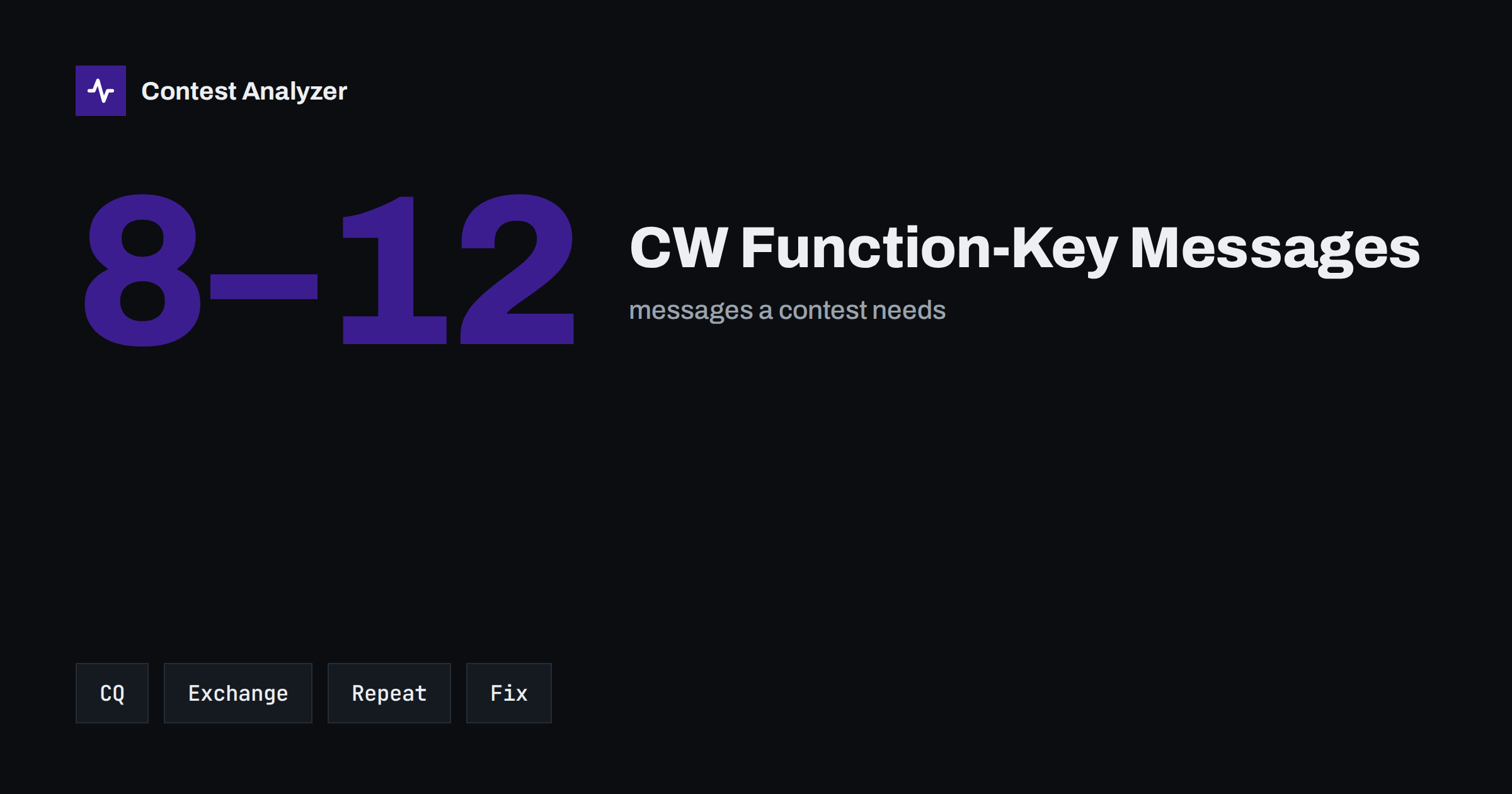
The stat on the cover shows the typical size of such a set. Many contesters work with fewer than a dozen messages and add more only when a contest demands it. Every extra key is another chance for an error.
The exchange message
In CQ WW DX the exchange is the signal report and your CQ zone. In CQ WPX it is the report and a serial number, and in other contests it is something else, so the message must be built for the contest you work. Many loggers insert the report, the zone or the serial number automatically with a code in the message. Learn how your program does it, and test it. In particular, check that the serial number or the zone is taken from the settings and not typed by hand into the message.
Use the short cut numbers if you wish, but do it consistently. The article on cut numbers in CW contests describes the common forms and the risks of unusual ones. The exchange must be easy to copy by the other station, so test the message at the speed you plan to use.
Repeats and corrections
Repeats are the most important messages after CQ and the exchange. A message that asks for the callsign again, one for the zone, and one that sends your own exchange again are used constantly. The words should be short and clear. A clear question mark after a part of a callsign is often enough. The article on asking for repeats in CW describes what works, and the article on partial callsign copies shows when to ask for a repeat and when to try a different approach.
A correction message is needed when you have sent a wrong zone or a wrong callsign. It should be easy to reach, so that you correct the error at once and do not leave the other operator with a bad log line. Think about this message before the contest. Under pressure, many operators do not remember how to type a correction quickly.
Safety rules for macros
- Send every message into a dummy load and listen before the contest.
- Check your callsign and your zone in every message that contains them.
- Keep one logical layout for all contests that you operate, with small changes for each contest.
- Use the logger’s automatic fields for the serial number and the received callsign instead of typing them by hand.
- Remove the messages from the previous contest, or check them one by one.
- Write down the layout on a card next to the keyboard.
- Test what happens when you press a key during a message and when you stop a message in the middle.
Search and pounce and run need different keys
When you run, the CQ and the exchange keys are used most. When you search and pounce, your call and the exchange are used most, and the CQ is rare. Many loggers change the meaning of the keys automatically according to the mode, and that is useful, but it is also a source of confusion. Test the switch between the two modes and make sure that the screen shows which one is active. The article on run versus search and pounce describes how the two behave in the numbers.
After the contest: learn from the log
A macro that sent a wrong zone or a wrong callsign leaves traces in the results of the other operators. If you suspect a problem, look at your own report. Contest Analyzer checks every callsign and every zone against official license databases and several independent reference sources and shows only the few QSOs worth a second look. It also gives statistics such as rates, QSOs by hour and band and callsign length and structure. You can edit calls, zones, time and frequency in the report and download a corrected Cabrillo. It works with Cabrillo from N1MM Logger+, DXLog and Win-Test. For the supported contests see the contests page.
Layout of the keys
A consistent layout is an advantage that is easy to underestimate. Many contesters keep the same keys for the same roles in all contests: one key for CQ, one for the exchange, one for the confirmation, one for the callsign, one for the repeat request. Then it does not matter which contest is active, because the hands know the layout. When a contest needs an extra message, for example an additional exchange part, it is placed on a spare key and not in a position that is normally used for something else.
Write the layout on a card and keep it near the keyboard. During the long hours of a 48-hour contest, even experienced operators forget what is on a key that is used rarely. The card helps in that case and helps a second operator who sits at the station for a few hours.
Text of the messages: short and clear
The text of a message should be as short as it can be without losing clarity. A long CQ that includes your callsign three times wastes air time and reduces your rate. A short CQ that repeats the callsign once or twice is usually enough. For the exchange, many operators send only the report and the zone without extra words. The more text you add, the more time the QSO takes and the more chances for the caller to start before the message ends.
Think also about the pause at the end of a message. Some loggers allow a short pause that gives the caller time to respond or to ask for a repeat. A message that finishes and immediately starts another one can hide a caller who wants to say something. Test the timing with a friend or with a recording of your own sending.
Special cases
Do not leave the editing of messages for the minutes before the start. A message that is edited at the last minute is the one most likely to contain a typing mistake, and the contest clock gives no time to test it. If you must change something late, send it into a dummy load first and then listen to it once from start to end.
Some contests need special messages. A contest with a long exchange has more parts to send and more parts to repeat. A contest in which stations send a serial number needs a message that takes the number from the logger. A contest with a mixed exchange for different countries needs two versions of the exchange message, and the operator has to choose the right one. In these cases, a short test with fake QSOs is especially useful, because it shows how the logger fills the fields.
For rules and exchange, always use the current official rules of the contest, for example the pages of the contest sponsor. A message set that was correct last year can be wrong this year if the exchange has changed.
Related reading
The bottom line
A good CW message set is small, tested and the same from year to year. Plan it on paper, listen to every key before the contest and let the logger fill in the changing fields.
FAQ
How many CW messages do I need?
Often fewer than a dozen. A CQ, an exchange, a confirmation, your call, repeat requests and a correction cover most needs.
Should I type the zone into the message?
Prefer the logger’s setting for your zone, so that it is entered in one place and cannot differ between messages.
How do I test the messages safely?
Send them into a dummy load or listen on a second receiver with the transmitter off, and check each character.
Can I reuse last year’s messages?
Yes, if you check every one of them. Old messages often contain the wrong contest name or exchange.
Where are the exact steps for my logger?
In the manual of your program. The names of the menus and the codes differ between loggers and versions.