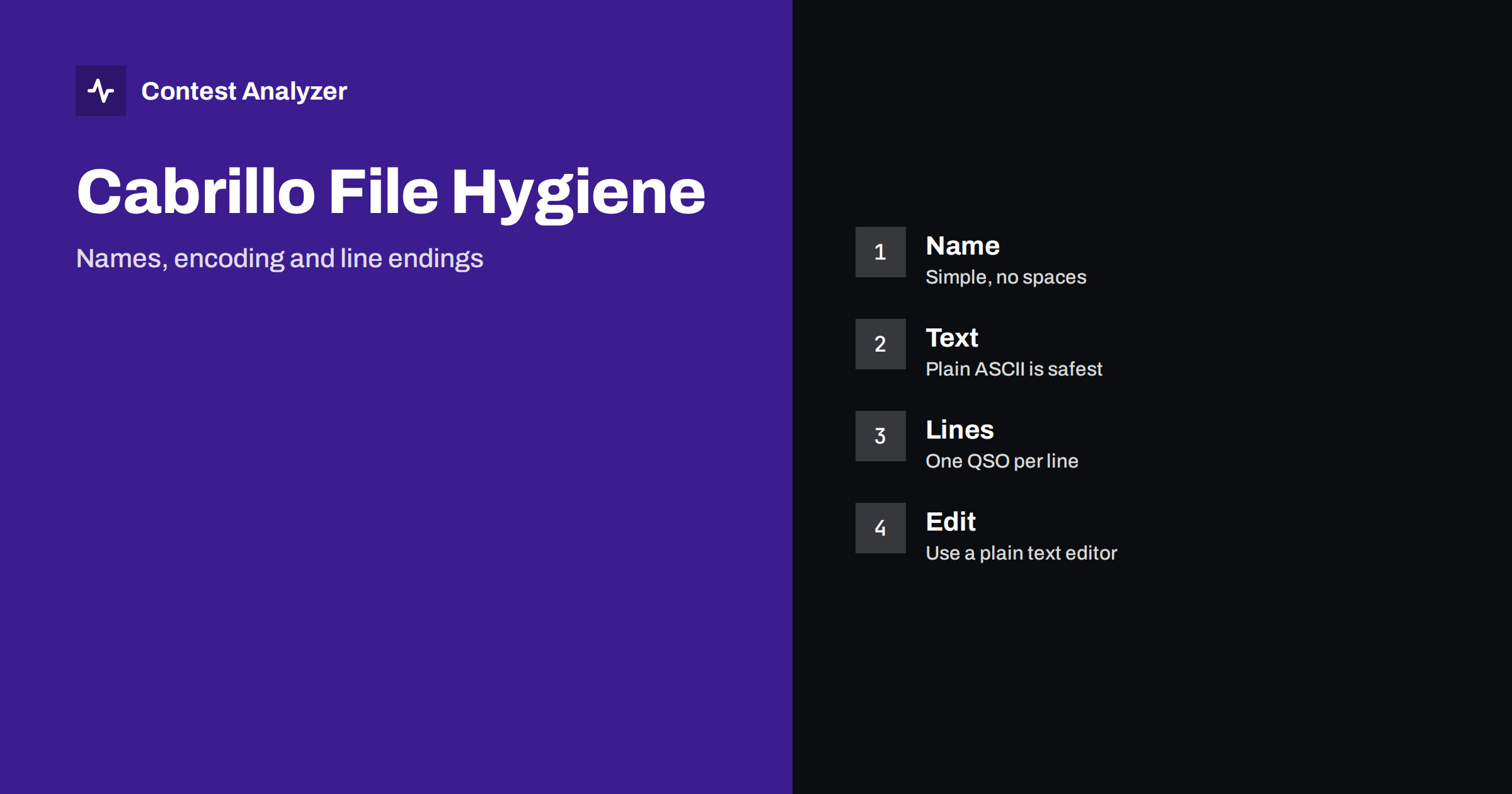
Short answer: A Cabrillo file is plain text, and the simplest files are the safest. Use a short file name with letters, digits and no spaces, keep the content to plain ASCII characters wherever you can, do not edit the file in a word processor and do not change the line structure by hand. If an upload robot or a committee rejects a log that looks perfect on the screen, the cause is often a small technical detail such as a hidden character, an odd encoding or a line that has been split. Check the current instructions of the contest for what they accept.
Why a text file can still fail
A Cabrillo log looks like an ordinary text file, and in fact it is one. But the programmes that read it, whether a robot at the contest website or the software of the log checkers, expect a particular structure: header lines with a keyword and a value, followed by one line for each QSO with columns in a fixed order. Anything that breaks that structure can cause trouble, even if you cannot see the problem when you open the file in your own editor.
The problems that are described in this article are small things that are invisible at first glance: a character that your computer displays properly but that another system does not, a line that ends in a different way from the expected one or a space in the file name. Most of them are easy to avoid once you know about them.
The file name
The name of the file is the first thing that a robot or a person sees. A simple name is better than a clever one. Many contests recommend the callsign or the callsign and the contest, with the extension that they mention, often .log or .cbr. Check the instructions of the contest you are entering, and do not assume that the extension used last time is still the right one.
- Use letters, digits and perhaps a hyphen or an underscore. Avoid spaces, accents and special symbols.
- Replace the slash in a callsign. A callsign with a portable indicator contains a slash, and a slash cannot be part of a file name. Use another separator, as your logger usually does, and keep the real callsign in the header.
- Keep it short. A long name with many parts is easy to mistype and may be cut by some systems.
- Do not rely on the case. Some systems treat upper and lower case as the same, and others do not.
- Avoid duplicates. If you save several versions, use a clear numbering and be sure which one you upload.
The article on submitting a Cabrillo log describes the way upload robots usually react to the file and what to do when they reply with an error.
Character encoding
A character encoding is the system by which letters are stored as numbers in a file. For the characters used in callsigns, exchanges and the standard header keywords, the plain ASCII set is enough, and ASCII is understood by all systems. The trouble begins with characters outside this set: letters with accents or other marks, such as those in names and addresses, and special symbols that come from copying text from a document or from a web page.
Modern systems often read a file as UTF-8, which includes ASCII and supports other characters, but not every older tool does. A file saved in another encoding may display strange symbols in the name or the address when read on another system, or it may fail to be read at all. The safest practice is to keep the header free of special characters, for example by writing the name and address in the form that uses only the basic Latin letters. If the contest instructions allow other characters, follow them. If not, use ASCII.
A related problem is a hidden mark at the start of some UTF-8 files, called a byte order mark. It is not visible in most editors, but a strict reader may treat it as part of the first keyword and fail to recognise the header. If your logger or editor offers a choice, select UTF-8 without a mark or plain ASCII.
Line endings
Every line of a text file ends with an invisible marker. Different systems use different markers, and the most common are the single line-feed character and the pair of carriage return and line feed. Most readers handle both, and a Cabrillo log made by any of the common loggers will normally be accepted. The problem occurs when the file is edited by hand in an editor that mixes the two styles, or when a line is broken in the middle, for example when a long line of the header is wrapped by a word processor.
Signs of such a problem include a QSO line that has been split into two lines, a blank line between the header and the first QSO, or a long address line that has been cut. If you see one of these, correct it in a plain text editor, and make sure that every QSO is on exactly one line. See the Cabrillo QSO line format for the structure of those lines and the columns.
Extra characters and tabs
A few other small things can break the structure:
- Tabs instead of spaces. The columns in the QSO lines are separated by spaces. A tab character looks like several spaces, but it is a different character, and it may be read as a single separator in the wrong place.
- Extra spaces at the start or end of a line. They are not visible, but a strict reader may take them into account.
- Quotation marks and dashes from a word processor. The smart quotes and long dashes are not ASCII characters and may cause errors in the header.
- Empty values. A header keyword without a value, where the contest expects one, is a common reason for a message from the robot.
- Text after the end marker. The file should finish with the END-OF-LOG line, and nothing should follow it.
The Cabrillo header guide describes the header fields, and some of them, such as the category fields, accept only particular words. A value that is not on the list may be understood by the human reader but rejected by the robot.
Edit with care
The best advice is to edit the Cabrillo file as little as possible and only with a plain text editor. A word processor adds formatting, and a spreadsheet may change the date or the number formats and merge columns. If you need to change a call or a zone, it is safer to make the change in your logger or in a tool designed for it and to export the file again. If you must edit by hand, change one thing at a time and save a copy of the original first.
When you correct the log after the contest, check the result before you upload it. Contest Analyzer checks every callsign and every zone against official license databases and several independent reference sources and shows only the few QSOs worth a second look. You can edit calls or zones in the report and download a corrected Cabrillo, so that the corrections are made without opening the file in an editor. The report also gives full statistics, with rates, QSOs by hour and band, countries, continents, CQ and ITU zones, WPX prefixes, distance, beam heading, breaks and off time and callsign length and structure, and you can compare with your own logs from earlier years. It works with Cabrillo from N1MM Logger+, DXLog and Win-Test and supports 22 contests, listed on the contests page. Serial numbers are not checked and dupes are not errors.
A short pre-upload test
Before you upload, take two minutes for a short test. Open the file in a plain text editor and look at the first and the last lines. Check that the header starts as the contest expects and that the END-OF-LOG line is the last line. Scroll through the QSO lines and look for lines that are shorter or longer than the rest. Look at the file size, and compare the number of QSO lines with the number of QSOs that your logger reports. If you are unsure, export the file again from the logger and compare. The checklist in how to check a contest log before you submit it has the full routine, and exporting Cabrillo from N1MM Logger+, DXLog and Win-Test shows the export step in the common programmes.
What to do when the robot says no
If the upload robot rejects the log, read the message carefully. Most robots tell you which line or which field it did not accept. Correct that one item and try again, and do not change many things at once. If the message is not clear, check the current instructions on the contest page, or contact the organisers. Keep in mind the deadline: the article on log deadlines explains why you should not leave the upload until the last hour.
Related reading
- The Cabrillo QSO line format
- Submitting a Cabrillo log
- Exporting Cabrillo from N1MM Logger+, DXLog and Win-Test
The bottom line
Most Cabrillo file problems are small and avoidable. Use a simple file name, keep to plain characters, edit only in a plain text editor and test the file before you upload it. If a log is rejected, read the message, change one thing and try again, well before the deadline.
FAQ
Which encoding is safest for a Cabrillo file?
Plain ASCII is the safest. If the contest accepts other characters, UTF-8 without a byte order mark is a reasonable choice.
Does the line ending matter?
Most readers accept both common styles, but a mixture or a split line can cause problems. Keep one QSO on one line.
Can I open the file in a word processor?
It is better not to. Use a plain text editor, because a word processor can add formatting and special characters.
What should the file be called?
Use the form recommended by the contest, usually based on the callsign, without spaces or slashes.
Why was my log rejected although it looks fine?
Typical reasons are hidden characters, an empty or wrong header value or a broken line. Read the robot’s message and check the file in a plain text editor.