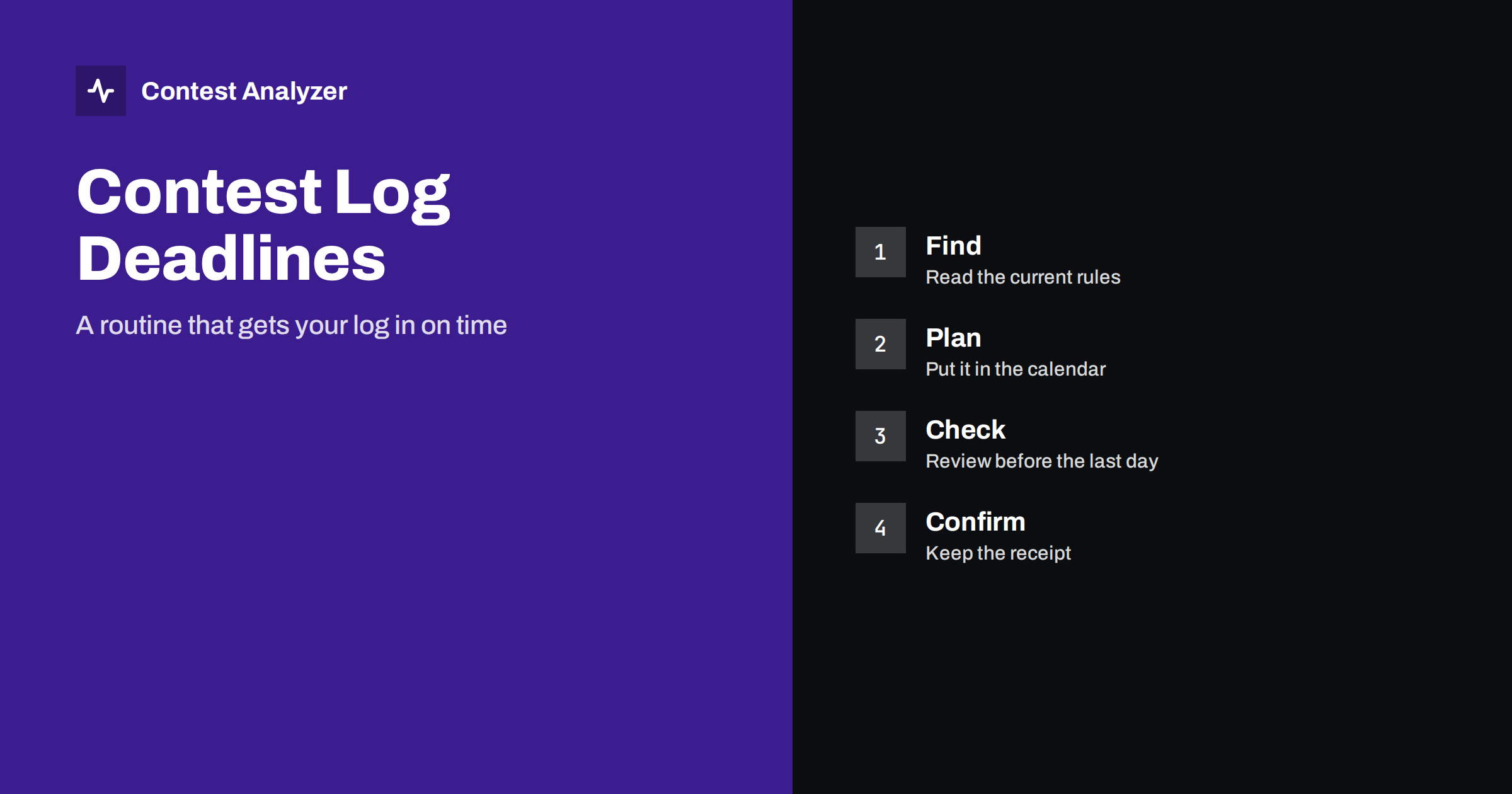
Short answer: Every contest sets its own log deadline, and the period differs widely from one sponsor to another. The only dependable source is the official rules for the year you are entering. The one deadline we state here is for CQ WW, where the current rule is 48 hours after the end of the contest. The routine that works is simple: find the deadline when you register, put it in your calendar, plan the log check for the day after the contest, upload early and keep the confirmation.
Why deadlines differ
You might expect all contests to use the same rule for the log deadline, but they do not. Each sponsor decides how quickly it wants the logs, based on the number of entries, the amount of checking it does and how the results are published. A contest that publishes preliminary results quickly may ask for logs within a few days, while a contest with a large volume of logs and a long checking process may allow more time. Some contests change their deadlines from year to year when the organizers change the process.
The result is that a rule you learned for one contest is not a reliable guide for another. The deadline for contest A is not a hint about contest B, even if both are run by the same organization or are held in the same season.
The one fixed point: CQ WW
For CQ WW DX, the current rule is that the log is due 48 hours after the end of the contest. That is the same for the SSB and CW parts, and it is a short time. If you take part in CQ WW, you need to plan the log check before the contest, not afterwards. The deadline and the upload instructions are on the official rules page at cqww.com. Check the rules each year to make sure nothing has changed.
For other contests, we do not give dates or deadlines in this article, because they change and because we do not want a wrong number to become your plan. Use the rules of the contest you are entering, and treat anything else, including advice from friends and old forum posts, as a hint to check.
Where to find the current deadline
The deadline is in the rules, in the section on log submission. Many contests also repeat it on the page where you upload the log, and some publish a calendar of deadlines for all their events. When you read the rules, look for these items:
- The exact point at which the period starts. Usually the end of the contest, in UTC.
- The length of the period or a fixed date. Some contests state a number of days after the end, others state a date.
- The time of day and time zone of the deadline. A date alone is ambiguous; look for the hour and the zone.
- The upload method. A web form, an e-mail address, or both, and the file format required.
- What happens after the deadline. Some contests accept late logs as check logs, some do not accept them at all, and some have a short grace period. Read what applies.
| Question | Where to look |
|---|---|
| When is the log due? | The log submission section of the official rules |
| In which format? | The same section, usually Cabrillo |
| Where do I upload it? | The upload page or the e-mail address in the rules |
| Can I replace a log I have already sent? | The rules or the FAQ of the sponsor |
| What if I am late? | The rules, in the section on late or check logs |
Put it in the calendar when you enter
The best moment to find the deadline is when you decide to take part, not when the contest ends. Enter the contest dates in your calendar, and add the deadline with a reminder the day before. If you operate in several contests during the year, keep a short list: contest name, end time, deadline, upload address. A simple note on your phone is enough.
Remember the difference between local time and UTC. Contests are defined in UTC, and a deadline stated for a certain hour may fall in the middle of your night or the next day. If you live far from UTC, convert the deadline to your own time when you write it down, and note both.
Plan the log check before the contest
If you only start looking at your log on the last day, you have no time to correct anything. A safer plan is to schedule the work in advance. For example: on the day after the contest, export the Cabrillo file and read the header; on the following day, check callsigns and exchanges and correct them; upload the file well before the end of the period. For CQ WW, with its 48-hour period, all of this has to fit into two days, so the plan is even more important.
Our article on checking a contest log before you submit it has a practical checklist, and the guide to exporting a Cabrillo file shows the steps in the most common logging programs. Test the export before the contest, so that you know it works.
Upload early, and keep the receipt
Do not leave the upload to the last hour. Web servers get busy, networks fail and files are sometimes rejected for a format problem that you then have to fix. An early upload gives you time to react. After you upload, look for a confirmation: a message on the page, an e-mail from the robot, or an entry in a list of submitted entries on the sponsor’s site. Keep it. If the sponsor later says that it has not received your log, the confirmation is your evidence.
If the robot reports a problem, read the message carefully. It often names the field or the line that caused it, and the fix is quick. Common causes are a wrong contest name in the header, a category that is not valid for the contest, and a malformed QSO line. Our guide to the Cabrillo header covers the first two.
Why operators miss deadlines
Most missed deadlines are not caused by laziness. They come from a handful of ordinary situations, and each can be avoided in advance:
- Assuming the deadline is the same as last time. The sponsor changed the period, and nobody noticed.
- Counting from the wrong moment. The deadline is counted from the end of the contest in UTC, not from the day you came home or the day you finished sleeping.
- Time zone confusion. A deadline at midnight UTC is not midnight at your location.
- A late discovery of a problem. The header is wrong, the category is invalid or the file will not upload, and there is no time left to fix it.
- Waiting for a team. In a multi-operator station, one person waits for another to send the final file. Decide who submits, and by when.
Each of these has a simple cure: the written deadline in your calendar, a named person responsible for the upload and an early first attempt.
A routine you can reuse for every contest
Put the whole subject into a short routine, and use the same one every time. It does not take long to follow, and it removes the need to remember anything.
- When you decide to enter, open the official rules and copy the deadline, the upload address and the required format into your note.
- Add the contest end and the deadline to your calendar, converted to your own time.
- Before the contest, run a test export from the logger and look at the header and a few QSO lines.
- On the first day after the contest, export the real file and read the header.
- On the second day, check callsigns and exchanges, correct, export again and upload.
- Save the confirmation and keep the final file and a copy of the logger data until the results are published.
Following the same order each time means that nothing depends on your mood or your memory after a tiring weekend.
What if you need to correct the log after sending it?
Many contests allow you to send a corrected log before the deadline, and use the last version. Others have a specific procedure, for instance a notice to the sponsor. Because this differs, read the rules or the FAQ of the contest. As a general principle, a corrected log sent before the deadline is better than an uncorrected log, as long as the sponsor accepts it, and a late correction after the deadline needs the sponsor’s agreement.
A tool can speed up your check. Contest Analyzer checks every callsign and every zone against official license databases and several independent reference sources and shows only the few QSOs worth a second look. You can edit calls and zones in the report and download a corrected Cabrillo, which gives you a clean file to upload. Serial numbers are not checked and dupes are not errors. The contests page lists the supported contests, and the plans start from €7 per month + VAT.
Related reading
- How to check a contest log before you submit it
- Export Cabrillo from N1MM Logger+, DXLog and Win-Test
- CQ WW DX SSB checklist
- Cabrillo log header explained
The bottom line
Missing a deadline wastes a whole weekend of work. Read the deadline in the official rules when you enter, put it in the calendar, plan the check for the first days after the contest and upload early. For CQ WW, the current rule is 48 hours, so there is no time to postpone.
FAQ
What is the log deadline in CQ WW?
The current rule is 48 hours after the end of the contest. Check the official rules for the year to be sure.
Do all contests have the same deadline?
No. Each sponsor sets its own deadline, and it can change from year to year. Always check the rules of the contest and year you are entering.
Is a late log accepted?
That depends on the contest. Some treat a late log as a check log, and some do not accept it. The rules explain what applies.
Can I send a corrected log after I have uploaded one?
Often yes, before the deadline, but the procedure differs. Check the rules or the sponsor’s FAQ.
Should I wait for the last day to upload?
No. Upload as soon as the log is checked, so that you have time to fix any problem the robot reports.