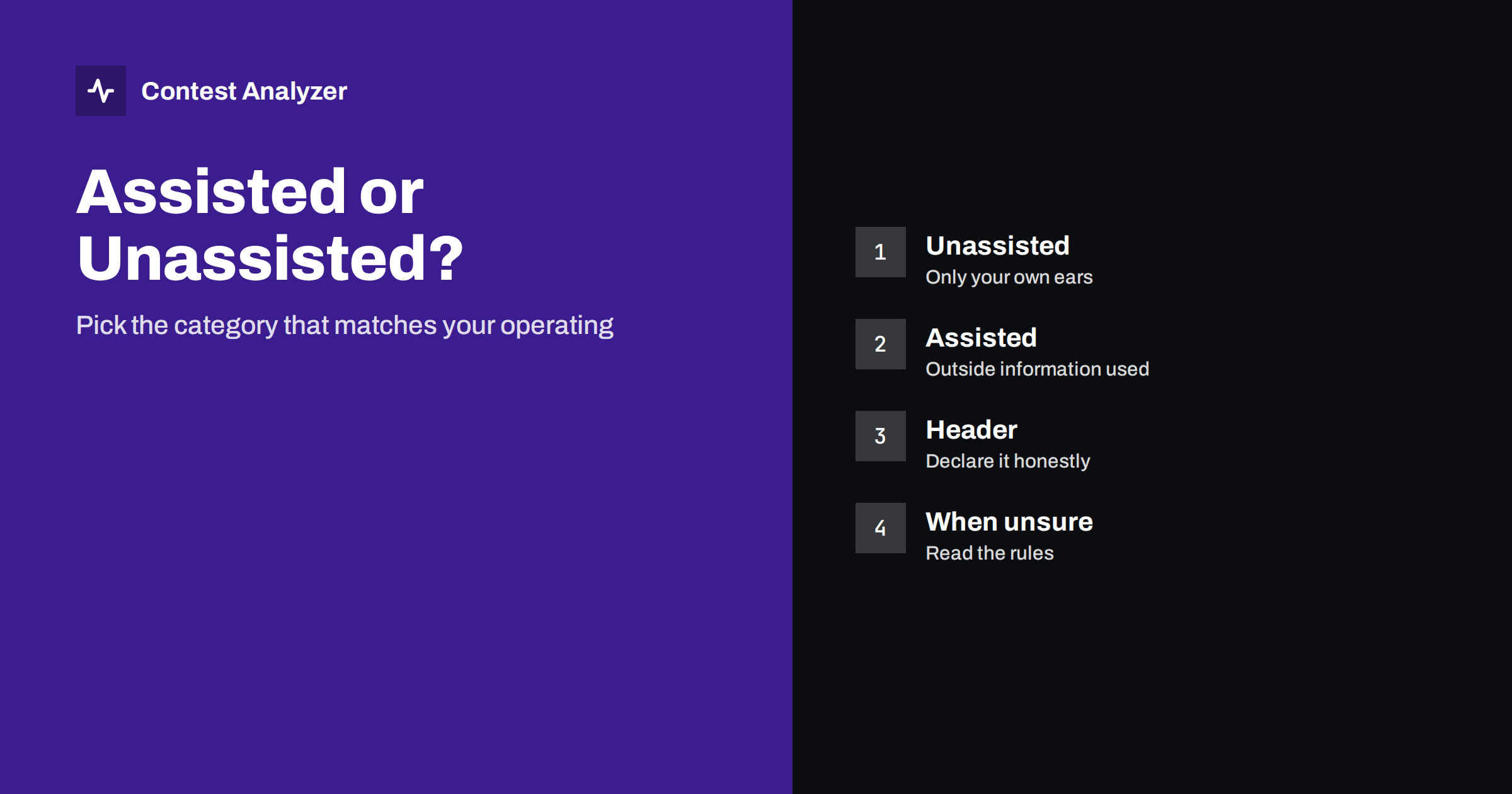
Short answer: In most major contests, a single operator can enter in a category where outside information about who is on the air is allowed (assisted), or in one where it is not (unassisted or non-assisted). Assistance, in general, means receiving help from outside your own station, such as spots, while you operate. The exact definition and the names of the categories are in each contest’s rules, so read them for the contest you enter and make sure your Cabrillo header matches what you really did.
Why categories exist
A contest is a competition, and a fair competition compares like with like. Categories group stations that operate under similar conditions: single operator or several operators, one band or all bands, low power or high power, and so on. The assisted and unassisted split exists because information about who is on which frequency can change the result a great deal. An operator who has to find every station by tuning across the band is in a different situation from an operator whose screen shows exactly where a rare multiplier is calling.
Many contests therefore offer both versions of the single-operator category, so that operators who prefer the traditional way of finding every station themselves do not compete with operators who use all available tools. Names, number of classes and details differ between contests, and they are revised from time to time, so the official text is the final source. The CQ WW rules page is a good example of how a contest defines these categories in detail.
What counts as assistance
The wording varies, but the idea is consistent: assistance is information from outside your own station that tells you who is on the air, on what frequency, and sometimes what they need. In general, the following ideas are connected with assisted operation:
- using a spotting network, whether packet-based or internet-based, to find stations or multipliers;
- using automatic decoding services that report stations heard elsewhere;
- receiving information from another person who is not part of your station, for example a friend who watches such a network and tells you what is on the air;
- having the information displayed in your logging software or on a separate screen as part of your normal operation.
In the unassisted category, the starting point is that you find stations with your own receiver and your own ears and make your own decisions. That does not mean that all software is banned. Logging programs, band maps filled by your own receiver, call history files and partial-call help are normal parts of a modern station. The line is drawn at outside information, and the precise wording, including edge cases, belongs in the rules of the contest in question. For borderline cases do not rely on general advice: read the rules, and if the rule is unclear, ask the organisers before the contest.
Common categories you will see
| Category type | General idea |
|---|---|
| Single operator, unassisted | One person; no outside spotting information; usually the default “pure” category |
| Single operator, assisted | One person; outside information allowed under the contest’s conditions |
| Single operator, all bands or single band | Often combined with the assisted choice |
| Power classes (high, low, QRP) | Defined by the contest, often combined with the above |
| Overlay categories | Extra classes on top of the main one, such as a “classic” style with limits on equipment |
Some contests also offer overlay categories with additional restrictions, such as a limit on the number of radios or on the way you operate. These are defined by the contest and may change. A category called “classic” in one contest need not be the same as in another. Check the descriptions each year.
How to choose
The choice should be simple if you answer one question honestly: did I, or anybody working with me, use information from outside my own station to find stations during the contest? If yes, enter an assisted category. If you did not and you do not plan to, enter the unassisted one. A few points make the decision easier.
- Decide before the contest. Do not choose a category after you see the result. The category is a statement about how you intend to operate.
- Configure your software accordingly. If you enter the unassisted class, make sure your logger is not connected to a spotting service, and that a second screen or another person is not feeding information to you.
- Think about what suits you. If you enjoy tuning the band and finding stations, the unassisted class is satisfying. If you want to maximise your multipliers and have limited time, the assisted class is a legitimate choice.
- When in doubt, take the broader class. It is better to enter an assisted category with a clear conscience than to enter an unassisted one and be reclassified after the log is checked.
Declaring the category in the log
The category must be written into the Cabrillo header, as with every entry, using the values defined by the contest and by the Cabrillo specification. Several header fields are connected to this decision, including the assisted field, the operator category, the band and the power. Our guide to the Cabrillo header shows what each field means, and the official format description from WWROF lists the allowed values.
The classic mistakes are quite ordinary. The logging program may fill the header with a default from an earlier contest. The operator may select a value in the program’s setup and forget to change it when the category changes. Or the entry may be a mixture, for example an assisted log with an unassisted label. Check the header in a text editor before you send the file. It takes one minute.
What happens if the category is wrong
If the declared category does not match the way the entry was operated, the committee may reclassify it, for example from unassisted to assisted. Depending on the contest, the entry may then appear in another list or be disqualified in more serious cases. The rules of each contest say what is done. The simplest protection is to choose honestly and to be consistent in the header.
Operators sometimes ask whether a clean log can tell a story about the category. The answer is that logs show patterns, such as how fast multipliers arrive and how an operator moves from band to band, but a pattern is never a proof by itself. Do not try to read your own log as evidence for a category. Choose it on the basis of what you did on the air.
Practical tips for unassisted operators
- Use your band map, but let it be filled by your own receiver and your own entries only.
- Plan your search-and-pounce passes in a structured way, band by band, so that you do not miss multipliers.
- Make use of your statistics from earlier years to see at which hours you find the most new multipliers. Our article on year-on-year comparison shows how.
- Keep a clean log. Without outside help, copying accuracy is your own responsibility.
Practical tips for assisted operators
- Treat a spot as a hint, not as a fact. A spot may be wrong or out of date, and a call taken from a spot and not confirmed by ear is a classic source of busted calls.
- Confirm the callsign on the air before you log the QSO, exactly as you would without the help.
- Keep the rate in view. Spots tempt you to chase every new multiplier, even when your run is better.
Checking the log in both cases
Whichever category you choose, the log has to be correct. Contest Analyzer reads the Cabrillo from N1MM Logger+, DXLog or Win-Test, checks every callsign and every zone against official license databases and several independent reference sources and shows only the few QSOs worth a second look. It provides full statistics, including rates, QSOs by hour and band, countries, continents, CQ and ITU zones, WPX prefixes, distance, beam heading, breaks and off time, and callsign length and structure. You can edit calls and zones in the report and download a corrected Cabrillo; the contests page lists the 22 supported contests. The service does not decide your category, which remains your declaration.
Related reading
The bottom line
Assisted and unassisted categories separate operators who use outside information from those who find every station on their own. Read the definition in the rules of your contest, decide before you start, set up your software to match and write the category in the header exactly as the rules require. If a detail is unclear, ask the organisers or choose the broader class.
FAQ
What is the difference between assisted and unassisted?
In general, assisted operation allows the use of outside information about who is on the air. Unassisted does not. The exact wording is in each contest’s rules.
Can I use a band map in the unassisted category?
A band map built from your own receiver is normally fine. Entries coming from outside sources are the issue. Confirm in the rules.
Does the category appear in the Cabrillo file?
Yes. The header has fields for the category, including the assisted choice, and they must match your operation.
What if I used assistance for only part of the contest?
Then your entry is not an unassisted one. Enter the category that fits your whole operation, and read the rules if you are unsure.
Can a log checker see my category?
The category is what you declare. Contest Analyzer checks callsigns and zones and gives statistics, and it does not decide the category.