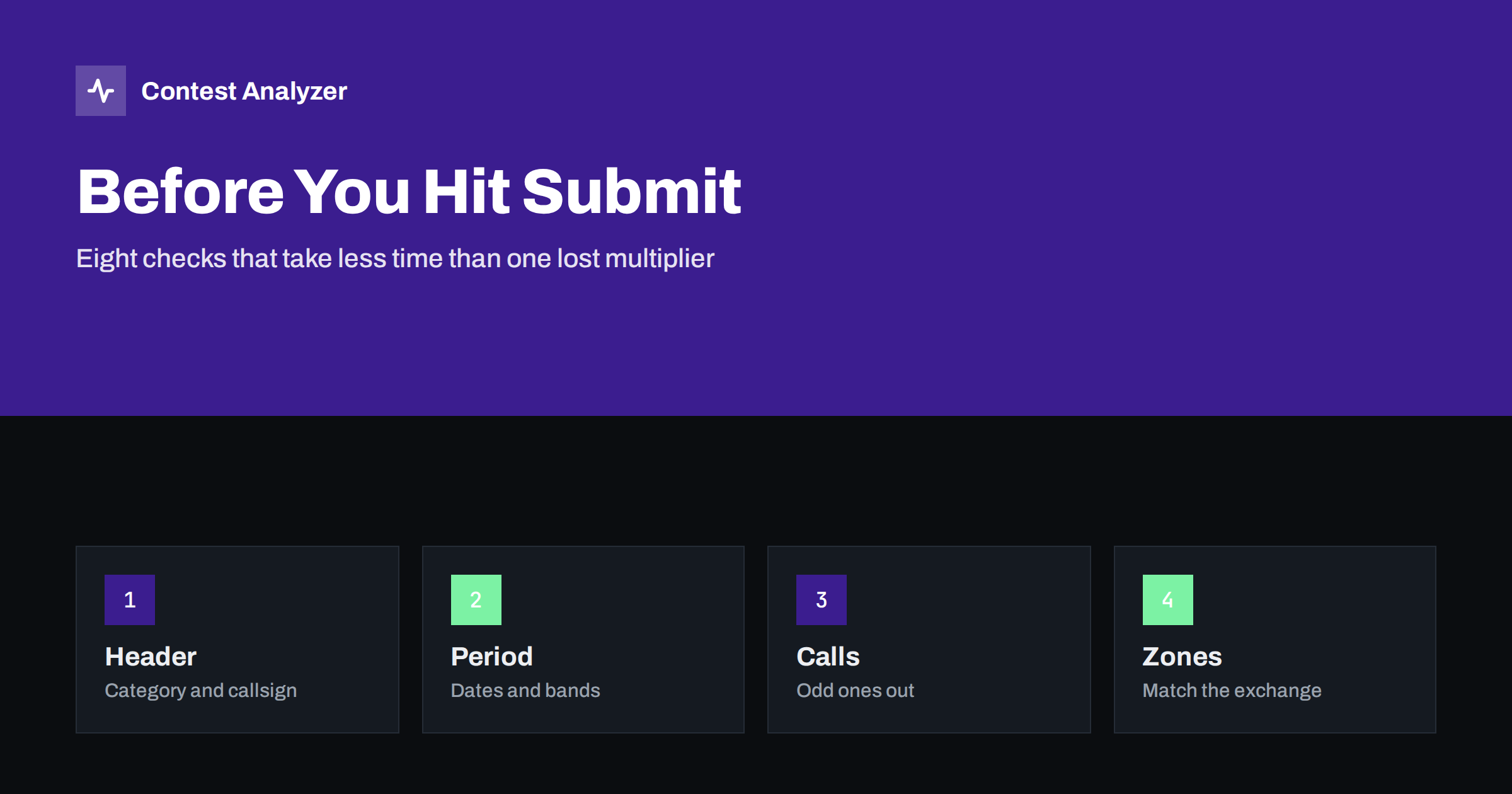
Short answer: Before you submit a contest log, check eight things: the Cabrillo header, the contest period, the bands, the exchange, dupes, busted callsigns, zones, and the final file you are about to send. Most of this takes less than an hour and removes the errors that cost the most points. A tool such as Contest Analyzer can narrow the callsign and zone review to the few QSOs that deserve a second look.
Why a final check pays off
The contest is over, you are tired, and the log is exported with one click. It is tempting to send it at once. But a log is an input to a checking process that compares every QSO with the contest rules and, usually, with other logs. Errors that you could have fixed in minutes become removed contacts, lost multipliers or, in the worst case, a different category.
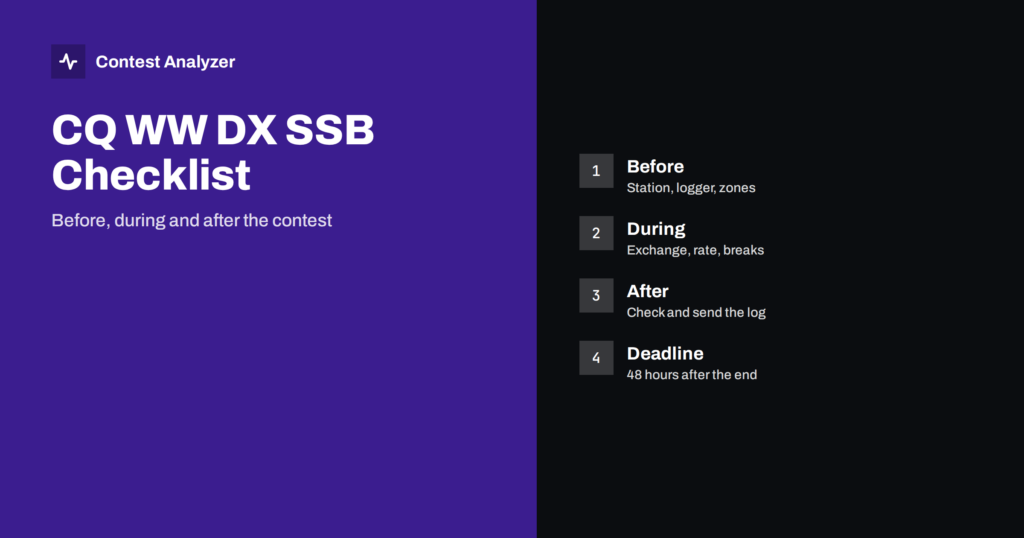
A good habit is to treat the check as part of the contest. Set aside an hour on the day after, while your memory is fresh. Do not leave it for the deadline day. Many contests set a short deadline: CQ WW logs, for example, are due 48 hours after the end of the contest under the current rule, so planning the check matters. See the official CQ WW rules for the current wording, and always use the deadline of the contest you entered.
Checks 1 to 3: header, period and bands
1. Check the header
Open the exported Cabrillo file in a plain-text editor and read the lines before the first QSO. Check that CALLSIGN is the call you used on the air, that CONTEST is the right identifier for the contest and mode, and that the CATEGORY lines describe what you did, not what you intended. Check your email address, because the sponsor’s confirmation goes there. The meaning of each field is covered in the Cabrillo header guide.
2. Check the contest period
Make sure the first and last QSOs fall inside the contest period, in UTC. Logging programs record time in UTC in the log, but a wrong computer clock or time-zone setting shifts every entry. Look at the first and last QSO lines and compare them with the official start and end times. A shifted clock can push contacts outside the period, where they will not count, and it also spoils your hourly statistics. If your operating time was limited by a category rule, confirm that the hours you worked and the breaks you declared agree with it.
For the way breaks are counted in some contests, see the article on off time and breaks.
3. Check the bands
Every QSO should be on a band that the contest allows. Look at the band column or, in the file, at the frequency in kilohertz at the start of each QSO line. A contact logged on 10 MHz in a contest that excludes the WARC bands is not valid. A single-band entry should contain one band only. If your program converts frequencies from the radio, a wrong band entry can come from a radio that was switched between bands without the logger noticing.
Checks 4 and 5: exchange and dupes
4. Check the exchange
The exchange differs by contest. In CQ WW DX, it is RST and CQ zone. In CQ WPX, RST and a serial number. In the ARRL DX Contest, W and VE stations send a state or province and DX stations send power. In the IARU HF Championship, it is the ITU zone, with headquarters stations sending a society abbreviation. Look at a sample of QSO lines from different parts of the contest and verify that every line carries the right type of data and that your own sent exchange stays the same throughout. If your own zone, power or serial counter changed in the middle of the file, find out why.
When a rule is not clear to you, open the current official rules for your contest rather than relying on memory.
5. Check dupes
Dupes are repeat contacts with the same station on the same band and mode. Most programs mark them when you work them and either give no points or remove them later. Do not delete dupes from the file by hand unless the rules tell you to, because the sponsor expects to see what you logged and applies its own policy. Instead, look at your dupe count as a statistic: a large number points to a habit worth changing, such as calling stations you already worked in the rush of a pile-up. Contest Analyzer does not treat dupes as errors.
Checks 6 and 7: callsigns and zones
6. Check callsigns
This is the check with the highest return and the one that is hardest to do by eye. A log with 2,000 QSOs holds 2,000 callsigns, and busted ones look as plausible as correct ones. Two quick methods help. Sort by callsign and look for neighbours that differ by a single character. Then look at calls that appear once, particularly those with unusual structure. The causes of these errors and the habits that avoid them are in the article on busted callsigns.
The most efficient route is to let software do the first pass. Contest Analyzer checks every callsign against official license databases and several independent reference sources, and it shows only the few QSOs worth a second look. You decide what to do with each.
7. Check zones
For contests that use a zone in the exchange, the received zone is a frequent source of errors, because it is often filled in automatically from the prefix. Review the unusual ones: a zone that appears once, a prefix that normally has one zone but is logged with another, a country that spans several zones. For CQ zones, the article on CQ zones in CQ WW lists the countries that need care, and the current official zone map is the final word. Remember also that your own sent zone must match the place you operated from.
Check 8: the file you actually send
After corrections, export a fresh Cabrillo, or edit the file with care, and open it again. Make sure it ends with END-OF-LOG, that the QSO lines still follow the expected format, and that the file name and subject line meet the sponsor’s requirements. Submit it in the way the contest asks, usually by web upload or email, and then read the sponsor’s reply. A robot message that reports an error is useless if nobody opens it. Keep a copy of the exact file you sent.
One more point belongs here: save the original export before you change anything. Keep the untouched file from the logging program, and work on a copy. If a correction turns out to be wrong, you can go back, and if the sponsor later asks a question about a QSO, you can show what the logger recorded at the time. Name the copies clearly, for example with the callsign, the contest and a version number, and the file you finally submit will not be confused with an earlier draft.
It also helps to write down, in one or two lines, what went wrong in this contest. A short note about a recurring typing error, a zone you misjudged or a setting you forgot to change is the seed of your preparation for the next event.
How Contest Analyzer fits in
Contest Analyzer takes the Cabrillo you exported from N1MM Logger+, DXLog or Win-Test and produces a report in minutes. It checks every callsign and every zone against official license databases and several independent reference sources, and it highlights only the few QSOs that deserve a second look. In the report you can edit callsigns and zones, and then download a corrected Cabrillo to send to the sponsor. Serial numbers are not checked, and dupes are not treated as errors.
You also get the full statistics of the contest: rates, QSOs by hour and band, countries, continents, CQ and ITU zones, WPX prefixes, distance, beam heading, breaks and off time, and callsign length and structure. If you have logs from earlier years, you can compare them with the current one. It supports 22 contests and works in 25 languages. The contests page lists the events, and the pricing page shows plans from €7 per month + VAT.
Use the tool as a second pair of eyes. It does not decide for you, and you should still read the header and the final file yourself.
A compact checklist
- Header lines correct: callsign, contest, categories, email.
- First and last QSO inside the contest period (UTC).
- All bands allowed and consistent with the category.
- Sent exchange stable, received exchange complete and plausible.
- Dupes understood, not deleted at random.
- Odd callsigns reviewed and fixed where you are sure.
- Odd zones reviewed against the official map.
- Final Cabrillo opened, saved, sent and the reply read.
Related reading
- The Cabrillo log header, field by field
- Busted callsigns in contest logs
- Exporting Cabrillo from N1MM Logger+, DXLog and Win-Test
The bottom line
A pre-submission check is a short routine, not a big project. Read the header, confirm the period and bands, scan the exchange, understand your dupes, and give callsigns and zones a focused review. Then send the file, read the reply and keep a copy. The hour you spend after the contest is the cheapest hour of the whole weekend.
FAQ
How long before the deadline should I check the log?
As soon as you can, ideally the day after the contest. Deadlines vary, so check the one for your contest. In CQ WW the current rule is 48 hours after the contest ends.
Should I delete dupes before submitting?
Normally not. The sponsor applies its own dupe rules, and removing contacts by hand can create other problems. Read the contest rules if you are unsure.
Can I fix a callsign if I am not sure?
Only change it if you are confident of the right call, for example because the same station appears correctly elsewhere in your log. A guess is no better than the original entry.
Do I need to check serial numbers?
You should look at them, since a counter that restarts or skips tells you something went wrong. Contest Analyzer does not check serial numbers, so that review is up to you.
Which logging programs does Contest Analyzer support?
It works with Cabrillo files from N1MM Logger+, DXLog and Win-Test.