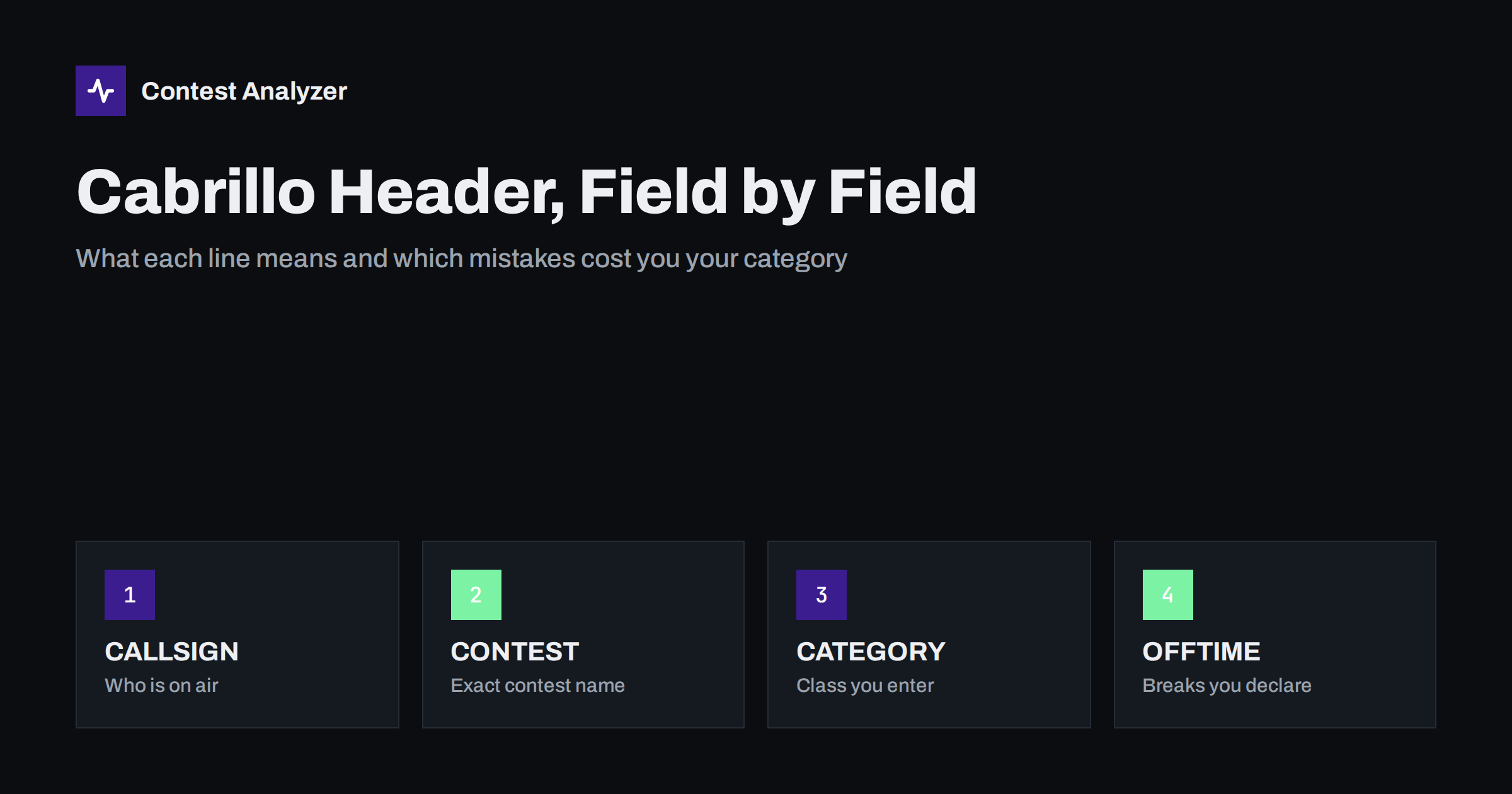
Short answer: The Cabrillo header is the block of KEY: value lines at the top of your log, between START-OF-LOG and the first QSO line. It tells the contest committee who you are, which contest you entered and in which category. Most header problems come from a wrong CONTEST value, a CATEGORY line that does not match what you actually did, or a callsign that differs from the one used on the air. Check every line before you submit.
What the Cabrillo header actually does
Cabrillo is the plain-text log format that nearly every major contest accepts. A Cabrillo file has three parts: a header, the QSO lines, and a closing END-OF-LOG line. The QSO lines carry the contacts. The header carries everything else, and it is the part that robots and humans at the contest sponsor read first.
Many sponsors process incoming logs automatically. The robot reads the header to decide which contest the file belongs to, which category to score it in and where to send the confirmation. If a value is missing or spelled in a way the robot does not recognise, the log may be rejected, sent for manual handling, or placed in a category you did not intend. The format is defined by the WWROF Cabrillo specification, and each sponsor publishes its own list of accepted values, so always read both the specification and the contest rules.
Your logging program writes the header for you, which is why most people never look at it. That is a mistake. The program fills the header from the station and contest settings you entered once, perhaps years ago, and those settings drift out of date. A quick look at the file in a text editor takes thirty seconds and prevents most reclassification problems.
A typical header
This is a shortened example for a single-operator, all-band, high-power SSB entry. The callsign is a placeholder, and the exact set of lines your program writes will differ.
START-OF-LOG: 3.0
CALLSIGN: N0CALL
CONTEST: CQ-WW-SSB
CATEGORY-OPERATOR: SINGLE-OP
CATEGORY-ASSISTED: NON-ASSISTED
CATEGORY-BAND: ALL
CATEGORY-MODE: SSB
CATEGORY-POWER: HIGH
CATEGORY-TRANSMITTER: ONE
CLAIMED-SCORE: 1234567
OPERATORS: N0CALL
CREATED-BY: N1MM Logger+
NAME: Example Operator
EMAIL: [email protected]
Each line starts with a keyword, a colon and a value. Keywords are written in capitals. The values for category fields come from a fixed vocabulary, so typing “Single Op” instead of SINGLE-OP is not the same thing, even if a human would understand it.
The three lines every log needs
- START-OF-LOG: 3.0 declares the Cabrillo version. Version 3.0 is the current one. Do not change it by hand.
- CALLSIGN is the call you used during the contest, not necessarily your home call. If you operated as a guest from another country, use the call you signed on the air, including any prefix or suffix required by the licensing rules of that location.
- CONTEST is the identifier of the contest and the mode. The values are specific, for example CQ-WW-SSB, CQ-WW-CW, CQ-WPX-SSB or ARRL-DX-CW. The list of valid identifiers is on the WWROF Cabrillo page, and the sponsor may name the one it expects in its rules.
If you operate in the same program for several contests, the CONTEST line is the one that most often carries a leftover from last weekend. A CQ WPX CW log tagged as CQ-WW-CW will either fail the robot or be scored against the wrong rules.
Category fields
Category lines are what put you in a results table. They are also the lines most often wrong. The table lists the common ones with typical values. Not every contest uses every field, and the permitted values differ between contests, so confirm them in the current rules.
| Field | Typical values | What to watch |
|---|---|---|
| CATEGORY-OPERATOR | SINGLE-OP, MULTI-OP, CHECKLOG | Anyone else at the microphone or key during the contest normally changes this to MULTI-OP, or counts as help. |
| CATEGORY-ASSISTED | ASSISTED, NON-ASSISTED | Using spotting information from outside your own station usually means ASSISTED where the contest has such a category. |
| CATEGORY-BAND | ALL, 160M, 80M, 40M, 20M, 15M, 10M | A single-band entry must hold QSOs on that band only. |
| CATEGORY-MODE | CW, SSB, RTTY, MIXED | Must agree with the contest identifier. |
| CATEGORY-POWER | HIGH, LOW, QRP | Power limits differ by contest. Read the exact numbers in the rules. |
| CATEGORY-TRANSMITTER | ONE, TWO, LIMITED, UNLIMITED | Mostly relevant to multi-operator entries. |
| CATEGORY-STATION | FIXED, MOBILE, PORTABLE, EXPEDITION, HQ, SCHOOL | Only a few contests use it, and some use their own values. |
| CATEGORY-TIME | 6-HOURS, 12-HOURS, 24-HOURS | For contests with a limited-operating-time category. |
| CATEGORY-OVERLAY | Contest dependent | Optional extra classes such as a newcomer or age-based overlay, where offered. |
The honest rule is simple. Choose the category from what you did on the weekend, not from what you hoped to do when you set up the program. If you planned a single-band entry and then moved to another band for an hour, the category is no longer true.
Contact, club and score lines
Several lines are information for the sponsor rather than inputs to scoring.
- NAME, ADDRESS, ADDRESS-CITY, ADDRESS-STATE-PROVINCE, ADDRESS-POSTALCODE, ADDRESS-COUNTRY are used for awards and certificates. If the sponsor mails or prints anything, an incomplete address can cost you a paper certificate.
- EMAIL is where the confirmation usually goes. A typo here means you never see the acknowledgement and do not know whether your log arrived.
- CLUB credits your score to a club in the club competition. Spell it the way the club asks, because a score listed under three slightly different names does not add up.
- LOCATION and GRID-LOCATOR help in contests where the location of the station matters, such as a state, section or grid square.
- CLAIMED-SCORE is the score your program calculated. Sponsors rescore every log, so the claimed figure is not binding, but a large gap between claimed and final score is a useful hint that something in the log was removed. It is worth reading in the results.
- SOAPBOX lines are free text. Keep them short and polite, as someone will read them.
OPERATORS and OFFTIME
The OPERATORS line lists the calls of everyone who operated, separated by spaces. For a single-operator entry it is normally your own call, sometimes with the callsign of the station owner added when you used someone else’s station. For multi-operator entries it should list everyone who took part. Some sponsors use it for awards or for log checking, so keep it accurate.
OFFTIME records the periods you were off the air, in the form of a start date and time followed by an end date and time, in UTC. Contests with an operating-time limit or with a rule about breaks rely on this information. In CQ WW, for example, single-operator off time counts only for breaks of at least 60 minutes, and the details are in the current rules. Many programs fill OFFTIME for you from the gaps in your log; if yours does not, check whether the contest asks for it. The article on off time and breaks in contest rules explains how those periods are counted and why they matter.
CREATED-BY and other program lines
CREATED-BY names the logging program that produced the file, for example N1MM Logger+, DXLog or Win-Test. Sponsors look at it when they see a recurring problem with files from one program, and it helps them help you. Leave it as it is.
Some programs also write extra lines starting with X-, or add lines the specification does not list. The X- prefix is the accepted way to carry custom data. Lines with unknown keywords that do not use that prefix can cause strict parsers to complain. If a robot rejects your file and the header looks fine, the first thing to try is removing the unusual lines in a text editor and resubmitting.
Mistakes that get logs rejected or reclassified
- Wrong CONTEST identifier. Last contest’s value, or a mode that does not match the log.
- CALLSIGN differs from the call on the air. This happens with guest operators, special event calls and portable suffixes. The sponsor matches your log against the calls other entrants worked, so a mismatch makes your QSOs appear to be with someone else.
- Category does not describe the operation. Entering as SINGLE-OP when two people operated, or as LOW power after running more than the limit, can lead to disqualification or reclassification as a check log.
- Multiple bands in a single-band entry, or an operating time longer than the category allows.
- Several contests in one file, or QSOs from two different weekends concatenated.
- Edited by hand and damaged. A stray character at the start of a line, a missing space after the colon, or a file saved with a word processor instead of a plain-text editor.
- Wrong file name or subject line for sponsors who ask for the callsign in the file name.
- No confirmation read. The robot replied with an error, but nobody opened the email.
None of these requires technical skill to avoid. They require reading the file once, and reading the sponsor’s reply.
Check the header, then check the contacts
A correct header does not mean a correct log. After the header, the QSO lines matter most: callsigns, exchanges and zones. Contest Analyzer reads Cabrillo files from N1MM Logger+, DXLog and Win-Test and checks every callsign and every zone against official license databases and several independent reference sources. It then shows only the few QSOs that deserve a second look, and you can edit callsigns and zones in the report and download a corrected Cabrillo. Serial numbers are not checked, and dupes are not treated as errors. It is a way to finish the log, not a substitute for reading your own header.
The full list of steps before sending is in the article on checking a contest log before you submit it, and the list of supported contests is on the contests page.
Related reading
- How to check a contest log before you submit it
- Exporting Cabrillo from N1MM Logger+, DXLog and Win-Test
- Off time and breaks in contest rules
The bottom line
Treat the Cabrillo header as the cover page of your entry. Open the file in a plain-text editor, read each line as the sponsor’s robot would, and make sure CALLSIGN, CONTEST and the CATEGORY lines say exactly what happened on the weekend. The official lists of accepted values are on the WWROF Cabrillo page. When in doubt, the contest’s own rules decide.
FAQ
Can I edit the Cabrillo header by hand?
Yes, it is plain text, and fixing a wrong category or email address is normal. Use a plain-text editor, keep the KEY: value format and do not touch the QSO lines unless you mean to.
What happens if CONTEST is wrong?
The robot may reject the file, or the log may be handled as a different contest. Some sponsors fix it manually, but do not count on that. Resubmit with the right identifier.
Does CLAIMED-SCORE have to be exact?
No. Sponsors calculate the score themselves from the QSO lines. Still, a figure close to what your program shows is sensible, and a very large difference after checking is worth understanding.
Which callsign goes in CALLSIGN if I operate abroad?
The one you signed on the air during the contest. Check the sponsor’s rules for how guest and special calls are entered and which one is used for results.
Do I list myself in OPERATORS?
Yes, normally the line includes every operator, you included. The format and whether it is required depend on the contest, so read the current rules.