Short answer: According to the Contest Analyzer home page and FAQ, you can edit a callsign or number right in the report and download a corrected Cabrillo file ready to submit. All plans on the pricing page list the corrected Cabrillo download. That turns the report from a list of suggestions into a working tool: you review each flagged line, change what you are sure of, and take away a file that you can read, compare and send. Use it with care, and keep your original file.
From report to file in three steps
The home page describes the workflow in three steps: choose the contest, let the check run in the background and then review, fix and download. The last step is the subject of this article. After the check, the report shows only the probable errors. You edit a callsign or number in the table, and when you are done, you download a corrected Cabrillo file.
The key point is that the edit happens where the evidence is. You see the QSO line, the suggestion, the label that shows how strong the evidence is and, if you use audio, the clip. You do not need to switch between the report, the logger and a text editor. That reduces the chance of copying the wrong callsign into the wrong line, which is a real risk when you edit a Cabrillo file by hand. Anyone who has edited a Cabrillo file by hand knows how easily a space, a column or a line ending goes wrong.
What you can change
The FAQ answers the question can I correct my log with a yes: edit a callsign or number right in the report and download a corrected Cabrillo file ready to submit. The two things named are the callsign and the number. That covers the most common corrections after a contest: a busted callsign and a wrong exchange value that the check flagged, such as a zone.
It does not mean that the service decides for you. It suggests, and you edit. A single doubtful hint never makes an error, as the home page says, and a suggestion is a suggestion until you confirm it. If you are not sure, leave the line as it is. The article on suggestion levels helps you decide how much to trust each label.
A safe review session
A good session is short and orderly. The following sequence works for most logs.
- Keep the original Cabrillo file from your logger untouched. Make a copy with a clear name if you want to compare later.
- Open the report and sort out the lines in the order you want to work: strongest evidence first is a good habit, because those are quick.
- For each line, read your log entry, the suggestion and the evidence label. Use your notes or a recording if you have them.
- Edit only when you are confident that the suggestion is right, or when you know what the correct value is.
- When the list is done, download the corrected Cabrillo file and keep it next to the original.
Do not try to make the list empty at any price. A line that you cannot resolve is better left unchanged than changed to a guess. The report says that only probable errors are flagged, and a few lines that stay as they are will not ruin a log.
Compare the files before you submit
The corrected file is the one you intend to submit, so read it. Open both files in a text editor or a comparison tool and look at the differences. They should be exactly the lines that you edited and nothing else. If you see changes in lines that you did not touch, find out why before you submit. The article on corrected Cabrillo before you submit lists the points to check.
- The header: callsign, contest, category and the other lines are as you expect.
- The first and the last QSO lines, to confirm that the whole log is there.
- The number of QSO lines, which should match the original unless you deliberately removed or added a line.
- A few of the lines that you edited, to see that the new value is in the right column.
This takes five minutes, and it is the best protection against a surprise on the submission page.
Keep the loop with the contest rules
The corrected file is a tool for your log, not a way around the rules. The rules of each contest decide how a log must be submitted, which categories allow what kind of help and how much time you have. The contests page lists the log deadline of each supported contest, for example 48 hours for CQ WW DX CW and 8 days for the 9A DX Contest, and it is wise to confirm the exact moment in the official rules. Plan the time for the review before the deadline, not after it.
If you upload your log early, you leave time for the check and the review. The check runs in the background, and the progress is shown live in My logs, so you can come back when the report is ready. For a calm timeline, see the article about the final week checklist and the routine for the check before the deadline.
Serial numbers and the limits of the check
An important limit is that changing serial numbers are not checked. If the exchange of your contest contains a serial number, the report will not flag it, but you can still correct it in the table if you find a mistake by your own check. The editing feature works for numbers in general, not only for those that the service checks. Be careful here, because a wrong correction is worse than no correction: the number you log must match what was really sent.
Dupes are not errors, and they are listed separately. That matters for the corrected file because you do not need to remove them to make the file valid. How dupes are handled for scoring is a matter of the contest rules, and the logs of most events keep them in the file.
When to edit in the logger instead
Editing in the report is convenient, but it is not always the right place. If you find a systematic problem, such as a wrong zone sent on every QSO or a clock that was an hour off, fix the cause in the logger, export the file again and upload it again. A report is the best place for individual corrections, while the logger is the best place for a pattern that repeats over many lines.
The same applies if you discover a mistake in the header, for example a wrong category or a missing operator. The report is about the QSO lines, and the header belongs to the file your logger writes. Correct it in the logger or in a text editor with care, and check the result by opening the file. A header error can cause a log to be rejected or reclassified, and it is much less visible than a wrong callsign.
A worked example
Imagine a log of 1,400 QSOs where the report lists 37 lines. Twelve have a strong suggestion, fourteen are marked as maybe and eleven say check yourself. You start with the twelve strong ones, and in nine of them you recognise the correct callsign at once from your notes. You edit those nine in the table and leave the other three until you have listened to the recording. Then you go through the maybe lines: for six, the suggestion matches what the recording says, and you edit; for eight, it does not, and you leave your original. For the check-yourself lines, you decide on each separately, and you change two of them.
At the end, you have made seventeen edits out of thirty-seven lines, and you download the corrected file. When you compare it with the original, you see exactly seventeen differences. That is the point of the process: every change is deliberate, and you can explain every one. The numbers are only an illustration, but the pattern is the usual one.
Keep a record of what you changed
After the review, take a minute to note what you corrected and why. A short list is enough: a handful of callsigns, a zone, a number. Over several contests the list becomes a map of your typical errors. If most of your corrections are in a certain band or at a certain time of day, that is useful information for training. If many of them come from a logger setting, fix the setting.
The same record helps you if the organiser asks a question about the log, and it supports the habit of honest reporting. Your original file shows what the logger wrote, the corrected file shows what you stand behind, and the list explains the difference.
Related reading
- Corrected Cabrillo Before You Submit
- The Contest Analyzer Error Check Report
- Submitting a Cabrillo Log
The bottom line
Editing in the report and downloading a corrected Cabrillo file saves you from hand-editing the log, and it keeps the evidence next to the line you change. Keep your original, edit only what you are sure of, compare the files and submit by the current rules. See the pricing page for the plans that include the download and the FAQ for what can be corrected.
FAQ
Can I correct my log in Contest Analyzer?
Yes. The FAQ says you can edit a callsign or number right in the report and download a corrected Cabrillo file ready to submit.
Is the corrected Cabrillo download part of every plan?
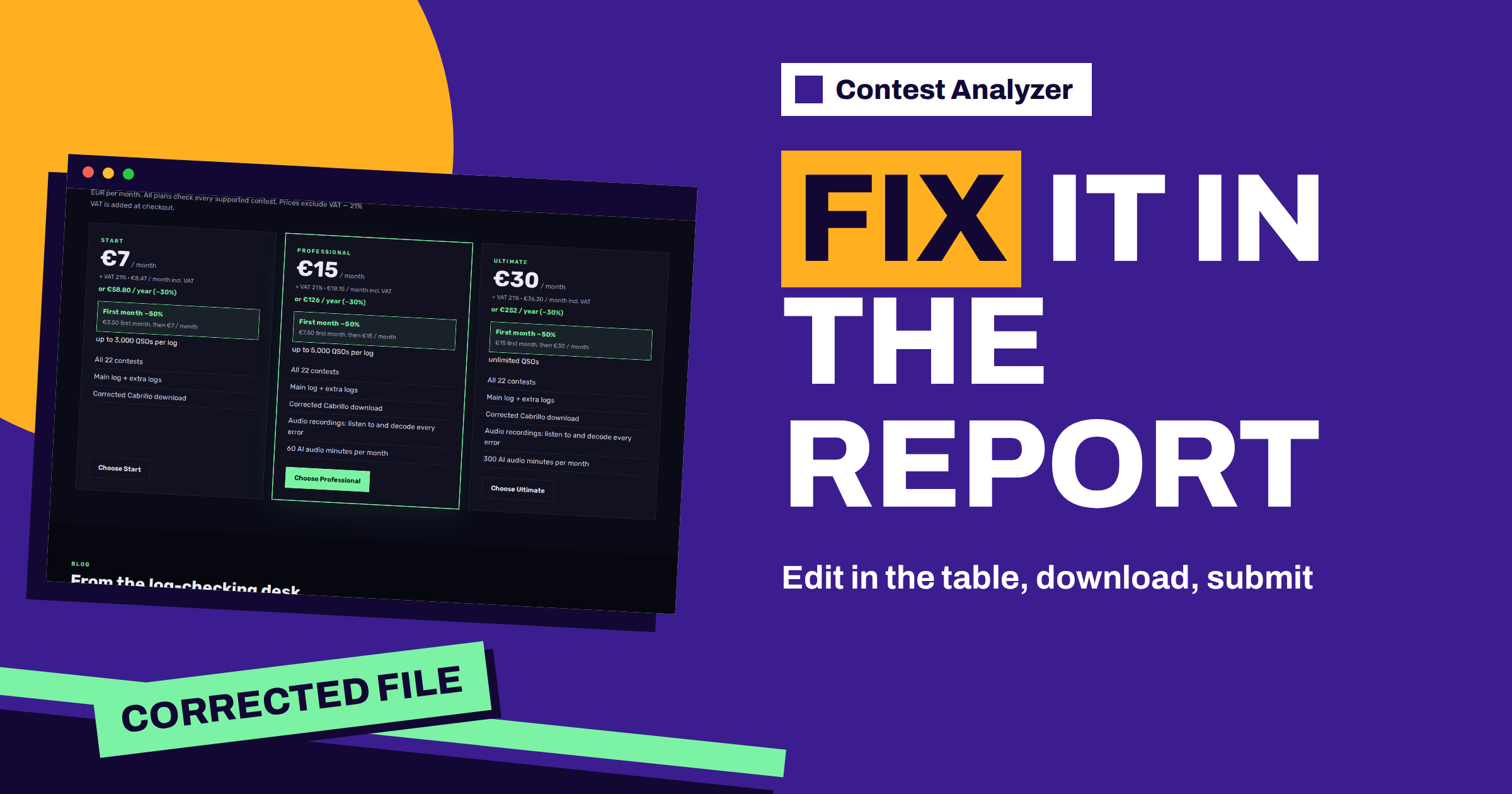
The pricing page lists corrected Cabrillo download on the Start, Professional and Ultimate plans.
Should I accept every suggestion?
No. A suggestion is a hint, and you decide. Leave a line unchanged if you are not sure.
Is the original file changed?
The corrected file is a new download. Keep your original from the logger so that you can compare.
Can I submit the corrected file directly?
The page calls it ready to submit, but read the file first and follow the current rules of the contest for the method and the deadline.