Short answer: The Contest Analyzer pricing page says “One plan per log size”: every plan checks all 22 supported contests, and the plans differ in how many QSOs a log can have and in audio recordings. Start allows up to 3,000 QSOs per log, Professional up to 5,000 and Ultimate has no limit. A QSO, for this purpose, is every QSO line in your Cabrillo log, including dupes. Count the lines of your file, add a margin and choose the smallest plan that fits, remembering the audio features if you record your contests.
What the pricing page says
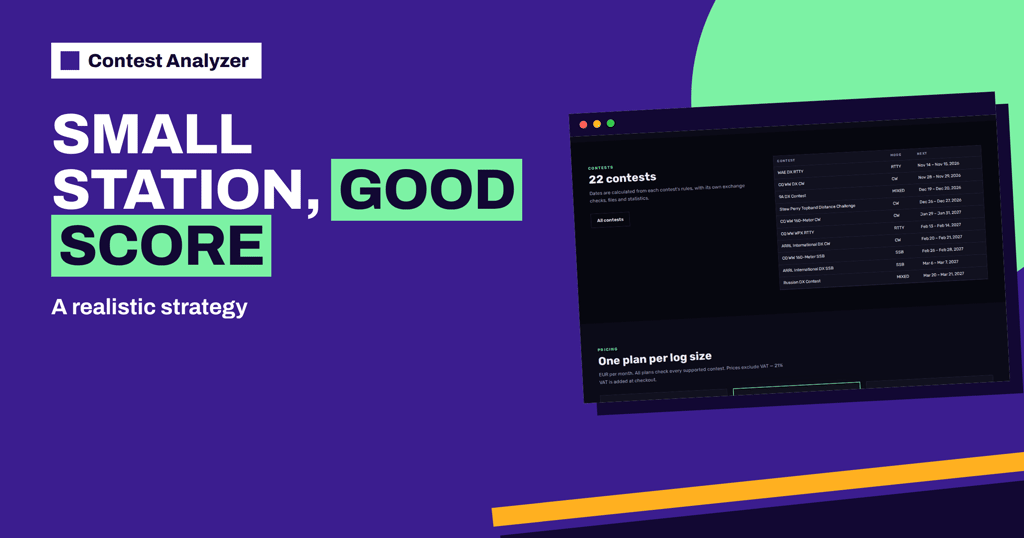
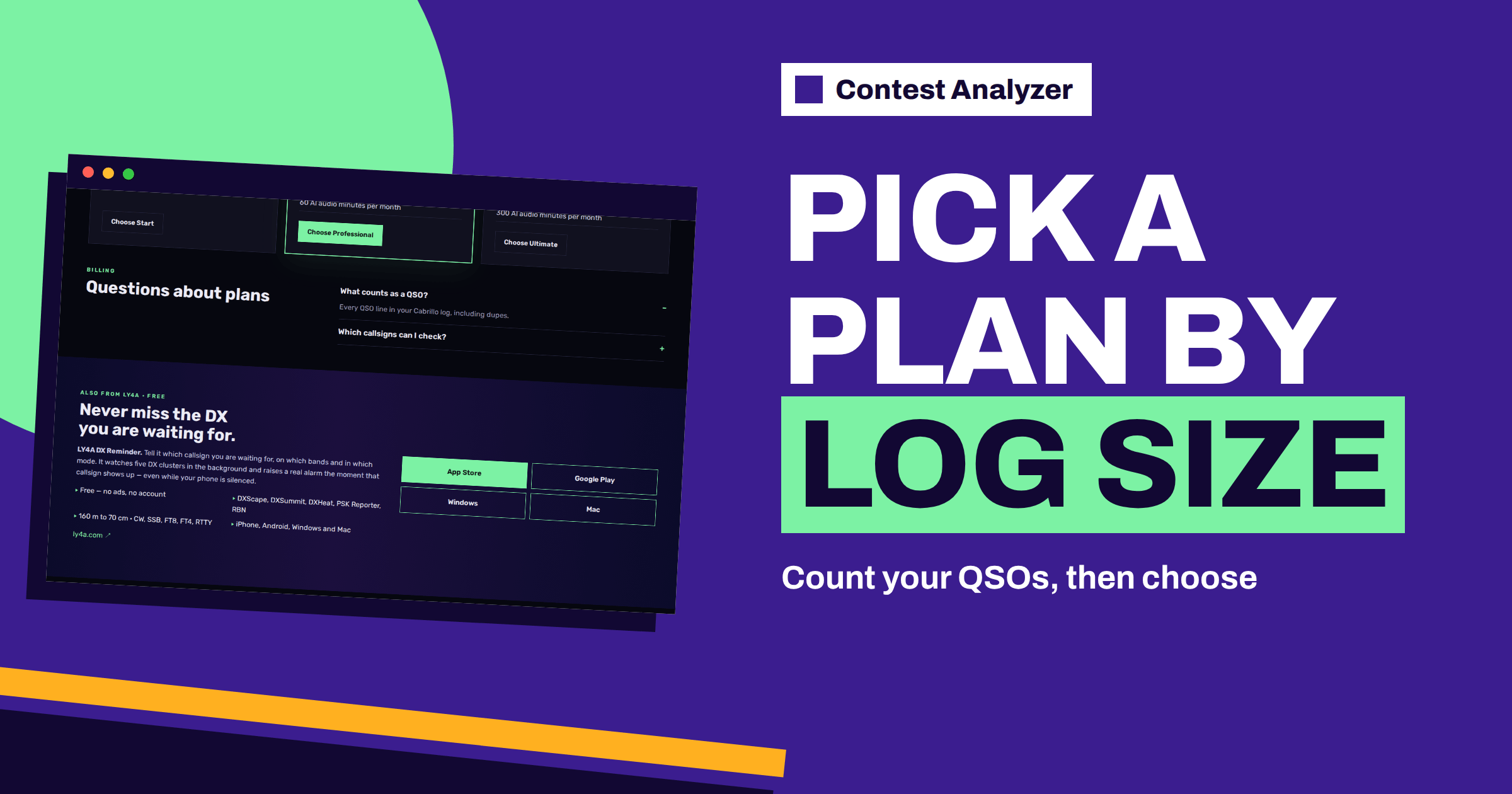
The pricing page has a simple structure. Its heading is “One plan per log size”, and the sentence below says that every plan checks all 22 supported contests and that the plans differ in how many QSOs a log can have and in audio recordings. Prices exclude VAT, and VAT is added at checkout. The site shows three plans: Start, Professional and Ultimate. Because prices and offers can change, this article does not repeat them; open the pricing page for the current figures.
All three plans list the same basic items: all 22 contests, main log and extra logs, background checking with live progress and corrected Cabrillo download. The differences are the QSO limit per log and, from Professional upwards, the audio feature: “Audio recordings: listen to and decode every error”, with a number of AI audio minutes per month that is higher in Ultimate than in Professional. These are the facts on the page, and no others are assumed here.
What counts as a QSO
The pricing FAQ answers the question “What counts as a QSO?” with: every QSO line in your Cabrillo log, including dupes. This is important for the count. If you are thinking about the number of QSOs in terms of the points you scored, you may underestimate the number of lines. Dupes, QSOs that the organiser would not score and lines that you logged but later doubted are all lines in the file, and all of them count.
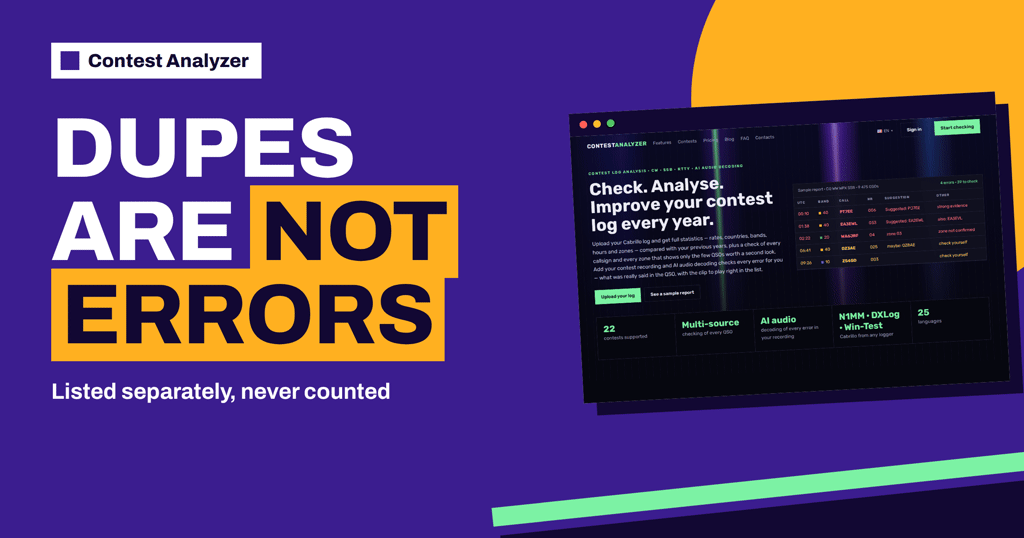
The article on dupes in a Contest Analyzer report explains how dupes are shown in the report, and the one on dupes in contest logs explains why they exist. For the purpose of the limit, the rule is simple: count the lines.
How to count the lines in your file
Open your Cabrillo file in a plain text editor. Most editors show the number of lines at the bottom of the window. Subtract the header lines, which are those that start with keywords such as START-OF-LOG, CALLSIGN, CONTEST, CATEGORY and so on, and the END-OF-LOG line. The remaining lines that start with QSO: are the QSO lines. Some editors and command-line tools can count lines that begin with a given word, which is even easier. Your logger will also show the total number of QSOs, but check it against the file, because the logger may count in a different way, for example without dupes or with notes.
If you have several logs, count each of them, because the limit is per log, according to the page. Keep the numbers in your notebook with the contest and the year. Over time, you will see how the size of your logs changes, and you can choose the plan with confidence. The article on the Cabrillo QSO line shows what a QSO line looks like.
Choose the smallest plan that fits, with a margin
If your largest log in the last years had 2,200 lines, Start, with its limit of 3,000, is enough, and it leaves room for growth. If your logs were close to the limit, say 2,900, a little more activity next year would take you over it, so a larger plan is the safer choice. The same logic applies between Professional and Ultimate. Leave a margin of at least ten to fifteen percent, and think about what you plan: a more serious effort, a different category or a multi-operator entry will probably produce a bigger log.
It is also reasonable to look at your whole year. If you take part in several contests, each log is limited separately, and the largest one decides the plan. For a station that makes only a few hundred QSOs in each contest, the smallest plan is likely to be enough for years.
Do you need the audio features?
The audio feature is listed in Professional and Ultimate. It lets you listen to and decode every error with a number of AI audio minutes per month. If you do not record your contests, you have no use for it, and the choice of plan depends on log size alone. If you do record, or you plan to start, think about how much audio you will want to process. The numbers on the page are 60 AI audio minutes per month in Professional and 300 in Ultimate. These are the figures stated by the site, and how many minutes a given recording needs is something to ask before the contest.
The articles on setting up audio recording and using audio to fix log errors describe how a recording helps. Even without the AI audio feature, you can mark QSOs as checked in your own audio recording, which the report allows, and listen to the recording yourself. So an audio plan is a convenience and not a requirement for using recordings.
Main log and extra logs
All plans list “Main log + extra logs”. A typical use is to check your main contest log and, in addition, other logs: a second contest, a log from an earlier year for comparison, or a log for another callsign that is verified in your account. The FAQ explains that a log can be checked only for a callsign in your account that is verified, so accounts are not shared. The article on club and team logs explains how clubs can organise their checks while each member keeps an account.
The home page also says that team and club members can add their logs to the same contest. Each member should look at his or her own log size and choose accordingly; the members of a team do not all need the same plan.
Monthly or yearly: a question of habit
The page shows monthly prices and, for each plan, a yearly option with a discount, and a reduced price for the first month. A contester who takes part in a few contests each year has to decide whether it is more convenient to pay month by month or for the year. Think about your calendar: if your contests are concentrated in certain months, a monthly plan used only in those months may be enough; if you take part in many contests or like to compare logs from earlier years throughout the year, a yearly plan is simple. The details and the current prices are on the pricing page, and you can ask questions through the contacts page.
Three imaginary examples
These examples are invented to show the reasoning and do not describe real contesters. The first operator is a weekend contester with a modest station whose largest log in the last three years had about 1,100 lines. Start is more than enough, even if next year’s log is twice as large. The operator does not record contests, so the audio feature is not needed. The choice is simple, and the money is better spent on something else.
The second operator runs a strong station and has logs of around 3,400 lines in a good year, with up to 3,800 when conditions are excellent. Start is too small. Professional, with its limit of 5,000, leaves a comfortable margin. The operator has started to record contests and wants to try the audio feature, which is also in Professional, so the plan covers both needs.
The third operator belongs to a multi-operator team that regularly produces logs of more than 6,000 lines and also wants to keep the logs of the last five years for comparison. The Ultimate plan has no limit on the QSOs per log, and it gives the largest number of AI audio minutes of the three, so it is the natural fit. The team members who operate from home with small logs choose Start for themselves. Each person looks at the size of his or her own log, which is the point of the “one plan per log size” idea.
A short decision guide
- Count the lines of your largest recent Cabrillo file, dupes included.
- Add a margin for a more active contest.
- Choose the smallest plan whose limit is above that number.
- If you record your contests and want AI audio help, look at Professional and Ultimate.
- Check the contests page for the dates and deadlines of the contests you plan to check.
- Choose the plan before the contest weekend, not on the deadline evening.
Related reading
- Which Contests Contest Analyzer Supports
- Keeping Your Analysed Logs in One Place
- Check Your Contest Log Before You Submit: A Checklist
The bottom line
The plan follows the log size: count every QSO line, dupes included, leave a margin and choose the smallest plan that fits. Look at the audio features only if you record your contests, and take the current prices and limits from the pricing page.
FAQ
O que conta como QSO?
Every QSO line in your Cabrillo log, including dupes, according to the pricing FAQ.
Do all plans check all contests?
Yes. The page says that every plan checks all 22 supported contests.
What differs between the plans?
The number of QSOs a log can have and, in the higher plans, the audio recording features.
Is VAT included in the prices?
No. The page says that prices exclude VAT and that VAT is added at checkout.
Where can I see the current prices?
On the pricing page, which is always up to date.