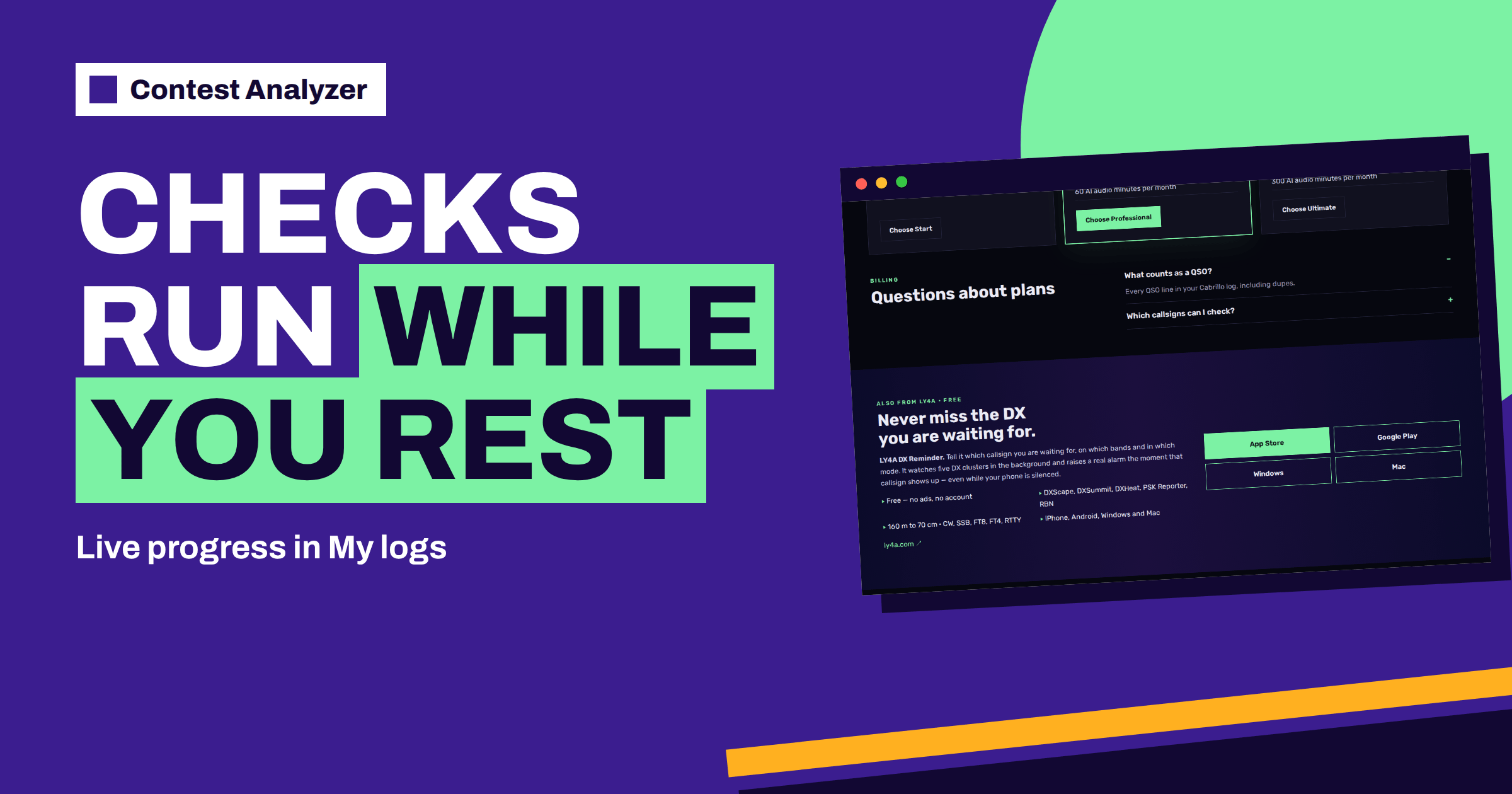
Short answer: According to the Contest Analyzer home page and FAQ, your log is checked in the background, progress is shown live in My logs, and the report appears as soon as it is ready. You do not have to sit and watch. Use the time to prepare for the review: gather your notes and your audio recording, decide how much time you will give to the review, and plan what you will do with the result. When the report is ready, work from the strongest suggestions to the weakest and download a corrected Cabrillo file.
What the site says about the process
The home page describes three steps. First you choose the contest and upload your Cabrillo log. Second, “Checking runs in the background”: your log is checked in the background, progress is shown live in My logs, and the report appears as soon as it is ready. Third you review, fix and download: only probable errors are flagged, you can edit a callsign or number right in the table and download a corrected Cabrillo file. The FAQ repeats the point in answer to the question “How long does a check take?”: checking runs in the background, progress is shown live in My logs and the report appears as soon as it is ready.
Notice what the site does not say: it gives no fixed time. The duration depends on the size of the log and on the work that has to be done, and the site wisely does not promise a number. So do not plan around a number; plan around the fact that the process runs by itself and that you can see where it is.
Where to see the progress
The progress is shown in My logs, the page where your uploaded logs are listed. After the upload, open it and find your log. It shows the state of the check live, which means that you do not need to refresh or to start anything. When the check is done, the report becomes available from the same list. Because this is the place where your logs are gathered, it is also where you will return to them later, for example when you compare a new contest with older ones. The article on keeping your analysed logs in one place covers that side.
Because the process runs in the background, you can start other work. Make the first cup of coffee, answer a message or listen to a few minutes of your recording. The service does not need you until the report is ready.
Use the wait for preparation
The waiting time is a good moment to prepare for the review. Collect what you will need: your own notes from the contest, the list of QSOs that you marked as doubtful in the logger, your audio recording if you made one and the Cabrillo file that you uploaded. If you recorded the contest, find out how to jump to a given time in the recording, because the report will show the UTC time of every row, and you will want to listen to the relevant minute. The articles on setting up audio recording and using audio to fix log errors explain how to align a recording with the log.
Decide how much time you will give to the review. For an ordinary contest log, an hour or two is enough for the first pass. Plan the next pass for another day, if needed. A schedule that is realistic prevents the temptation to leave the review for the last evening before the deadline.
Check your own log while you wait
Another good use of the waiting time is a quick look at your own data. Open the logger and read the notes field, check the first and last QSO times and look at the count of QSOs per band. You might see something that will make the report easier to understand: a gap you remember, a band change that you did late, a night in which you logged slowly. The article on a post-contest review routine gives a list of questions to ask.
Also use the time to check the file that you are going to submit. Read the header once more and compare it with the rules of the contest, as described in the checklist for checking a contest log before submitting. The corrected file will contain your changes, but the header is yours, and it is worth confirming that it is right.
When the report is ready
Open the report and begin with its summary, as in the sample report with its count of errors and QSOs to check. Then read the table from the strongest suggestions to the weakest, using the notes in the Suggestion column. You can edit calls, zones, time and frequency right in the report, mark QSOs as checked in your own audio recording and duplicate a QSO line if needed. Dupes are listed separately and are not counted as errors. QSOs outside the contest period and outside the band limits for your ITU region are marked, and split QSOs are shown as a note.
In the same report you will find full statistics: rates, QSOs by hour and band, countries, continents, CQ and ITU zones, WPX prefixes, distance, beam heading, breaks and off time, and callsign length and structure. Do not try to take in everything at once. Read the errors first, fix them and download the corrected file. Then return to the statistics in a second pass, with a clear head. The article on reading the hourly table shows how to approach the figures row by row.
What if you upload a second log?
You may have more than one log to check: another contest, an older year for comparison or a log from a second callsign that is verified in your account. Because each check runs in the background, you can upload them one after another and follow all of them in My logs. Pay attention to the plan that you have, as the pricing page lists a main log and extra logs, a limit on the QSOs per log and, in some plans, audio minutes. If you have questions about what fits in your plan, read the pricing page or write to the address on the contacts page.
Name your files clearly before you upload them, so that you can recognise each log in the list. A name that includes the contest and the year makes it easier to find the right report later.
Plan the review in three passes
A review is easier when it has a structure. A simple plan is to use three passes. In the first pass, read only the strongest suggestions and the rows that you can settle at once: obvious typing slips, calls that you recognise as wrong, zones that cannot exist. This pass is quick and removes the largest part of the list. In the second pass, take the rows that need a listen to your recording, or a look at your notes. This pass takes longer, but there are fewer rows. In the third pass, look at the rows that you could not settle and decide what to do with them: leave as logged, or change to the best-supported option.
Between the passes, rest. A review done in one sitting for four hours produces tired decisions, and tired decisions are what you want to avoid. Split the work into sessions of forty minutes with breaks. Save your edits as you go, and mark the QSOs you have checked, so that you do not repeat work. When you finish the third pass, download the corrected Cabrillo file and open it in a text editor once more to read the header.
Common questions during the wait
Many people worry during the wait. Is it stuck? Should I upload again? Should I change something in the file? In general, no. The site says that the check runs in the background and that progress is live, so you can look at the state in My logs. If the state does not change for a long time and you have a concern, write to the contacts page with the name of the contest and the time of the upload. Avoid uploading the same file again and again, because it may cause confusion with your logs.
If you have noticed a mistake in the file, such as the wrong header, correct it in the logger, export a new file and upload that one. If the file is fine, simply wait. The patience of a few minutes is cheaper than a double upload.
One more habit is worth building: keep a short list of what you learned from each report, even before the final decision on every row. Notes such as “most doubtful QSOs were after 02:00 UTC” or “three zone flags in the same country” are the raw material for your next preparation. Write them while the report is fresh, and add them to the notebook that you keep for each contest. Next year, when you compare the new report with the old one, the notes will tell you what to look for.
Related reading
- From Cabrillo File to Report: A Step-by-Step Walkthrough
- A Corrected Cabrillo File Before You Submit
- Contest Log Checklist for the Final Hour
The bottom line
The check runs by itself, and you can follow it live in My logs. Use the waiting time to prepare your notes, recording and schedule, then work through the report from the strongest suggestion to the weakest and download a corrected Cabrillo file. Do not upload twice, and do not wait until the last day.
FAQ
Quanto dura un controllo?
The FAQ says that checking runs in the background and that the report appears as soon as it is ready. It gives no fixed time.
Where do I see the progress?
In My logs, where progress is shown live.
Do I have to keep the page open?
The check runs in the background. You can follow the progress in My logs whenever you return.
Can I upload several logs?
Yes, within the limits of your plan. See the pricing page for the main log and extra logs.
What do I do when the report is ready?
Review the suggestions, edit what you can support, mark QSOs you have verified and download a corrected Cabrillo file.